August 5, 2026
Best Crypto Wallet in 2026: Find Your Situation and Pick
Read article

If losing what is in your wallet would genuinely hurt, buy one. A hardware wallet is a small device that holds your private key — the secret that authorises spending — and never hands it over. It signs transactions inside itself and passes back only the signature, so a virus on your laptop finds nothing worth stealing.
Ledger or Trezor is a smaller question than it looks. Both companies have been making these devices for over a decade, and both have lived through public security incidents — but no one has ever pulled a key out of either maker's devices remotely, or through their servers. Where keys have been extracted, it took a laboratory and the device in hand, and that story belongs to Trezor's older models. There is one real difference between the two brands, and it is about who you are willing to trust rather than which one is "safer".
The more useful part of this article is the second half: what the device does not protect you from. That is where most people who own one still lose money.
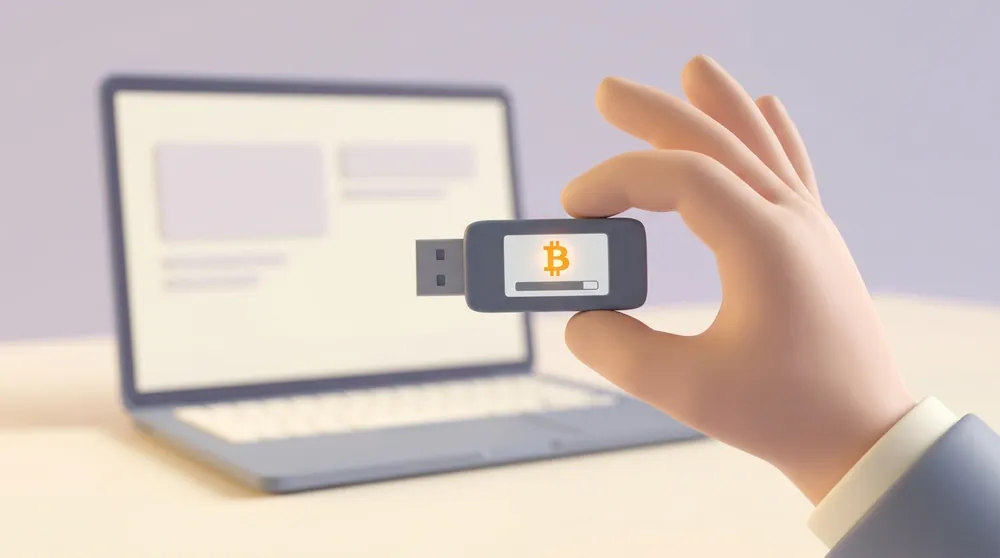
Your crypto does not live in any wallet. It lives on the blockchain, and the wallet holds the key that lets you move it. Whoever has the key has the money — that is the whole of it.
A software wallet keeps that key on your phone or computer, protected by the phone or computer. A hardware wallet keeps it on a chip built for one job: to hold a secret and refuse to give it back.
When you send coins, your phone builds the transaction and passes it to the device. The device shows you the amount and the destination address on its own little screen, you press a physical button to approve, and it returns a signed transaction. The key itself never crosses the cable.
That screen matters more than the chip. Malware can redraw anything on your phone, including the address you think you are sending to. It cannot redraw the screen on the device, because that screen is fed by the device's own firmware. So you check the address there, on the small screen, not the big one.
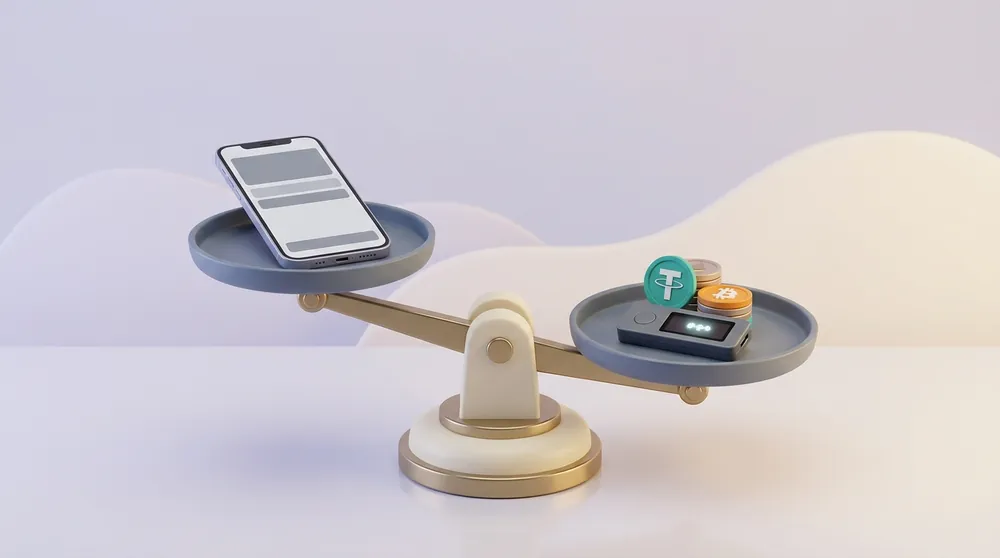
The difference is where the key sits and what has to be compromised to get it:
For everyday spending money a software wallet is fine, and the extra friction will just annoy you. For savings you do not touch weekly, the trade runs the other way.
Close, but not identical. "Cold" means the key has never touched an internet-connected machine. The device in your hand is the practical, everyday version of cold storage: the key is generated on it and stays there, even though it plugs into a computer that is very much online.
A piece of paper with a seed phrase on it is also cold storage, and cheaper. It is just miserable to use, because spending from it means typing the words into some software and warming the key up again.
Ask yourself one question: if this balance vanished tonight, would it change anything about my month? If yes, the device pays for itself the first time it stops you signing something you shouldn't.
Some honest cases where you do not need one:
That last one is not a joke. The device shifts the risk from your computer to your backup, and if the backup is sloppy you have simply moved the weak point somewhere you are not watching. It helps to know how money actually leaves wallets before you decide what to defend against — the honest list is shorter and duller than the horror stories suggest, and most of it is the ways a crypto wallet actually gets emptied.
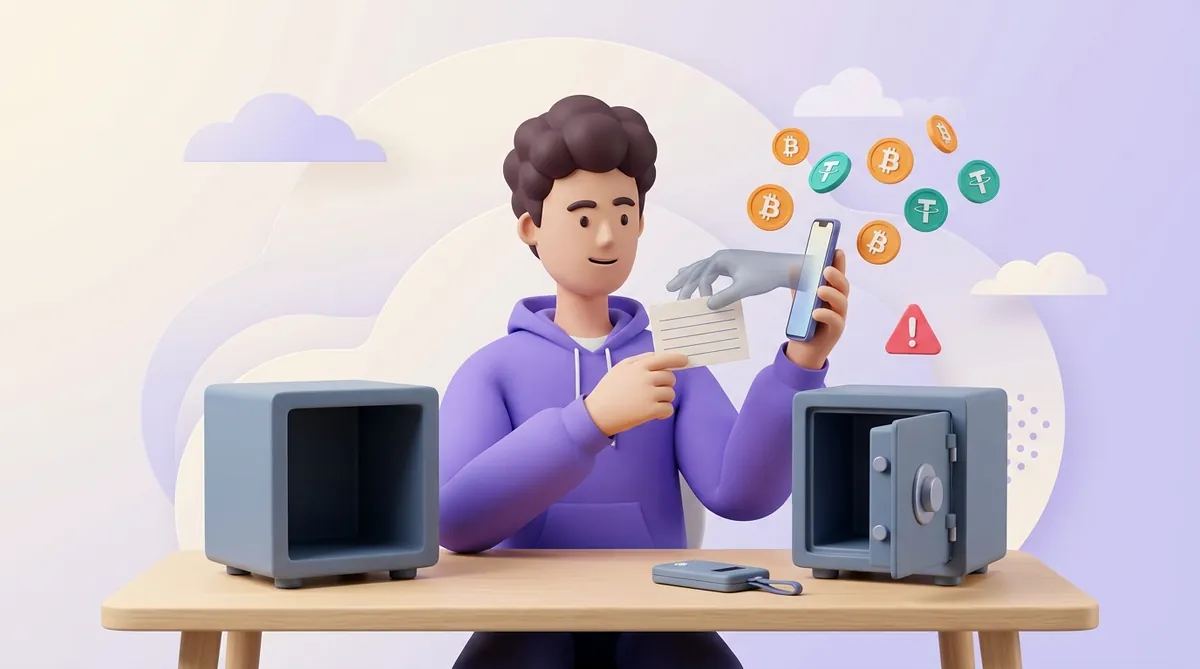
This is the part the box does not mention. The device protects your key. It does not protect your judgement.
It cannot stop you approving a bad transaction. If you connect the device to a malicious site and press the button, it signs exactly what you told it to. In December 2023 an attacker pushed malicious code into a JavaScript library Ledger supplies to decentralised apps; the code swapped in draining transactions, and people with real devices in their hands approved them. Ledger says the window where funds were actively drained was under two hours. Every one of those devices worked perfectly.
It cannot help if someone has your recovery words. Those words are the wallet. Anyone who reads them can rebuild it on their own device, in another country, without ever touching yours.
It cannot protect you from convincing mail. Ledger's shop database leaked in 2020 — buyers' emails and delivery addresses, not keys — and the phishing aimed at those people has never really stopped. Letters arrive that look official and ask for the recovery phrase. No honest maker will ever ask for it.
It cannot undo a permission you already gave. Token approvals let a contract move your tokens later, without asking again, and the device signs that permission as happily as it signs a payment. Worth checking every few months which contracts still hold a claim on your balance and how to revoke token approvals you no longer use.
Both line-ups changed recently, so here is where they stand as of September 2026.
Ledger sells five devices: the button-operated Nano S Plus and Nano X, and three touchscreens — Nano Gen5, Flex and Stax. Trezor sells three: the two-button Safe 3, the touchscreen Safe 5, and the Safe 7, launched in October 2025 with Bluetooth and wireless charging. The old Trezor Model One is no longer sold; Trezor has committed to keep patching it with security updates well into the 2030s, so an existing one is not scrap.
Within each brand the differences are screen, battery and Bluetooth. Security does not improve as you spend more.
Both now use a certified secure element — a tamper-resistant chip designed to resist someone with the device on a lab bench. Trezor's older models had no such chip, and in 2020 Kraken's security team showed what that costs. With about fifteen minutes of physical access to a Trezor One or Model T, they glitched the power supply of the main microcontroller and pulled out the encrypted seed, then brute-forced the short PIN protecting it.
Trezor acknowledged the attack and said it could not be closed without new hardware. The Safe line is that new hardware. Worth knowing if you own one of the old models: a passphrase defeats this attack, because an extracted seed is useless without it.
The architecture underneath is not the same, though:
Which you prefer is a question about trust, not about engineering. Ledger asks you to trust a chip hardened over decades whose code you cannot read. Trezor asks you to trust code you can read, running on chips that until very recently no one could.
One thing sharpened that argument. Ledger offers an optional paid service that backs up your recovery phrase: the device encrypts it, splits it into three fragments and sends them to three separate companies, and you get it back by verifying your identity with a passport and a selfie. It is opt-in and off by default. But it demonstrated that the firmware is capable of moving an encrypted copy of the seed off the device if the owner turns it on — and for people who bought a device precisely so that could never happen, that was the whole argument in one line. Ledger also sells a plain alternative: a PIN-protected card that stores the 24 words offline, with no identity check.
Trezor's approach to the same problem is a multi-share backup, where the phrase is split into several cards and you need some number of them to restore.
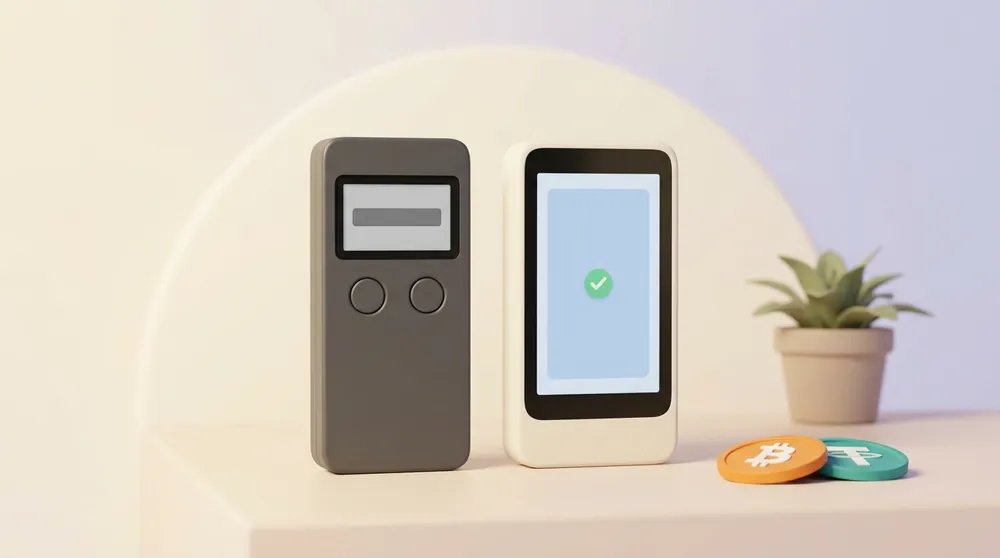
The folklore says Ledger supports far more coins. The gap is much narrower than it used to be.
Ledger's own app — renamed from Ledger Live to Ledger Wallet — handles 500-odd coins directly and reaches thousands more tokens through third-party wallets. Trezor's app covers thousands of coins and tokens, including Bitcoin, Ethereum, Solana and the usual majors, with a few names left to third-party software: Monero, for one, works with a Trezor only through an outside wallet.
For anyone holding mainstream assets this difference will never come up. If you hold something unusual, do the boring thing and look your coin up on the maker's own supported-assets page before you pay. Both publish one, and both are more current than any comparison article.
Buy Trezor if open, auditable firmware is the thing that makes you comfortable, or if you mostly hold Bitcoin and the majors. Buy Ledger if you want the widest in-app coverage and a mobile-first setup over Bluetooth. Anyone telling you one of them is objectively correct is selling something.
Two rules matter far more than the brand. Buy from the maker's own shop or an official reseller, never a marketplace listing or a second-hand device — a tampered device with a pre-generated seed is the cheapest attack there is. And set the device up yourself, from scratch, generating the recovery phrase on it.
If what you actually want is a ranked list with prices and the answer to "which wallet should I get", including the software ones, that comparison lives in our roundup of the best crypto wallets by type.
The device will show you 12 or 24 words and ask you to write them down. That list is the wallet. Copy it onto the card in the box, by hand, and check every word twice — a single wrong word means a wallet you cannot open, and you will discover it years later at the worst moment.
Then make the boring decisions. Where the card lives. Whether a second copy exists and where. Who finds it if something happens to you. These are the questions that decide whether the device was worth buying, and the mechanics behind them are covered in what a seed phrase and a private key really are.
Never photograph the words, never type them into anything, never put them in a password manager or a cloud note. The one and only time you type those words is when you are restoring a wallet onto a device you are holding.
A hardware wallet is a single-person instrument by design: one device, one PIN, one person who can sign. That is exactly what you want for your own savings and exactly what you do not want for company money, where the failure mode is not a hacker but the one colleague who has the device going quiet. Companies usually solve this with a wallet that needs several signatures to move money.
There is also a practical point if you accept crypto payments. Withdrawal terms differ sharply between payment services: some hold a minimum balance before they let you out, some batch withdrawals on a schedule, some will only pay to an address they have on file. Ask in writing before you sign up. At CryptumPay, withdrawals run at any time with no minimum amount, in manual or automatic mode, and the merchant names the receiving address themselves — any address, not necessarily their own. So the address on your own device can be the place the takings land, without the money sitting anywhere in between.
A hardware wallet is worth it once your balance is large enough that losing it would matter, and it buys you protection against exactly one thing: a compromised computer or phone getting at your key. It does not protect you from signing something bad, from old token permissions, or from your own backup being readable by someone else.
Between the two brands, pick on what you want to trust — readable code with Trezor, a long-certified closed chip with Ledger. Then spend your attention where it actually pays: buying from the maker, setting the device up yourself, and storing the recovery words like the money they are.
Your coins are unaffected. They are on the blockchain, and your recovery phrase is what controls them — the device is only a tool for holding the key. A standard 12 or 24-word phrase can be restored into any other wallet that follows the same standard, including a competitor's device or free software. The one case needing care is a split multi-share backup, which needs a wallet supporting that particular scheme.
Nothing happens to your crypto. The keys sit in a chip that does not need power to remember them, so a flat or degraded battery is an inconvenience, not a loss. Plug the device in over USB-C and it works. Ledger's Nano S Plus has no battery at all and runs off the cable.
You buy a new device, enter your recovery phrase, and your accounts come back exactly as they were — same addresses, same balances. It does not have to be the same model or even the same brand. This is the reason the backup matters more than the hardware: the device is replaceable and the words are not.
Not without the PIN, and the PIN is the point of the device. Both makers wipe the wallet after a run of wrong guesses, so brute-forcing it destroys what the thief came for. The real danger is storing the recovery card with the device — then the thief does not need the PIN at all. If a device goes missing, move the funds to a fresh wallet anyway.
On a Ledger you get three attempts. After the third wrong PIN the device factory-resets itself, and the only way back in is your recovery phrase. Trezor handles it differently: the wait between attempts doubles each time, and the device erases itself after 16 wrong entries on the Safe 3 and Safe 5, or 10 on the Safe 7.
No, and confusing the two is expensive. The recovery phrase is the 12 or 24 words the device gives you. A passphrase is an optional extra word or sentence you invent, added on top of those words to open a different, separate wallet — nothing is stored on the device, so you type it in every time. Get one character wrong and you open an empty wallet rather than an error message, and if you forget it the coins behind it are gone for good.
Create an account and connect the checkout yourself, or talk to sales and we will plan the integration with you.