June 20, 2026
Token Approvals Explained: How to Check and Revoke Wallet Permissions
Read article
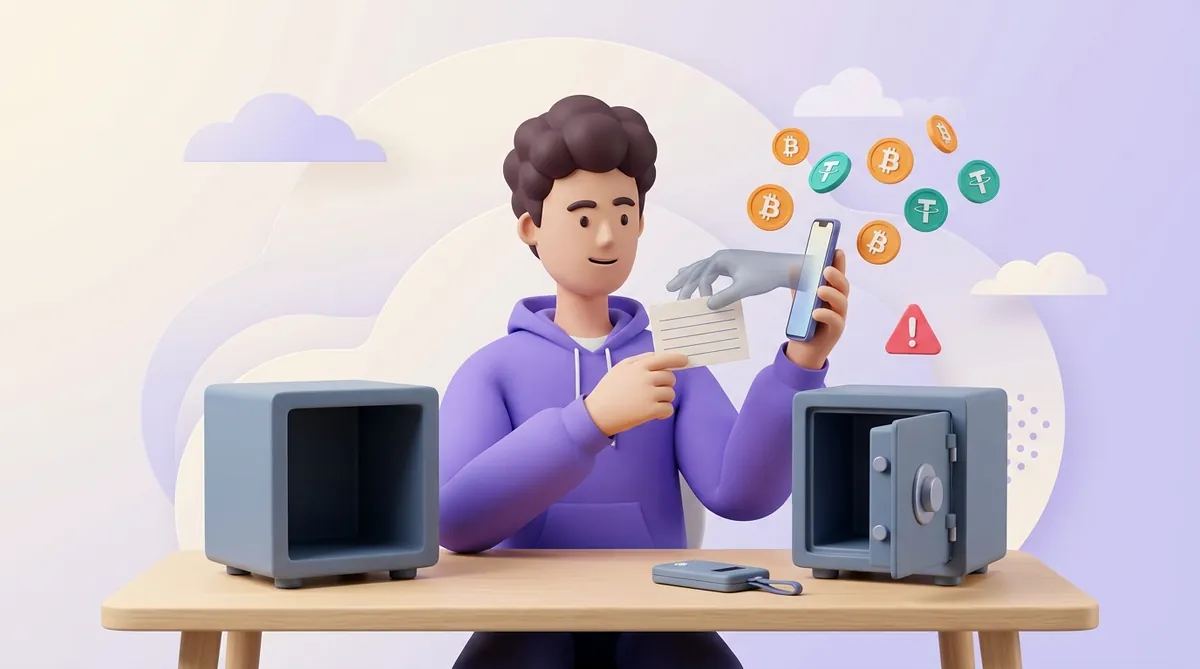
Yes — but almost never in the way the word suggests. Nobody breaks the maths. In nearly every case where someone loses everything overnight, the money left because the owner was talked into letting it go.
Your wallet is very hard to attack. You are not. Below are the routes attackers actually use, and which of the advice you keep hearing does real work.
Your coins are not inside the app. They are records on the blockchain — a shared ledger kept by thousands of computers at once. The app holds a key that lets you sign instructions about those records: move this much, to that address.
The key comes from your seed phrase: the twelve or twenty-four words the wallet showed you when you set it up. Anyone holding those words has your money, from anywhere, with no password in the way — which is why where you keep those words decides how safe you are.
So there are exactly two ways to lose the money: someone gets your key, or you sign something you should not have.
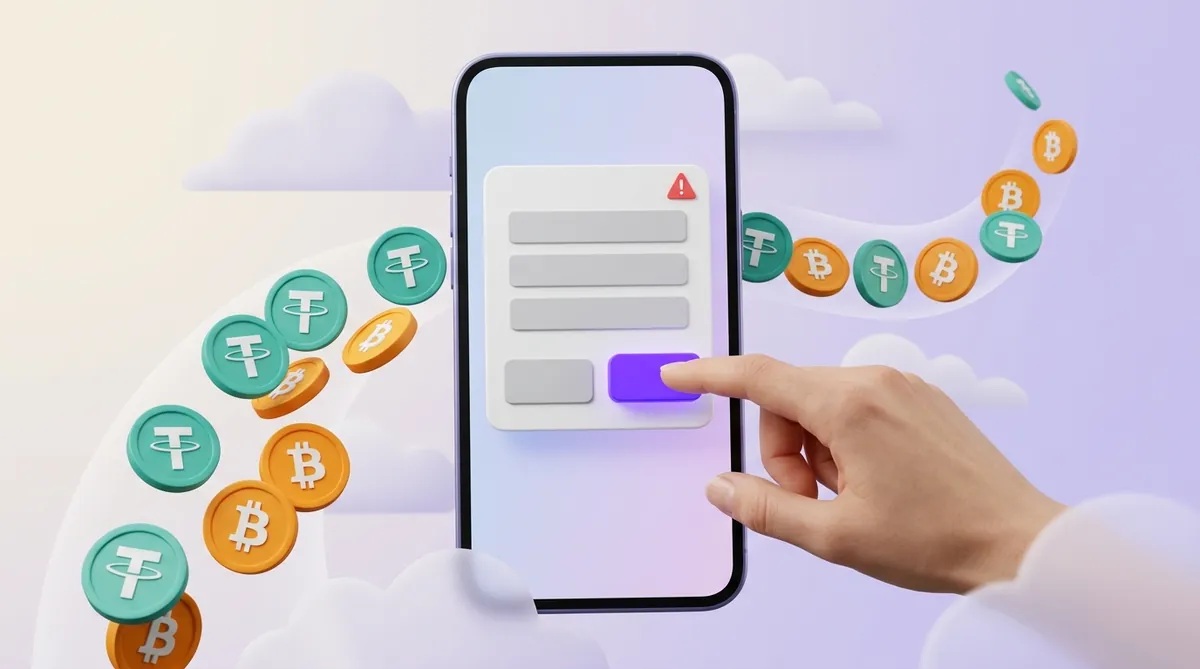
Almost every drained wallet fits one of these:
No. Your address is the public half of the pair, made to be shared — it is what you paste into exchanges and give to people paying you. Anyone who has it can see your balance and your transfers, and nothing else. They cannot sign with it.
A hot wallet — a phone app or a browser extension — keeps the key on a device that is online, so fake apps and malware are live risks. A hardware wallet keeps the key inside a chip that never releases it, and a well-known device is not going to be opened remotely.
But it does not read for you. Approve a drainer's request on its small screen and it signs obediently, exactly as a phone would. Cold storage protects the key, not your judgement — and if you are still choosing, our rundown of wallets covers which kind suits which situation.
Which of the two big names you buy is a smaller decision than it looks. Ledger and Trezor remove exactly the same risk, and where they differ is what they ask you to trust — a certified chip whose lowest-level code is closed, or firmware anyone can read. Both still sign whatever you approve on the small screen, so the brand is worth ten minutes of your attention rather than an evening of it: what a hardware wallet actually covers, and where Ledger and Trezor disagree.
Some of what you hear is load-bearing. The rest helps in one narrow case only.
Load-bearing:
Narrower than people think: two-factor authentication protects an exchange account, not a wallet whose key sits on your device — no code stands between a leaked seed phrase and your coins. Antivirus catches some malware and no bad signatures at all.
Order matters, because the attacker may still have access.
Tracing is easy: the ledger is public and anyone can follow the money hop by hop. Recovery is another matter. No blockchain transaction can be reversed, so anything you get back depends on the money landing at an exchange that can still freeze the account. Reporting rules differ from country to country, but an exchange acts faster on a request from law enforcement than on one from you. Some people do get funds back. Most do not.
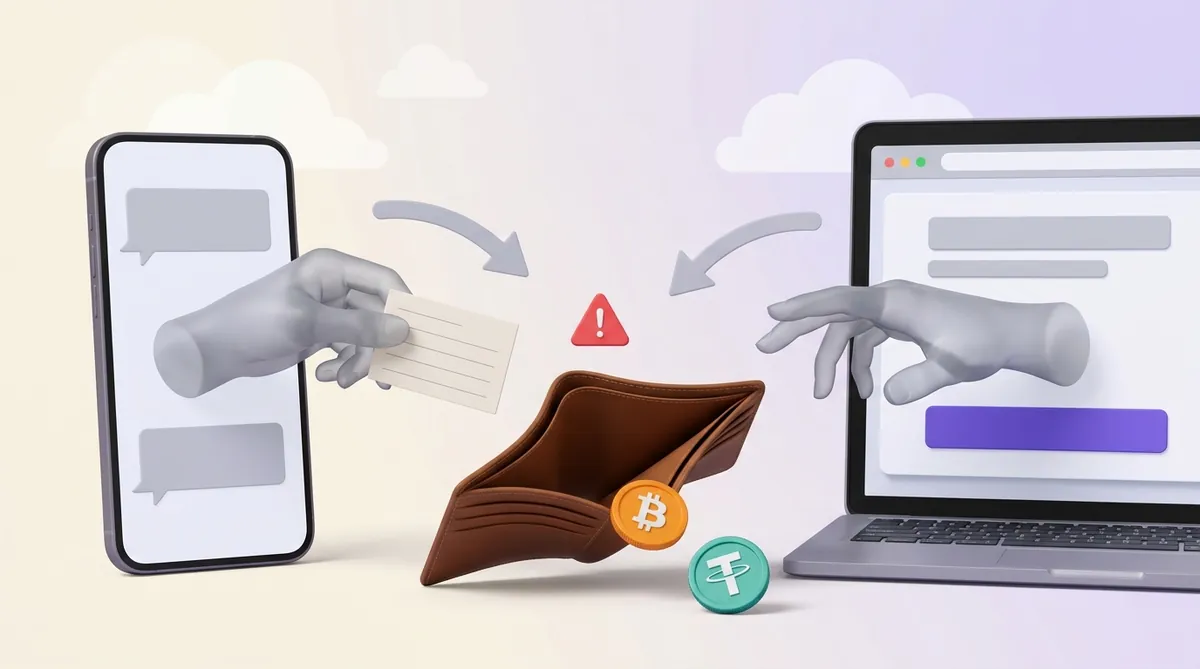
Your wallet will not be broken into. You will be talked into opening it — by a page, a message, a lookalike app, a request approved in two seconds. Keep the seed phrase off every screen, keep the bulk of your money in a wallet that signs nothing, and read the window before you tap.
Is a password manager a safe place for my seed phrase?
Better than a photo in your gallery, worse than paper in a drawer. It puts your whole balance behind one account that lives online. If you do it anyway, that account needs a strong password of its own and two-factor authentication, and the entry should not be titled "seed".
Can my wallet be emptied while I am asleep and not touching anything?
Yes, if you granted a permission earlier. An approval you signed weeks ago stays live until you revoke it, and drainers often wait for a balance worth taking. A wallet whose key has never left your device and which has approved nothing does not move on its own.
I connected my wallet to a scam site but signed nothing. Do I need a new seed phrase?
Connecting only shows the site your address; it does not reveal your key. Check your approvals, cancel anything you do not recognise, and you can carry on with the same wallet. Start fresh only if the words themselves were typed, photographed or stored somewhere reachable.
Create an account and connect the checkout yourself, or talk to sales and we will plan the integration with you.