November 15, 2024
What Is Cryptocurrency and How Blockchain Works
Read article
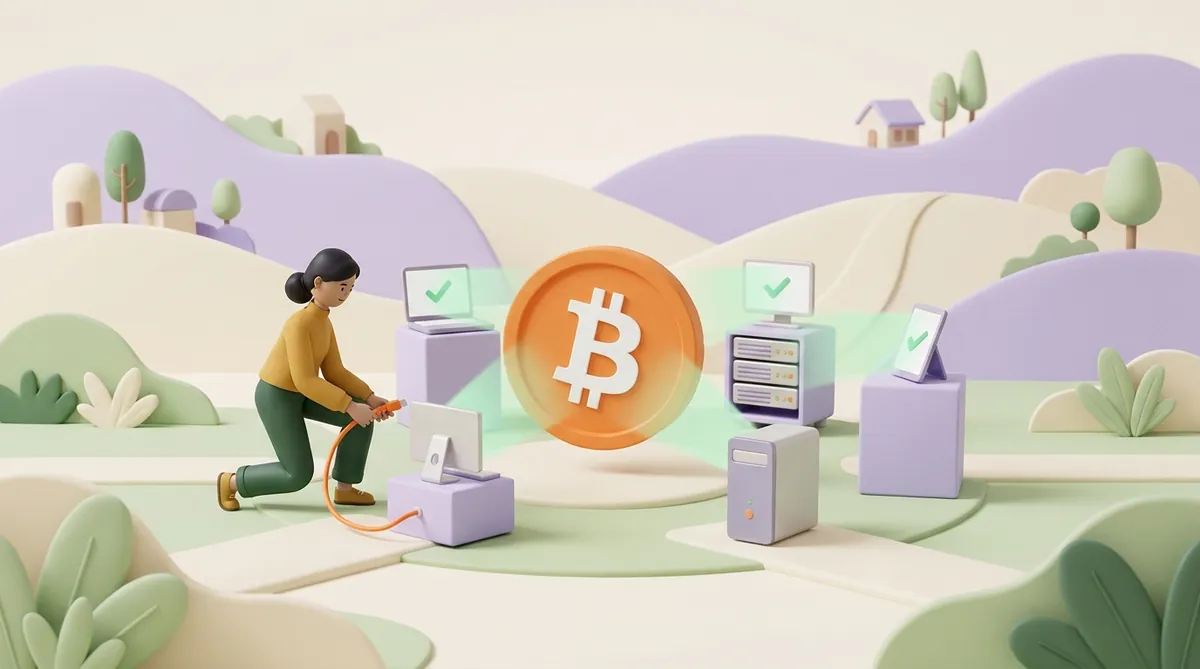
A node is a computer running a blockchain's software. It keeps its own copy of the ledger, checks every new transaction and block against the network's rules, and passes the valid ones on to other nodes.
A blockchain has no central server. The network is simply thousands of these nodes, each holding the same copy. Anyone can run one, though most people never need to, because their wallet quietly talks to a node someone else runs.
A blockchain is a shared record of who sent what to whom, kept in many places at once instead of in one bank's database. If that idea is new to you, it helps to read how cryptocurrency and blockchain work first.
Nodes are those "many places". Follow one payment and you can see what they do with it. Say Maria sends 0.01 BTC to a friend:
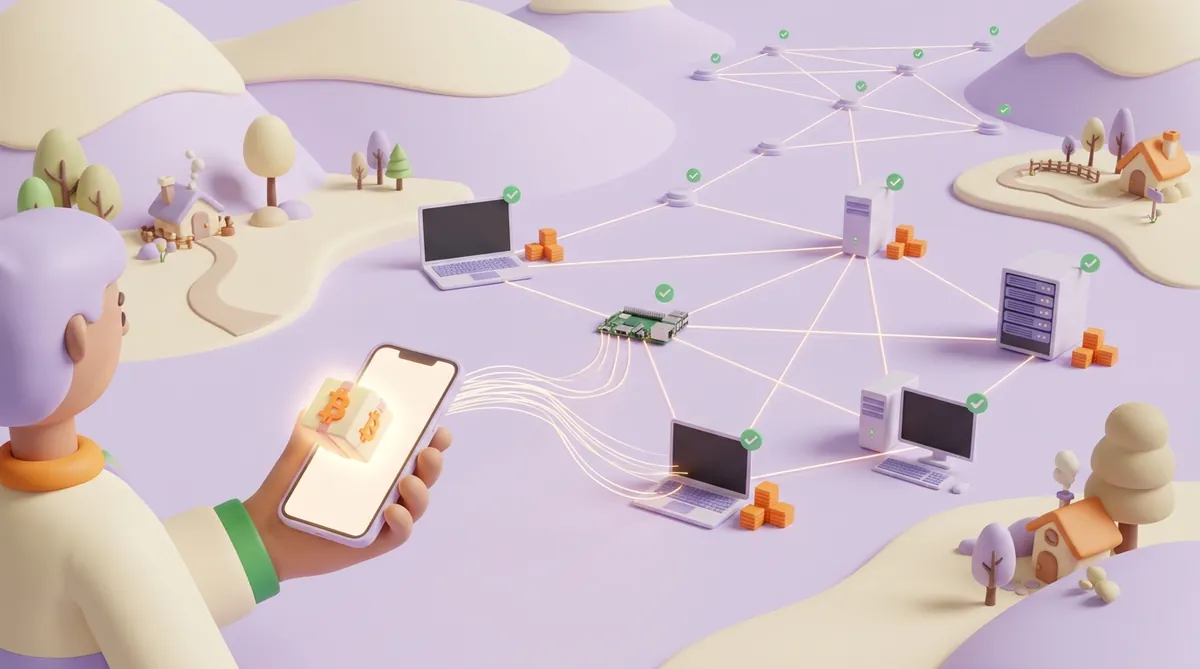
Nobody coordinates this. Each node trusts its own checks, not the word of the others. That is why the same history ends up in every copy: a node that tried to slip in a fake balance would simply be ignored by the rest.
You can watch the result yourself. A block explorer is a website that reads data from nodes and shows it in plain view, so the steps above appear there as statuses: pending while the transaction waits in the mempool, then confirmed, with a count that grows block by block. Here is how to read a transaction in a blockchain explorer.
A single copy of the ledger could be edited, switched off or blocked by whoever owns it. Thousands of independent copies can't. To change history, someone would have to get almost every node to accept the change, and each node checks for itself.
The same goes for the rules. Bitcoin's limit of 21 million coins doesn't hold because some company promises it. It holds because every node rejects a block that creates more coins than the rules allow. The more nodes there are, run by more people in more places, the harder the network is to shut down or censor.
"Node" is a role, not one kind of machine. Networks use several types of nodes, and they differ in what they store and what they are allowed to do:
Two pairs from this list are worth a closer look, because people mix them up: full and light nodes, and full nodes versus the machines that actually produce blocks.
The difference is how much each one takes on trust. A full node checks every block itself. A light node checks that a transaction made it into a block, but assumes the block follows the rules because the full nodes it talks to accepted it. The idea goes back to the Bitcoin white paper of 2008, which called it simplified payment verification.
Here is how that looks in practice. Maria's friend runs a full node: when 0.01 BTC arrives, his own machine has checked the whole chain behind it. Maria uses a light wallet on her phone: she knows the payment arrived because the full nodes her wallet asked say so.
For everyday amounts the light approach works fine, and it is the only one that fits on a phone. The price is trust and privacy: the full node you ask learns which addresses you are interested in.
Some wallets are not nodes at all. They send every request to a node run by the wallet company or a hosted provider, and show you what that node answers. MetaMask, for example, connects to a provider's node by default, and you can point it at a different one in its network settings.
A full node checks. A miner or a validator also produces blocks, and has something to lose if it cheats:
What miners can't do is change the rules. Suppose a miner builds a block that pays itself more than the rules allow. The work behind the block is real and the electricity is spent, yet every full node rejects the block anyway. The miner loses the reward, and the chain carries on without that block. That is why full nodes, not miners, have the last word on what counts as valid Bitcoin.
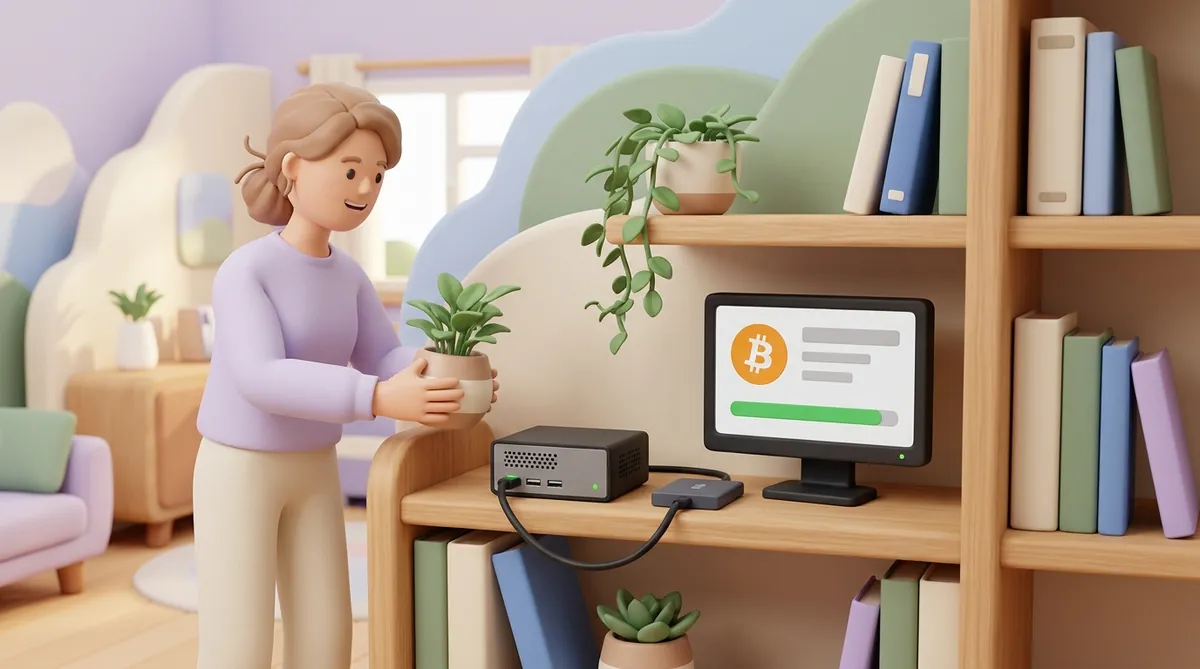
Yes. Bitcoin Core, the main node software, is free and runs on Windows, macOS and Linux. You don't need special hardware, just room on the disk and a decent connection.
Here is what the computer needs, as of October 2026:
The first start is the slow part. The node downloads and checks every block since 2009 before it is ready, which takes from hours on a fast machine to days on a small one. After that it keeps up with each new block as it arrives.
An Ethereum node asks for noticeably more:
Why bother, if a wallet works without one? A node of your own gives you three things:
A business that wants to accept bitcoin directly meets the same question at a bigger scale. Self-hosted payment software for bitcoin watches for incoming payments through a node, and the business keeps that node synced, updated and online itself. A hosted gateway runs that part for it. Which way pays off depends on volume and on who will look after the server, and here is how to decide whether to self-host a crypto payment gateway or plug in a hosted one.
No. Running a Bitcoin full node earns nothing: the protocol has no reward for it and no share of fees. People run them for the reasons above.
The money in Bitcoin goes to miners. Each block brings its miner a fixed amount of new coins, 3.125 BTC since the April 2024 halving, plus the fees users attached to the transactions in that block.
Some networks do pay for running a node, but always for work and usually against a deposit:
Be careful with offers of "crypto nodes" as passive income. A real network pays node operators under its own published rules, for work it can check. If a project sells you a "node licence" and the promised return comes from the project rather than from the network, your income depends entirely on that project.
For anyone who simply sends crypto, the practical side of all this is the fee. It is the only payment the network takes from you, and where it ends up depends on the network:
The network fee is only one layer of what a crypto payment can cost, and the other layers sit in how network fees, gas and gateway fees add up on a crypto payment.
A node is a computer that holds a copy of a blockchain and checks it against the rules. Together, nodes are the network: they pass transactions along, reject anything that breaks the rules and agree on one shared history.
Full nodes check everything, light nodes trust full nodes, and miners and validators produce the blocks. Anyone can run a Bitcoin node on an ordinary computer with a 1 TB drive. It won't pay you, but it lets you check your own money without asking anyone.
The software is free, so the cost is the hardware and the electricity. A Bitcoin full node runs on a computer you may already own plus a 1 TB SSD. An Ethereum node needs a stronger machine with a fast 2 TB drive and 16–32 GB of RAM, and running a validator on top of it means locking 32 ETH.
Yes. A Raspberry Pi 4 or 5 with an external 1 TB SSD meets Bitcoin Core's requirements, and several ready-made node packages are built for exactly this setup. Expect the first sync to take longer than on a desktop computer.
Public node counters currently see about 26,000 Bitcoin nodes that accept connections from others. The real number is higher, because many nodes sit behind home routers and don't accept incoming connections, so the counters can't reach them.
Any public blockchain lets anyone download its software and run a full node. What differs is what that takes and whether it pays: a Bitcoin node needs a modest computer and earns nothing, while validators on proof-of-stake networks need a deposit and get rewards for their work.
Create an account and connect the checkout yourself, or talk to sales and we will plan the integration with you.