


June 18, 2026
Layer 2 Explained: How Base, Arbitrum, and Optimism Work
Read article
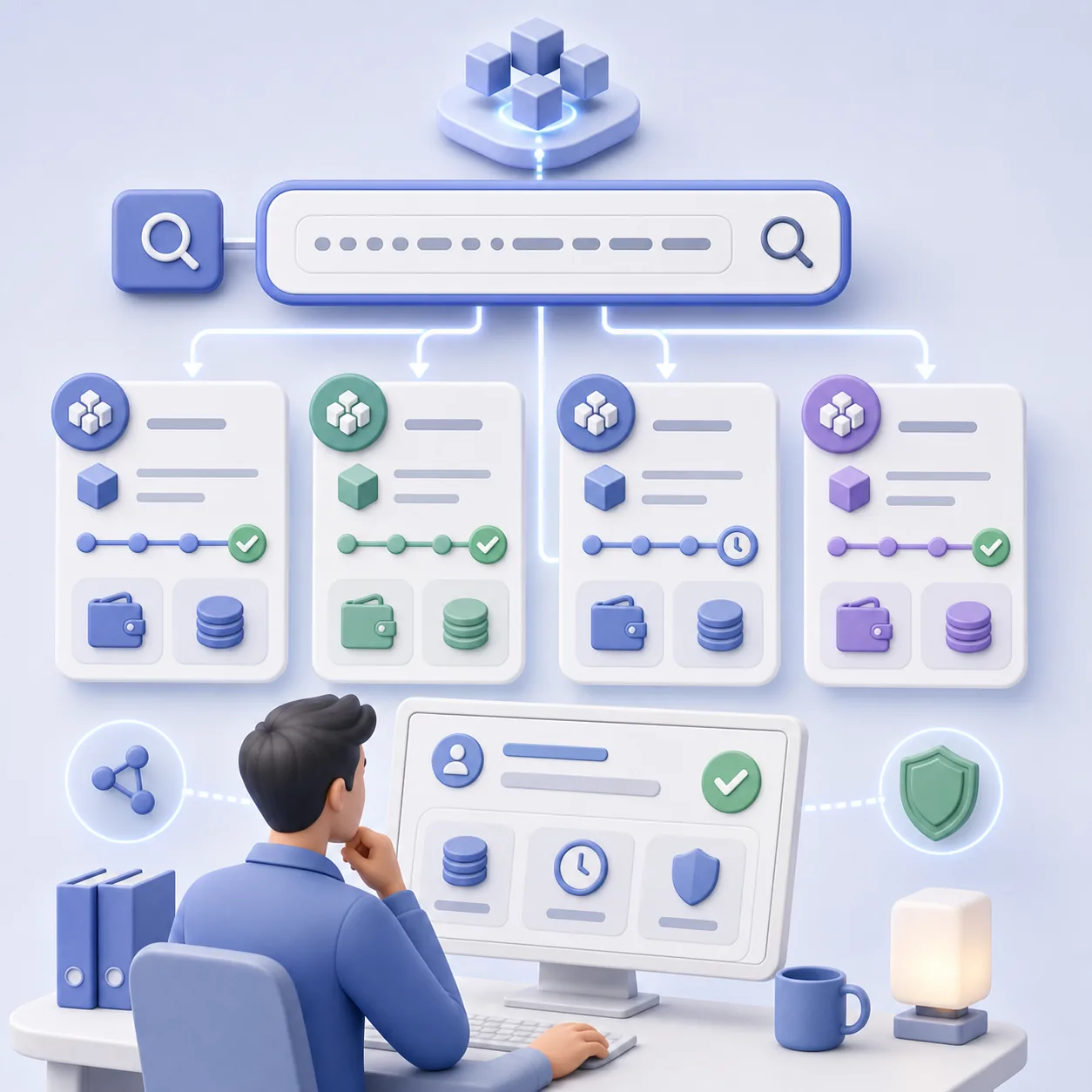
A blockchain explorer is the first place to check what actually happened to a crypto transaction. If a customer says “I paid,” a wallet shows a pending transfer, or a support team needs to verify a TXID, the explorer is usually more reliable than a screenshot.
Explorers such as Etherscan, TronScan, BscScan, and Solscan show public blockchain data in a readable interface. They do not control the funds and cannot reverse transactions. Their job is to help users see transaction status, wallet addresses, token transfers, network fees, smart contract calls, and confirmations.
For businesses that accept crypto, this matters because many payment issues are not really “crypto is broken” issues. They are network, amount, status, timing, or wrong-address issues. A team that knows how to read a transaction can answer customers faster and avoid treating every case as a mystery.
A blockchain explorer is a search engine for a blockchain. Instead of searching websites, it searches blocks, transactions, wallet addresses, token contracts, and network activity.
Each network has its own explorer or several popular explorers. Ethereum users often check Etherscan. TRON users often check TronScan. BNB Smart Chain users often check BscScan. Solana users often check Solscan. The interface differs, but the core logic is similar: paste a transaction hash, wallet address, block number, or token contract, then inspect the public record.
An explorer can usually show:
This is why explorers are useful for both individual users and business operations. A wallet may simplify what it shows. A screenshot may hide details. An explorer shows the underlying on-chain record.
That difference matters most when someone wants you to believe money arrived. A screenshot can be edited, and a wallet may display a token that only copies the USDT name. The explorer shows the contract the token actually came from, and that field is how you tell real USDT from the fake tokens sold as flash USDT.
TXID, transaction ID, and transaction hash are often used to mean the same thing: a unique identifier for a blockchain transaction. It is the reference number support teams ask for when they need to check a crypto transfer.
A TXID usually looks like a long string of letters and numbers. Once a transaction is broadcast to a network, that hash can be searched in the relevant explorer. But the relevant explorer must match the network. A TRON transaction should be checked in a TRON explorer, not in Etherscan. A Solana transaction should be checked in a Solana explorer, not in BscScan.
This is a common source of confusion. Users may say “I sent USDT,” but USDT exists on several networks. USDT on Ethereum, TRON, BNB Smart Chain, Polygon, or Solana is not the same operational path. If the network is wrong, the TXID may not appear in the explorer the user is checking.
This is also why payment pages should name the network clearly, not only the token. If a customer needs help, the first support question should often be: which network did you use?
The status tells you whether the network accepted and executed the transaction.
A successful transaction means the blockchain processed it. It does not always mean the business has credited the order yet. The payment system may still need confirmations, matching, AML checks, or amount verification.
A pending transaction means the transaction has been broadcast but not finalized or confirmed enough. This can happen when the network is congested, the fee is too low, or the chain is still processing the transaction. Some networks show finality differently, so the wording may vary by explorer.
A failed transaction means the network rejected execution or the smart contract action did not complete. In many networks, the user may still pay a network fee for the failed attempt. This surprises beginners: a failed on-chain action can still cost gas because validators or network participants processed the attempt.
For crypto payments, status is only the first layer. A transaction can be successful but still not match an invoice if the amount is wrong, the network is unsupported, the payment arrived too late, or the sender used a token contract the business does not accept. A deeper operational workflow is covered in the guide on how to check a crypto payment.
Explorers show the sender and recipient addresses. These fields are critical, but they are easy to misread.
The sender is the address that initiated the transaction. The recipient is the address that received the transfer or the smart contract that was called. In a simple transfer, this looks straightforward: wallet A sent token B to wallet C. In a contract interaction, the visible recipient may be a contract, while the token transfer appears in a separate token transfer section.
That distinction matters. A user may open a transaction and only look at the “To” field, then miss the actual token movement lower on the page. On EVM networks, a swap, approval, or contract call may not look like a simple transfer even though tokens moved as part of the transaction.
Support teams should avoid relying on one field in isolation. To understand a payment, check the transaction status, token transfer, recipient address, amount, network, and time together.
A native coin transfer and a token transfer are not the same thing.
A native coin is the main asset of a network: ETH on Ethereum, BNB on BNB Smart Chain, SOL on Solana, TRX on TRON. It is usually used to pay network fees. A token is an asset issued on top of that network, such as USDT, USDC, or another token contract.
In explorers, native coin transfers and token transfers may appear in different places. A user may send USDT and see a small amount of ETH or BNB used as the fee. That does not mean they paid in ETH or BNB; it means the network fee was paid in the native asset.
For business payments, this is one of the most common misunderstandings. The payment asset, network, and fee asset may be different. A customer can pay USDT while spending ETH or TRX as the network fee. This is why network fees in crypto payments are part of the payment experience.
Confirmations show how deeply a transaction is included in the blockchain. On some networks, you may see a confirmation count. On others, you may see finalized status or a different finality signal.
Businesses often wait for a certain level of confirmation before treating a payment as final. The exact policy depends on the network, asset, value, risk tolerance, and provider. A small payment on a fast network may need a different flow from a high-value payment on a slower or more congested network.
Users often ask why a payment is visible in an explorer but not credited immediately. The answer may be that the transaction is seen, but the system is still waiting for confirmations, checking the amount, matching the invoice, or applying risk controls.
Explorers help explain this difference. They show whether the transaction exists, but the business still needs rules for when it counts as settled.
Every on-chain transaction has a cost. In explorers, the network fee may appear as gas fee, transaction fee, energy/bandwidth cost, or a similar network-specific field.
This fee goes to the network process, not to the merchant. The amount depends on the blockchain and current network conditions. In many EVM networks, the fee is paid in the native coin. On TRON, the model uses bandwidth and energy mechanics. On Solana, fees are usually small but still part of the transaction record.
When checking a customer payment, do not confuse the fee with the payment amount. If the customer needed to send 100 USDT, the explorer may show 100 USDT transferred and a separate network fee in the native asset. The fee is not deducted from the merchant’s received token amount in the same way a card processing fee might be.
This difference is one reason crypto payment support should use exact language: payment amount, network fee, received amount, and required amount are not always the same thing.
Not every transaction is a simple transfer. Explorers also show smart contract interactions. These may include swaps, token approvals, bridge actions, staking, minting, or dApp activity.
A token approval gives a contract permission to spend a token from a wallet. A swap may call a DEX contract and move several tokens inside one transaction. A bridge may lock tokens on one network and mint or release assets on another. These transactions can be harder to read because the main “To” address may be a contract, not the final human recipient.
For business payment support, the key is to separate the customer’s preparation steps from the payment itself. If the customer made a swap before paying, that swap is not the same as the payment transaction. The payment still needs its own TXID, network, recipient, amount, and status.
This distinction helps avoid confusion when a user sends a screenshot of a swap and says it proves the order was paid. The swap may explain where the funds came from, but it does not necessarily prove the merchant received the payment.
Explorers can also reveal suspicious activity. One common scam pattern is address poisoning: attackers create fake transfers involving addresses that look similar to real ones, hoping the user later copies the wrong address from wallet history.
A fake or irrelevant transaction in wallet history does not mean the user sent funds to the right place. It may be a deliberate attempt to pollute the address history. This is why users should not copy payment addresses from old transfer history without checking the source.
Businesses should be especially careful with refunds and manual payouts. If a support team copies a customer address from an explorer or wallet history without verification, it can send funds to the wrong recipient. The safer workflow is to confirm the refund address through a controlled support process and compare the full address, not just the first and last characters.
For a deeper security angle, see the guide on address poisoning and fake wallet addresses.
A blockchain explorer shows public transaction data, but it does not always provide a complete risk assessment. Some explorers or linked services may display tags, labels, or warnings, but professional AML screening usually goes further.
Risk scoring looks at address history, exposure to scams, sanctioned entities, mixers, darknet markets, high-risk services, and other signals. It is not a perfect verdict, and different providers may evaluate risk differently. Still, it can help businesses decide whether a payment needs manual review.
This is important because a transaction can look technically successful while still requiring risk checks. A business may receive the right amount on the right network, but still need to evaluate whether the source of funds creates compliance or operational concerns.
CryptumPay-related payment operations can include this layer as part of a broader process: status, amount, network, order matching, and wallet screening. The concept is explained in more detail in the article on crypto risk score and AML wallet checks.
When you open a transaction in a blockchain explorer, do not stop after seeing a green checkmark. A green check usually means the network processed something, not that the business case is complete.
Check the transaction in this order:
This process is simple enough for support teams, but it needs discipline. Most errors happen when someone checks only one field and assumes the rest.
Businesses do not need to turn every support agent into a blockchain analyst. But anyone handling crypto payments should understand the basic explorer workflow.
A good payment system should reduce manual explorer work by matching transactions to invoices, showing statuses, checking amounts, and storing payment history. Still, explorers remain useful when something does not fit the expected flow: a late payment, wrong amount, wrong network, customer dispute, refund request, or suspicious address.
CryptumPay can sit between the raw blockchain and the business operation. Instead of asking a team to copy addresses and search every transaction manually, payment infrastructure can show order-level statuses and help reduce manual chaos. Explorers are still valuable, but they should support the workflow, not replace it.
The main rule is simple: a blockchain explorer tells you what happened on-chain. Your payment process tells you what that on-chain event means for the order, customer, risk review, and settlement.
Create an account and connect the checkout yourself, or talk to sales and we will plan the integration with you.