October 12, 2026
CryptoCloud alternatives in 2026: where to move your crypto payments
Read article
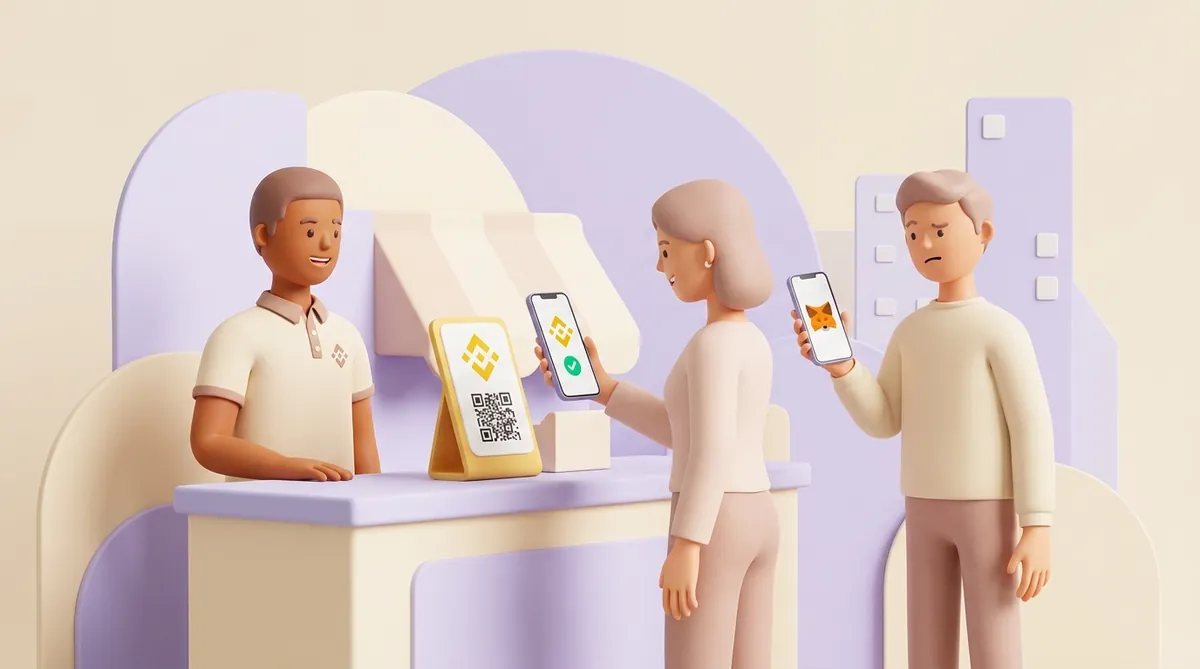
As a Binance Pay merchant, you get a checkout button that takes money from people who already keep crypto on Binance. The customer scans a QR code or logs in to Binance, confirms, and the payment moves inside Binance from their balance to your merchant account. Bybit Pay works the same way inside Bybit. Crypto.com Pay is the one of the three that also takes transfers from outside wallets.
So the real question is not how easy the button is to install. It is whether your customers hold their crypto on that exchange, and whether you are comfortable with your takings sitting there too. Below: who can pay through each button, where the money lands, what each exchange asks of a merchant and what it charges, and how all this differs from a crypto payment gateway that is not tied to an exchange. Terms are given as the three services publish them in September 2026.
An exchange keeps its customers' coins in its own books. When one Binance user pays another through Binance Pay, nothing is sent over a blockchain. Binance lowers one balance and raises another, the way a bank moves money between two accounts it holds itself.
A merchant account plugs your store into that same book. That is why a payment confirms in seconds and the customer pays no network fee. It is also why the door is built for the exchange's own customers first.
This is the point that decides whether the button is worth the application. The three services answer it differently:
Here is what that means in practice. A studio sells website templates for 40 dollars. One buyer keeps USDT in a hardware wallet, not on any exchange. With only Binance Pay at checkout, that buyer has to open a Binance account and move coins there before paying. Most people in that spot close the tab.
The reverse is also true. If your customers are traders who live on Binance, the button is the shortest path for them: no addresses, no networks, no fees.
With all three, the payment arrives in an account at the exchange, not in your own wallet or straight in your bank:
One consequence is easy to miss. Your takings live with an exchange and under its rules. If the exchange pauses your account for a compliance review, the money waits with it.
Binance's application guide walks through four steps:
Daily transaction limits depend on your account level. Raising them means sending more business documents.
The current guide starts from an entity account and mentions no route for individuals. Older Binance materials did describe individual merchants with lower limits. If you trade as a private person or sole trader, ask Binance before you build your checkout around the button.
If Binance says no, an exchange button is not the only way to take payments as a private person. Several payment gateways sign up people who sell in their own name, checking their ID, tax number and bank account instead of company papers. What each one asks for is set out in which payment gateways accept sellers without a registered company.
Binance's list of restrictions for merchants selling to consumers turns away businesses from these countries and regions:
If your company is registered in one of them, the application stops there.
The same list turns away some kinds of business regardless of country:
Binance's public fee page has no line for an ordinary checkout payment. The rows that concern businesses are these:
The rate for taking payments at your checkout is set in your merchant agreement. Ask for it in writing before you spend a day on integration.
You sign up on the Crypto.com website, and a review takes a few business days. Each legal entity needs its own account. Crypto.com does not publish a country list; it says availability depends on jurisdiction.
On cost, the money comes out at payout rather than at each payment:
Bybit publishes its merchant API openly, but not its merchant application or its merchant fee. The zero fee Bybit advertises for Bybit Pay is what the paying customer is charged. Your own rate, settlement currency and country eligibility come with onboarding, so ask for all three before you commit.
Each exchange offers a different set of ways in:
A plugin ties your checkout to one exchange's customers. If your store runs on WordPress, it is worth weighing the exchange's plugin against the other ways of accepting crypto on WooCommerce, with a plugin or without one.
A crypto processing service works the other way round. It shows the customer an amount and an address, and the customer pays from whatever wallet they already have: a phone wallet, a hardware wallet or an account at any exchange. The service watches the blockchain, sees the transfer and credits the merchant, usually in a stablecoin such as USDT.
That opens the door to everyone who holds crypto, not just one exchange's users. The price is a real blockchain transfer, and the customer carries three things an exchange button spares them:
Before you sign up with any provider, exchange or gateway, these are the questions worth asking:
Each answer has a cost attached, and the total is what matters. For what those costs look like in practice, see what a crypto payment gateway costs and how to connect one.
CryptumPay is one of these processing services. The customer needs no account and no app and can pay from the crypto wallet they already use. Whatever coin the customer pays in is converted, and the merchant is always credited in USDT, which can be withdrawn at any time with no minimum amount. CryptumPay charges 1% per successful payment, down to 0.5% at higher volumes, and the merchant can pass the fee on to the customer. It offers payment links, a checkout widget and an API: the widget is a script added to the site's template, and links need no site integration at all. A website that shows what the business does or sells is required for the project review, and registration, identity verification and that review usually take no more than one business day.
If you are weighing several gateways at once, the useful yardstick is the total bill rather than the headline rate, which is how ten crypto payment processors compare by total cost.
When someone offers you a crypto button, two questions tell you what you are getting.
Who can pay? An exchange's button takes money from that exchange's customers, on that exchange's terms; Crypto.com also lets outside wallets in, and they pay their own network fee. A processing service takes a transfer from any wallet the buyer already has.
What lands in your account? With an exchange, a balance on your account at that exchange, in its currency and under its rules. With a processing service such as CryptumPay, USDT credited to you and yours to withdraw.
If most of your customers already live on one exchange, its button is the easy win. If they are scattered across wallets, the button covers only part of them.
Not through Binance itself. Binance's merchant restrictions list excludes businesses from the USA and several US territories. Binance.US is a separate company with its own app and rules, so any merchant question there goes to Binance.US directly.
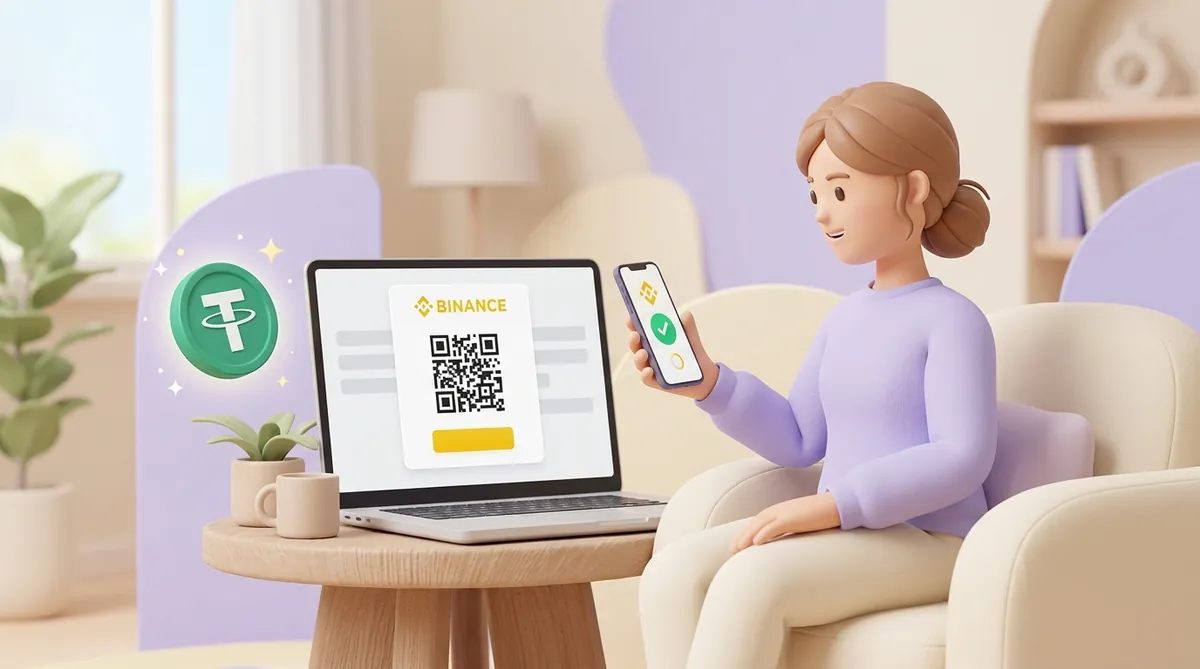
Your checkout shows a QR code generated for that order. The customer opens the Binance app, scans it, picks one of more than 50 coins to pay with and confirms. Your site gets a notification that the order is paid, and the customer returns to your page. A processing service does something similar with an address QR that any wallet can read, which is also how USDT payment links and QR invoices work without a full integration.
Yes, but only from your side. Binance Pay has no chargebacks, so a customer cannot pull the money back through the exchange. You issue the refund from the merchant portal or through the API, in full or in parts, with up to ten refunds against one payment.
Yes. Bybit publishes developer documentation for two scenarios: one-off QR payments and recurring payments for subscriptions. With a QR payment, the customer confirms each purchase in the Bybit app. With recurring payments, the customer gives permission once in the app when signing up, and later charges go through without asking them again. The documentation is open, so a developer can estimate the work before you apply.
Create an account and connect the checkout yourself, or talk to sales and we will plan the integration with you.