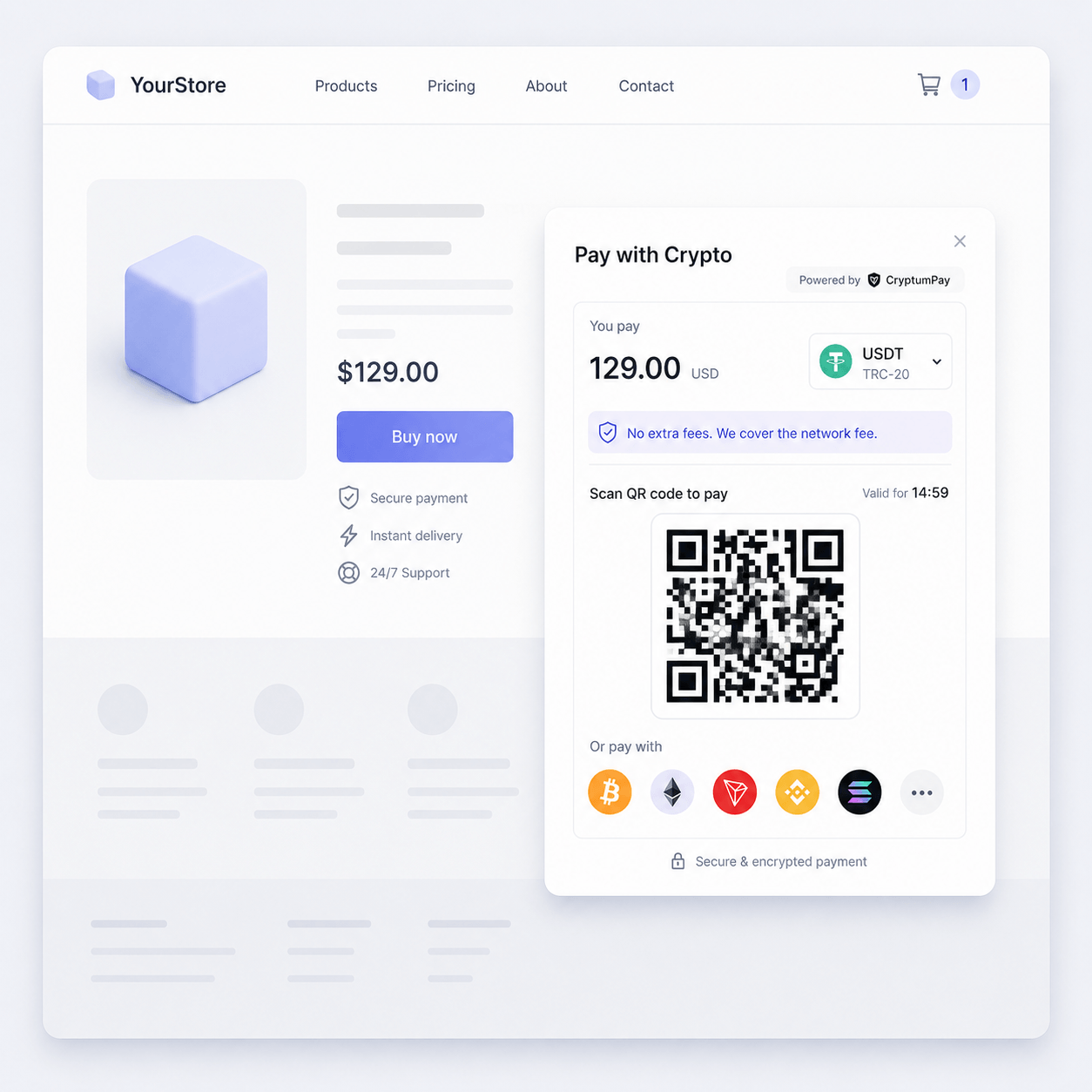
October 15, 2026
How to accept payments on a Wix site
Read article

You sign up with a crypto payment processor, a service that accepts crypto payments on your behalf, and put its checkout on your site. For every order the processor shows the customer an exact amount and a one-time address, watches the blockchain (the public record of all transfers) and tells your site when the money has arrived. There are four ways to put that checkout on a site, from a plain link to a full integration, and the right one depends on who can edit your site's code.
You can, and for a tip jar it is enough. A wallet address works like a bank account number with no payment reference: anyone can send money to it, and it never says who paid for what.
The trouble starts once there are orders. Say two customers each send 50 USDT within the same hour.
Now you have three things to work out by hand:
Your site knows none of this either, so it can't mark an order paid or send the download link by itself.
There are three ways to receive crypto, and they differ in who does that matching:
For a shop or a service business, the real choice is between the last two. A hosted processor takes a percentage and keeps the infrastructure off your hands; your own server takes no percentage and a fair amount of engineering time. Both sides of that trade, with what each really costs, are weighed in self-hosted versus hosted crypto payment gateways.
From here on, the article follows the hosted route, because it needs no server of your own.
A processor can connect to a website in four ways, from no code at all to a full integration. Which one fits depends mostly on who can change your site's code. One processor often offers several, so you can start simple and move up later.
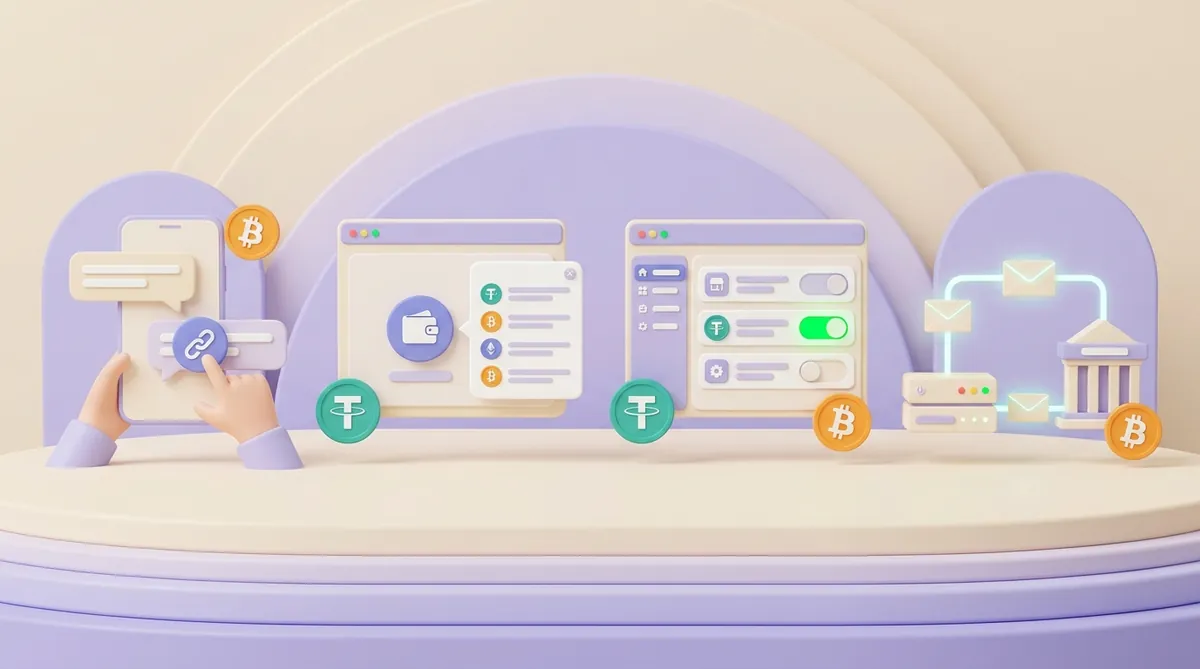
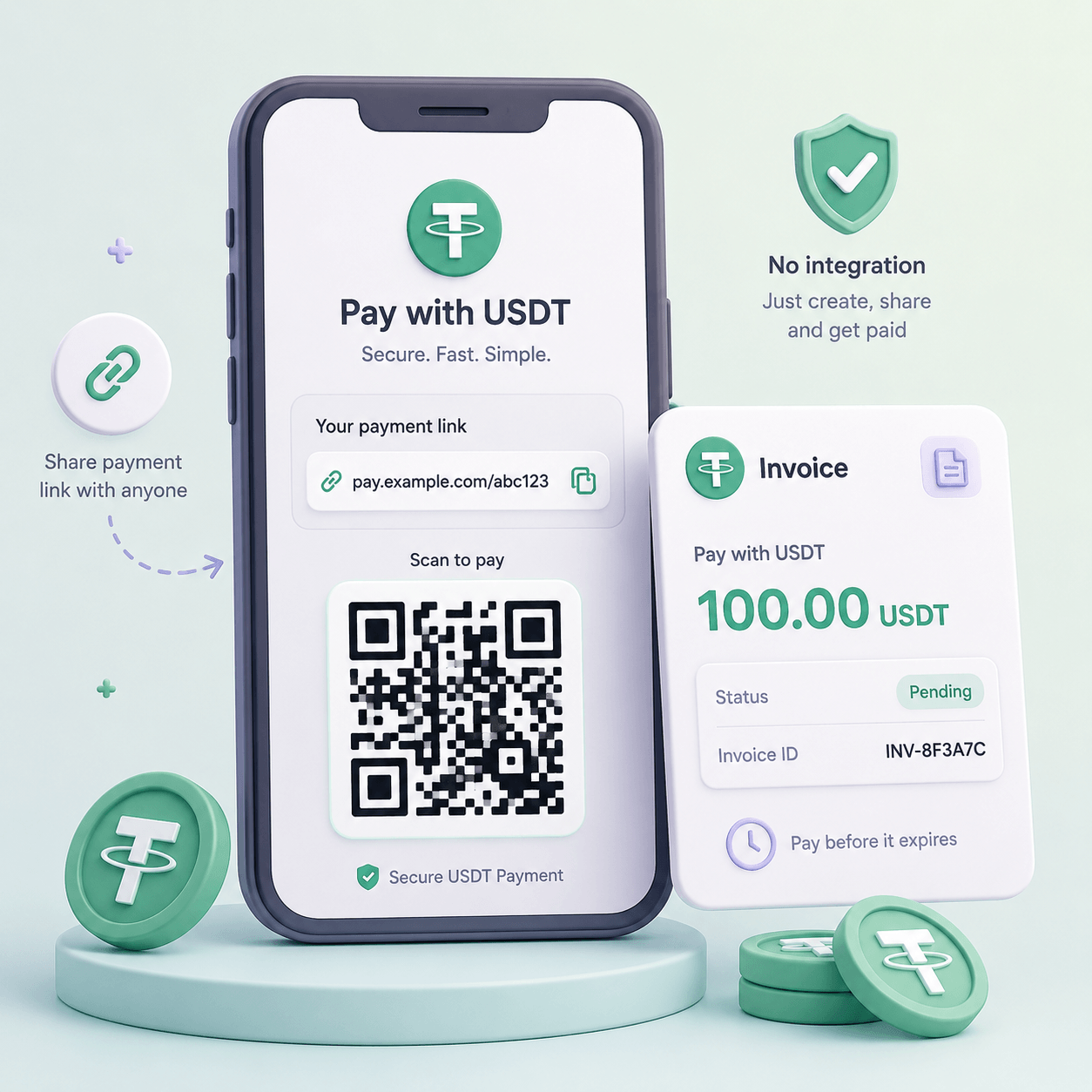
The processor creates a checkout page for a set amount and gives you a link to it. You can put that link behind a "Pay with crypto" button on any page, into an emailed invoice or into a chat with a client. Anyone who can edit a page on your site can set it up.
The customer clicks, picks a coin and a network, and pays on the processor's page. The processor tracks the payment and shows you which link was paid, so the matching problem of the wallet route is gone. What you don't get is automation: your site doesn't learn about the payment, so someone checks the dashboard and fulfils the order.
That makes a link a good fit for services, invoices and short catalogues. The same link can also become a QR code on a printed invoice or on a screen at a counter, which is how payment links and QR invoices let you accept USDT without a full integration.
A widget is a piece of the processor's code that you add to your page. It puts a payment button on the site, and the button opens the full checkout in a window on top of your page, so the customer never leaves it.

The widget can also tell your site that the order is paid. When the customer pays, the processor sends a callback, a message to an address on your server, and your site uses it to mark the order paid. Setting this up takes someone who can paste a script into the page and write a few lines of code that handle that message.
A widget suits a site you built yourself or on a builder that lets you add your own code; some builders allow custom scripts only on paid plans, so check that first. It gives you a checkout on your own page without building the payment screen, and how it compares with the other routes is laid out in when an HTML widget beats an API or a plugin for crypto payments.
If your shop runs on a platform such as WooCommerce, a plugin adds crypto as one more payment method next to cards. The customer sees it at the usual checkout, pays, and the plugin marks the order paid in your admin panel. Order emails, stock levels and reports keep working as they do for card orders, because to the store this is just another payment method.
You need admin access to the store and a processor that has a plugin for your platform. Keep the plugin updated along with the store, since it runs inside the store and handles your orders.
Hosted store platforms such as Shopify decide for themselves which payment providers can appear at checkout, so a route that works on one platform may not exist on another. On WooCommerce the choice is wide, and the three ways to set it up, one of them without any plugin, are covered in how to accept crypto payments on WooCommerce.
With an API, your own server talks to the processor. When a customer places an order, the server asks the processor to create a payment for that exact amount, shows the customer the checkout and waits for the callback that says the order is paid.
This route is for custom shops and apps, where the payment has to fit into your own order logic. It gives you the most control over what the customer sees and what happens after payment, and it takes a developer to build and maintain.
CryptumPay offers three of these routes:
Then check whether that provider can add crypto before you sign up anywhere new.
PayPal's crypto checkout, Pay with Crypto, lets US merchants take crypto from buyers anywhere in the world, with these limits:
Stripe's crypto options also depend on the country your account is in. Before you look elsewhere, check whether Stripe can accept crypto payments for your business and what to do if it can't.
Whichever route you choose, a payment goes through the same five stages:
Stage four is the one to get right. Your site should check that the message really came from the processor, and it should not ship twice if the same message arrives twice; both checks are part of handling crypto payment webhooks and confirmations safely.

You don't need to accept every coin. Each one you switch on is one more price to watch and one more way for a customer to send the wrong thing.
Stablecoins are the practical core for a shop. A stablecoin is a coin pegged to a currency, usually the US dollar, so 100 USDT at checkout is still about $100 when you withdraw it. USDT is the largest stablecoin, USDC comes second, and both live on several networks at once.
Bitcoin is what many people mean by "crypto", and some customers will want to pay with it. Its price moves, sometimes by several percent in a day, and a new block comes roughly every ten minutes, so a Bitcoin payment takes longer to confirm than USDT on a fast network. If you accept Bitcoin, Ether or any other coin whose price moves, decide in advance whether to convert it on arrival, which is the core choice in protecting crypto revenue from market volatility.
USDT runs on many networks at once, Tron and Ethereum among them, and these networks don't talk to each other. A customer has to send on the network your checkout shows; a transfer on another network isn't seen as payment for the order, and getting it back takes manual work, if it can be done at all.
Say the checkout shows an Ethereum address and the customer sends USDT on BNB Smart Chain. Both networks use the same address format, so the exchange lets the transfer through, but the processor watching Ethereum never sees it.
Which networks to switch on depends on your customers as much as on fees. A network is only useful if your customers' wallets and exchanges can send on it, and offering two or three lets each customer use the one they already have without crowding the checkout. What a sender looks for in a network and what a merchant looks for are not the same, and that difference is the subject of choosing a USDT network for a business.
Three costs stack up on every crypto payment:
The network fee depends almost entirely on the network. Between late August and late September 2026, the median cost of one USDT transfer was:
A one-time payment address has never held USDT, so at checkout the higher figure is the one to expect. Exchanges and wallets add their own withdrawal fees on top, and the full picture, with transfer times, is in what a USDT transfer costs on each network and how long it takes.
CryptumPay charges 1% per successful payment, down to 0.5% at higher volumes, plus a transfer fee: a fixed fee for servicing the one-time deposit address on the network the customer picked. Whether the customer covers these fees is the merchant's decision; if they do, the CryptumPay checkout shows the fee as a separate line before payment. Whatever coin the customer pays in is converted to USDT as soon as it arrives, and the balance can be withdrawn at any time, with no minimum, to any address the merchant gives.
When you compare processors, add up all three layers for a typical order instead of comparing headline percentages. On a $20 order, a 1% fee is 20 cents, while a customer on Tron who has no energy of their own spends about $4.40 just to send USDT to a fresh payment address, which is a good reason to offer a cheaper network next to Tron. How each of the three layers is calculated is explained in how crypto payment fees work, from network fees to gateway fees.
A crypto payment can't be pulled back the way a card payment can, and it is easy to send slightly wrong. When something does go wrong, it is one of four cases:
Before going live, ask your processor which of these happens to an underpaid order:
A clear checkout heads off many of these mistakes before they happen, with one network named in large letters, an exact amount and a visible timer, which is the approach behind reducing failed crypto payments.
Crypto has no chargebacks: a refund is a new transfer that you send yourself. That protects you from a customer who pays and then disputes the charge, and it also means every refund is a manual job.
Say a customer paid 100 USDT for a course and asks for a refund a week later. You send 100 USDT back from your balance, and this time you are the sender, so the network fee is yours.
Get the customer's address and network in writing, and send exactly there. Don't simply return the money to the address it came from: if the customer paid from an exchange, that address belongs to the exchange, and the refund may never reach them.
If the customer paid in a coin whose price has moved since, decide upfront whether you return the same number of coins or the same value in dollars. The cases of overpayment, underpayment and transfers sent by mistake are covered in how businesses should handle crypto payment refunds.
Expect a processor to check two things before it lets live payments through:
At CryptumPay, identity verification (KYC) is mandatory for every merchant, and without it there are no withdrawals. Even with payment links only, where nothing is integrated into the site, the project review needs a website that shows what the merchant does or sells. A real invoice can be issued right after sign-up, and the payment is credited to the balance after the project review, usually within one business day.
A processor may also screen the addresses that payments come from. Coins traced to theft or to sanctioned addresses can cause trouble for whoever receives them, up to a frozen account at an exchange. What that screening covers and which controls are yours to set is explained in securing crypto payments with AML checks, KYC and wallet screening.
Here is the whole path from sign-up to the first paid order:
The rules depend on where your business is. Here is where things stand for a seller in the European Union and the United States, and what to do about tax:
These two rules answer the question only for the EU and the US, and only for the seller's side. Before you switch crypto on in another country, check whether a business can legally accept crypto payments.
To accept crypto on your website, you need a processor and a way to put its checkout on your site, and that way follows from who can touch the site's code. Who covers the fees and what happens to a short payment are best settled before the first customer pays, not after a payment goes wrong. Make one small test payment before you announce anything.
Beyond the website, the same processor covers sales that never touch the site. A payment link or a QR code works wherever the client can click or scan it, and the processor tracks that payment the same way as one made on the site. A processor may still ask for a website during its review, even if your sales happen elsewhere.
No single service fits everyone, so start from how the money has to come out. Some services pay out in local currency straight to a bank account; others pay out in crypto, which you then sell on an exchange that serves your country, paying its fee and spread. If part of the money goes to suppliers or contractors abroad anyway, it may never need to touch a bank, which is the question of paying suppliers abroad with stablecoins.
Through the same processor and the same checkout as any other coin: you switch Bitcoin on in the processor's settings, and the customer picks it when paying. You don't need a Bitcoin wallet of your own to start, because the payment lands on your balance with the processor. A wallet address comes in only when you withdraw Bitcoin that you decided to keep.
Yes: any site that sells something can, and a donation button where the reader chooses the amount counts too. What matters to a processor is that the site shows a real business and goods or services the processor is willing to serve. Some kinds of business face stricter checks or are turned down, so read the processor's list of restricted activities before you build anything around it.
This article is general information, not legal or tax advice.
Create an account and connect the checkout yourself, or talk to sales and we will plan the integration with you.