August 5, 2026
Best Crypto Wallet in 2026: Find Your Situation and Pick
Read article
If your seed phrase is already out and the money is still showing in your wallet, you can probably still save it. Not by reading this page, though: scroll down to "If you already sent your seed phrase to someone, do this now" and start there. It takes about ten minutes, and the order of the steps decides how much you keep.
If nothing has gone wrong and you simply want to know how to find your seed phrase, that part is quick. Where it sits depends on the kind of wallet you have:
None of them has a button to change a seed phrase. That button doesn't exist in any wallet, because a seed phrase is not a password guarding your money — it is the thing your money hangs on, and the section further down explains what that means.
One thing worth saying once, not twice: no wallet, exchange, app or support agent ever needs your seed phrase. Not to unlock an account, not to verify anything, not to unstick a transaction. If someone asked you for it, the asking was the theft.
Trust Wallet, MetaMask, Ledger, Coinbase: the name on the app changes the menu path and nothing else. What decides whether you have a seed phrase at all is who holds the keys to the money. Here is how to tell which of the three you're holding:
A wallet built into a messenger isn't a fourth kind. It is one of these two: either a custodial account that works like an exchange, or a self-custody wallet with a seed phrase of its own, like an app. Telegram has one of each, and there's a section on it below.
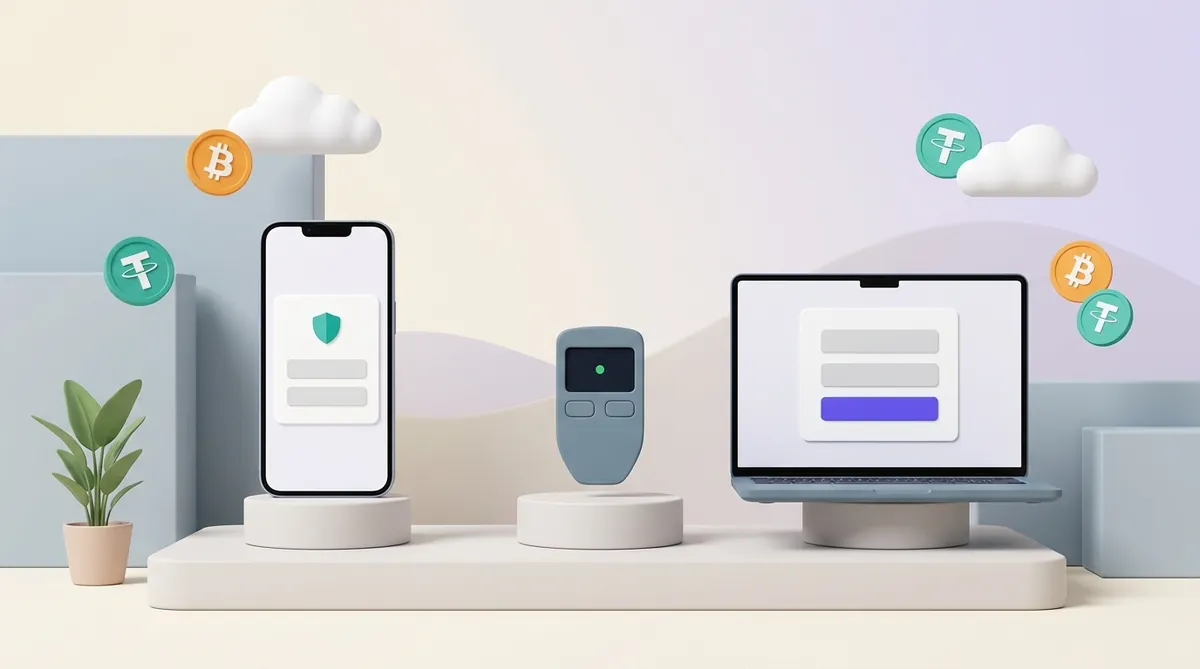
Every self-custody app — one where you, not a company, hold the keys — keeps the seed phrase on your own device and hands it back after you confirm it's you. The exact wording differs from app to app; the shape doesn't. Settings, then something called backup or security, then a passcode or Face ID prompt:
Your app isn't on the list? The path in most app wallets is close enough to these that you'll recognise it: look for backup or security in settings.
One detail worth noticing while you're on that screen. Trust Wallet blocks screenshots and screen recording there — try it and you get a black rectangle. That's a good sign in two directions: the app is keeping your seed phrase out of your camera roll, and you're in the real app rather than a lookalike that would love a copy of that screenshot.
One app breaks the pattern, and you can skip this bit if you don't use it. Binance Web3 Wallet has no seed phrase at all. The key to the money is cut into three shares kept in three places, and any two of them open the wallet:
Read that third line again, because people get it backwards. Binance can put the wallet back together when your phone is gone, and it can do nothing at all when your own backup is gone. Losing your copy is still final — which makes that recovery password, and the cloud account behind it, matter far more than they look.
Now the thing that explains everything else on this page. In a self-custody app, the seed phrase was made on your own device and never travelled to the company's servers. Support cannot restore it, not because of policy or bureaucracy, but because there is nothing on their side to restore. Nobody at MetaMask has ever seen yours.
A hardware wallet is stricter on purpose. The whole point of the device is that the seed phrase never touches a computer, where a hidden program could read it.
Ledger generates 24 words and displays them on the device's own little screen, once, during setup. Ledger's desktop app will never show the seed phrase and will never ask you to type it in. So take this as a rule with no exceptions: any window on your computer asking for your 24 words is fake. Doesn't matter how good the logo is.
Lose your Ledger backup and the natural next move is to go looking for a way to give the device a new recovery phrase. Ledger does have a route under that name, and it isn't a change at all: it's a factory reset that throws away the old wallet and starts a new one with a new seed phrase. The reset runs from the device menu, and the device also wipes itself after three wrong PINs in a row. Anything on the old wallet stays reachable only with the old 24 words.
Trezor goes further: it shows the backup exactly once, during setup, and never again. There's no menu item to bring the seed phrase back on screen later, and that's deliberate — a seed phrase nobody can call up on screen is a seed phrase nobody can talk you into showing them.
What Trezor will do is check your homework. Settings → Wallet backup → Check wallet backup lets you type in what you wrote on paper, and the device answers yes or no without displaying anything. If you've had a nagging feeling that word nine might be wrong, that's how you settle it.
Checking is all that screen does, though. Nothing there swaps your seed phrase for a different one: on a Trezor, the only route to a different seed phrase is wiping the device and setting it up again from scratch.
One warning about the passphrase, the optional extra word people call "the 25th word": it is not stored anywhere, on the device or off it. Trezor support cannot restore it, and neither can anyone else. Forget it and the accounts behind it are gone.
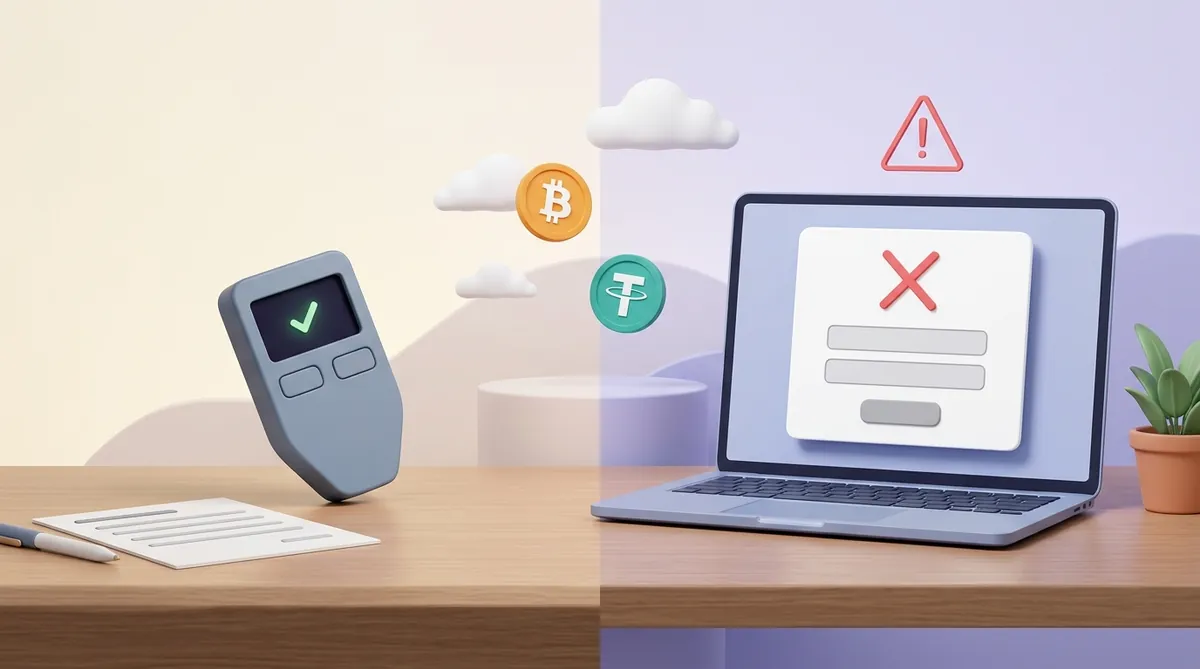
If you keep coins on Coinbase, or any exchange, and you're hunting for the twelve words — stop. There aren't any, and nothing has been lost or hidden from you.
An exchange is custodial: it holds the keys, and your balance is a line in its database. You get access back through email, password, two-factor codes and identity checks — the same way you get back into online banking. That's the trade. You give up sole control, and what you get for it is a company that can let you in again after you lose your phone.
Coinbase also has a separate product, Coinbase Wallet, which is self-custody with a 12-word seed phrase. Same brand, two different things, and here's how to tell which one you're in:
This is where more people get confused than anywhere else, because both wallets live behind the same button:
And one trap that costs people real money: a TON seed phrase will not open a MetaMask wallet. Put a TON backup and a MetaMask backup side by side and they look identical — the same kind of ordinary English words in a row — but each app turns those words into addresses for its own network. Give a seed phrase to an app built for the wrong network and the app either shows you an empty wallet or rejects it outright. That empty wallet is not a bug and your coins are not lost; you're just knocking on the wrong door.
The honest answer is the one nobody wants: there is nowhere to get it.
The wallet never kept a copy. The company never received one. There is no backup server, no support ticket, no ID check that produces a seed phrase. Whatever is at that address stays there, visible to anyone looking, and nobody can move it.
Which brings up the second theft. Recovery services will find you: someone offering to get the wallet back for a percentage, "no result, no fee", screenshots of grateful clients, a serious-looking website. It is a scam every time, and the only question is whether you lose an upfront payment as well. There is no technique they have that the wallet's own developers don't.
Two things are still worth doing, and both are small:
A password protects something that exists without it. Your email sits on a company's computer whether you have the password or not; the password only decides who gets let in. Change it and the mail is still there.
A seed phrase doesn't protect your wallet. It makes it. The seed phrase goes through a fixed calculation — the same one in every wallet app, on every phone — and out come two things. First, your addresses: the long strings you give people so they can pay you. Second, the secret numbers behind those addresses, called private keys, and a private key is what actually spends the money. Same seed phrase in, same addresses out, every time. That's why typing your seed phrase into a brand-new phone brings everything back after you drop the old one in a lake.
So a new seed phrase wouldn't be a fresh lock on the same wallet. It would be a different set of addresses, with none of your money at them. MetaMask's help centre says it flatly: you cannot edit or change your Secret Recovery Phrase. Every other wallet is in the same position, for the same reason. What people call "changing the seed phrase" is making a second wallet and carrying the money across.
And the 25th word doesn't get you out of it either. A passphrase on a hardware wallet opens a separate set of accounts, but it does not close the old ones. Whoever holds your 24 words still walks straight into the main wallet and takes what's there. As damage control after a leak, it does nothing.
Assume the wallet belongs to them from this second on. If the balance is still showing, that's your window, and it can close while you're looking at it.
Don't count on having the evening. The draining is usually automated: whoever collects seed phrases feeds them to a program that empties the address the moment it can, faster than a person could tap through a wallet app, and then keeps watching. The industry calls these programs sweeper bots. Anything that lands at that address afterwards goes the same way, minutes later. So the order below isn't about pacing yourself. It's about not losing money to a wrong move while you hurry:
The moving part is minutes, not an evening. Do it now, from wherever you're sitting. When the money is somewhere safe, picking a proper home for it is worth ten minutes rather than one — here's a comparison of wallets worth setting up, and what a seed phrase actually is and how to store it, so the next one lives on paper and not in a chat.
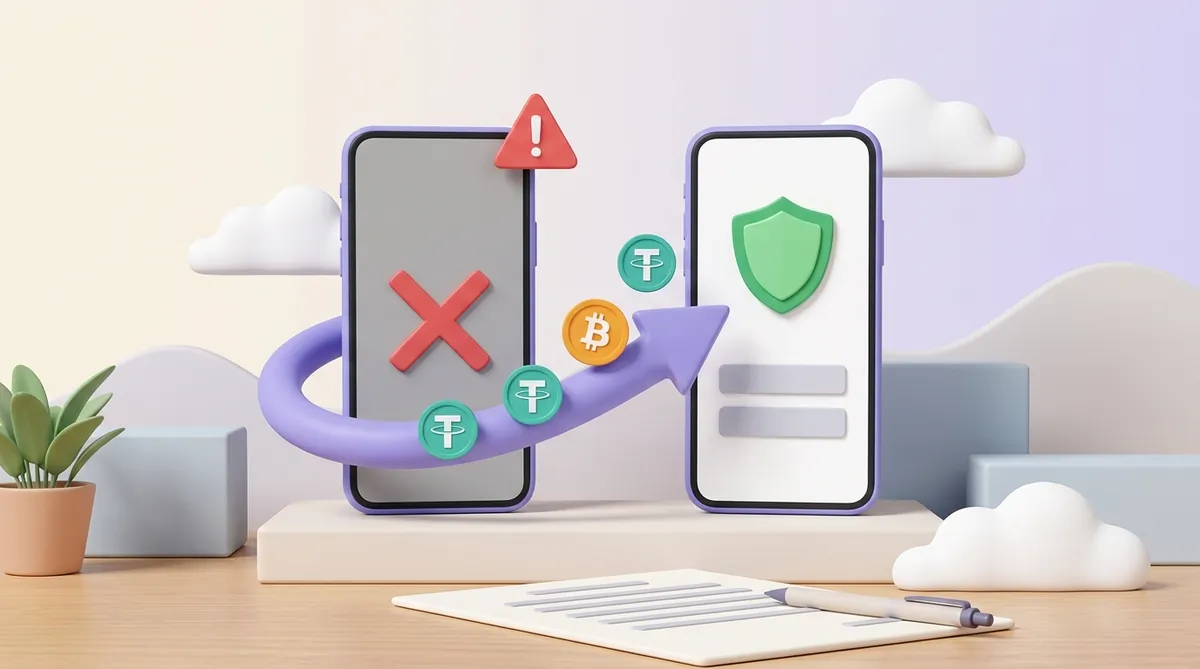
In an app it's in settings, under backup or security. On a Ledger or a Trezor it's on the device's own screen and nowhere else. In an exchange account it doesn't exist at all. And nowhere is there a button to change a seed phrase, because a seed phrase isn't a password guarding the wallet — it is what the wallet is made of.
And if you're reading this because your seed phrase is already out: this is survivable, and most of it is survivable in the next ten minutes. A wallet is not your history — it's a seed phrase and the addresses that come out of it. Get the money into a new wallet, write the new seed phrase on paper, put the paper somewhere boring, and you'll never need a page like this again.
How many words should a seed phrase have? A valid seed phrase is 12, 15, 18, 21 or 24 words, all drawn from a fixed list of 2,048 English words. App wallets usually hand out 12, hardware wallets usually 24. If you wrote down 13 or 19 words, you've miscounted or picked up something else.
My Ledger wiped itself after three wrong PINs. Is the money gone? No — as long as you have the 24 words. The wipe is a deliberate defence, and three wrong PINs in a row are what trigger it: clearing the device turns a stolen Ledger into a paperweight. Restore from your backup and everything reappears. Without the seed phrase, the reset is final.
Nothing has been taken yet. Do I really need to move? Yes. A leaked seed phrase doesn't expire and there's no un-sending it. Addresses whose seed phrase has leaked tend to get watched by software, so money that arrives later can be gone the same minute it lands — including money you top the wallet up with next month, after you've forgotten about all this.
Can support restore my seed phrase if I prove I own the wallet? For a self-custody wallet, no — proof of ownership doesn't help, because the company never had the seed phrase to begin with. For an exchange account the question falls away: there is no seed phrase to restore, and what support gives you back is access, through email, password and documents. That is exactly what identity checks are for.
Is there a backup for the 25th word? None. A passphrase is never written to the device or to anyone's server — on a Trezor, support explicitly cannot recover it. Treat it as a second thing to store on paper, in a different place from the seed phrase, or don't use one.
Create an account and connect the checkout yourself, or talk to sales and we will plan the integration with you.