October 22, 2026
What is gwei, and how does it turn into your Ethereum fee?
Read article

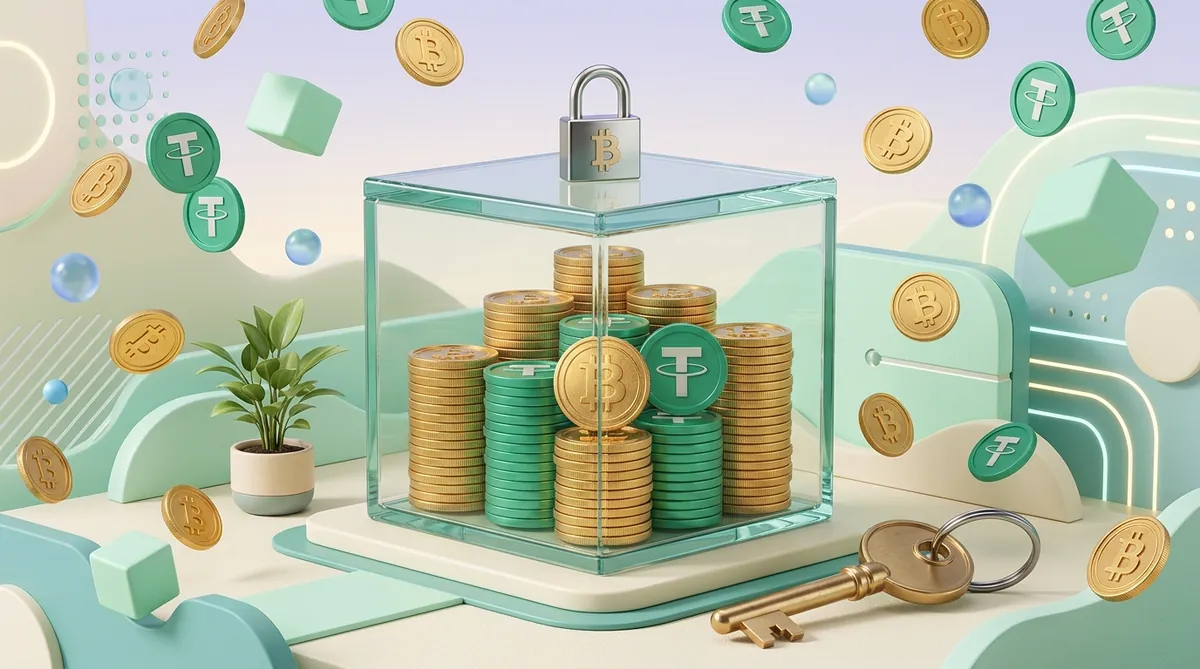
MetaMask is not an account. It's a keyring. Your coins are not "in" the wallet — they're recorded on the network, and what sits on your phone or in your browser is an encrypted key that proves you're the one allowed to move them. MetaMask itself stores your Secret Recovery Phrase, passwords and private keys encrypted, locally on your device — it never holds the coins, and there's no support desk that can reset anything for you.
Almost everything that confuses people follows from that one fact. Including the big one: you can hold $10,000 of USDT and still be unable to send it, because the token you own and the coin that pays the network fee are two different things. This guide answers the practical questions in the order they actually hit you — why the transfer won't go, how to put money in, what all of it costs and who gets that money, and how to get cash back onto a bank card.
On an exchange you own a claim; in MetaMask you own the money itself. Your exchange balance is an entry in the exchange's database. The exchange holds the keys; you hold a login. If you forget the password, support restores it, because the money was never technically yours to move — it was theirs, owed to you.
MetaMask flips that. It's non-custodial: the private key — the secret that authorises spending from your address — is generated on your device and encrypted there. Nobody at MetaMask has a copy. That's why the Secret Recovery Phrase is effectively the account itself: anyone who reads that phrase owns your money, and if you lose it there is no reset link.
And no, MetaMask is not a cold wallet. Cold means the key never touches an internet-connected machine. MetaMask's keys live in your browser or phone, which makes it a hot wallet — convenient, and exposed to whatever else is on that device. For serious amounts, people connect a Ledger or Trezor to the MetaMask interface and use it purely as a screen: MetaMask builds the transaction, the hardware device signs it. If you're weighing that up, our comparison of wallet types lays out who needs which.
One change worth knowing before you go looking for settings. Since multichain accounts arrived in October 2025, a single account carries addresses on several networks at once, and TRON joined them in January 2026. So USDT on TRON now shows up inside your existing account after an app update, with nothing to set up.
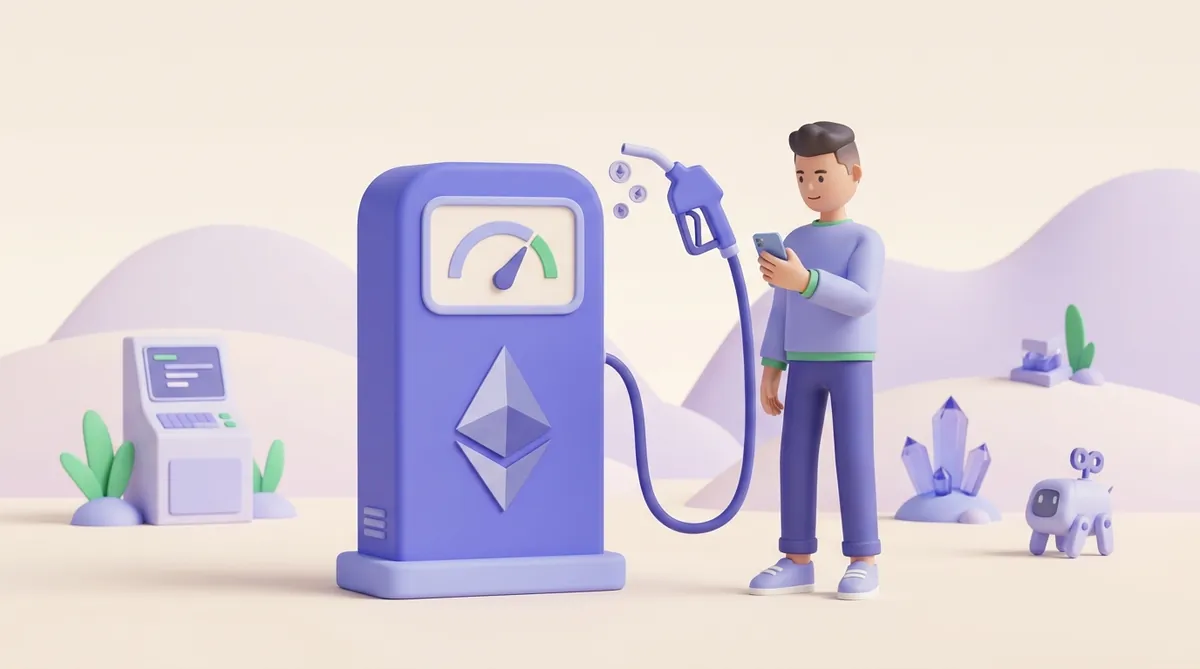
Every transaction on a network costs a fee (you'll see it called gas), and that fee is paid in the network's own coin. Not in USDT. Not in whatever token you're actually sending.
So a wallet holding USDT on TRON and zero TRX is stuck. The balance is real, the money is yours, and it will not move. Receiving never requires the native coin — an empty wallet can accept a transfer all day. Sending, swapping or signing anything is what needs fuel.
That fee doesn't go to MetaMask. It goes to the network: part of it is burned, part goes to validators as a priority tip for including your transaction. Which is why it moves up and down with congestion and why nobody, including us, can quote you a dollar figure that stays true for a week. Our breakdown of how crypto fees are built goes deeper if you want the mechanics.
Before you go buy anything, check which network you're on. On six of them MetaMask can take the fee out of a token you already hold, and your problem is solved inside the wallet in about a minute.
If that token menu isn't there, two settings are usually why. Smart Transactions and "Estimate balance changes" both have to be on — they're in the wallet's settings — and the app has to be current. MetaMask's own guide is blunt about the rest: on any other network you need enough of the native coin to cover the fee, full stop.
On every other network you do need the native coin — and there are exactly two ways to get it. Both end at the address you're already holding, and receiving costs you nothing.
The fast one is to ask whoever's paying you, or a friend, to send a little of the native coin to that address. Minutes, no accounts, no forms. Once it lands, your transfer goes through.
The independent one is to buy a small amount on an exchange and withdraw it to that address on the matching network. Your own money, nobody to ask. Budget time for it if you don't have an account yet, though: exchanges run an identity check (KYC — you upload an ID document) before they let you withdraw.
Then leave a small float of the native coin on whichever network you use regularly. That's the whole trick to never doing this again.
One thing a plain transfer doesn't cost you is a MetaMask fee. The wallet states none of its own on wallet-to-wallet transfers: its guide to sending lists the network fee and nothing else, and MetaMask's documentation says gas "is not charged or collected by MetaMask". That distinction matters for the next section.
Two routes in, and which one you should use depends entirely on where you already have money.
Route one: transfer from an exchange or another wallet. This is the normal path and the cheap one.
With USDT, that contract address depends on the network: on BNB Chain or Polygon, USDT sits at a different address than on Ethereum, and a token called USDT at any other address on that network is not USDT. TRC-20 USDT doesn't go to the 0x address at all: since MetaMask added TRON, it arrives at a separate TRON address that starts with T. The right address for each network, and how TRC-20 USDT works in the wallet, are in this guide to adding USDT to MetaMask on Ethereum, BNB Chain, Polygon and TRON.
A practical note people search for specifically: you can top up BNB from another network using MetaMask's cross-chain swaps, which also move TRX and TRC-20 tokens between TRON, Ethereum, BNB Chain and others. Handy when your money is on the wrong chain and you don't want a round trip through an exchange — the cost of the move is shown in the quote before you confirm.
Route two: buy crypto inside MetaMask with a card. Fastest if you have no exchange account and don't want one — and you pay for the shortcut. The purchase runs through partner providers (Transak by default), paid for with a debit card, wire transfer or Google/Apple Pay. The bill is 1% to MetaMask, plus the provider's own fee, plus the network fee — more than route one, every time.
It isn't available everywhere. MetaMask states plainly that buying crypto in MetaMask is not available in every country or region, because the partner companies can't operate in every jurisdiction. If the option isn't in your app, that's your answer — it isn't hidden in a menu.
MetaMask is free to install and free to hold money in. It makes its money on convenience, at these rates:
So who should use the built-in swap and who shouldn't? If you trade rarely and in small amounts, 0.875% is a fine price for skipping exchange registration and identity checks — a minute instead of an afternoon. If you're moving money through the wallet regularly or in size, that percentage compounds into real money and an exchange route is cheaper. There's no clever middle ground here; it's a volume question. (If the word itself is new: a swap is an in-place exchange of one token for another, no order book involved.)
Yes — but "cash out" splits into two very different answers, and which one is yours depends on where you live.
If you're in the US, UK or parts of Europe, MetaMask's built-in sell feature works. The supported regions are stated by MetaMask as exactly that: the US, UK and parts of Europe, with provider availability varying by country on top of that.
If you're anywhere else, there is no button — whatever your bank is. MetaMask doesn't pay out to bank accounts outside those regions, and no menu is hiding one. The real route is the ordinary one, and it starts with a choice.
Exchange or P2P? Take the exchange if one that serves your country lists your currency and you're willing to pass an identity check — it's the simpler path, with a published price list and a support desk. Take P2P — a marketplace where you sell directly to another person, who pays you by bank transfer — when no exchange within reach pays out in your currency. P2P buys you reach at the price of picking a counterparty yourself.
What it costs: the platform's trading or deal fee, plus its withdrawal fee to your bank, plus the network fee to move the coins out of MetaMask. Both platform fees are published on its fee page — the number to beat is the built-in route's 1% to MetaMask plus the provider's own rate, and you can only compare before you deposit, not after.
That isn't a workaround. For most of the world it is the standard path. So do it in that order: pick the platform that pays out where you live, check its fee page, then send the tokens on the network it names.
Security here isn't a property of the wallet. It's a property of your behaviour — the code can't stop you from approving something.
All of that is the price of holding your own keys, and not every app asks you to pay it any more. Some create the wallet for you inside the app itself, so you sign in the way you would anywhere else and never see a recovery phrase — convenient, and a different bargain about who can freeze your money or lose it. If you have run into one of those and wondered what you actually control, we explain how a wallet built into an app works.
One consequence worth stating for anyone taking crypto payments, because it decides whether people finish checkout.
Don't build a checkout that assumes the customer holds the network's native coin. A buyer with USDT and zero ETH is completely normal, and when the wallet says "insufficient funds for gas" they don't go buy ETH — they close the tab. Give them a choice of network so they can pay on the chain where they already have fuel, and show the amount and network clearly before they open the wallet. USDT on TRON is popular with buyers because the fee there is typically far below Ethereum mainnet — the wallet shows the current figure before they confirm.
If you'd rather not build any of that, it's the job we do at CryptumPay. You send a payment link or drop a one-button widget on your site, and the customer picks from the coins and chains we support — BTC, ETH, TRX, BNB and USDT across several networks — instead of going off to buy gas. Whatever arrives is converted to USDT the moment it lands, so your balance doesn't sit in a volatile coin. We charge 1% per successful payment — from 0.5% at volume, and you can pass it to the customer. Not for you if you take one payment a month, or you already have a developer who has built multi-chain checkout: at that point you'd be paying us for a decision you've already made.
On swaps and on fiat conversion: 0.875% built into swap quotes, and 1% on both buying and selling crypto for fiat. Plain transfers earn it nothing — the network fee goes to validators, and MetaMask's own documentation says that gas isn't collected by MetaMask.
Directly, only if you're in the US, UK or parts of Europe, via the built-in sell feature. Otherwise you transfer to an exchange or P2P platform that serves your country and cash out there.
No. The keys sit on an internet-connected device, which makes it a hot wallet. You can connect a Ledger or Trezor to it for cold-storage-grade signing.
Which of the two you plug in is a smaller decision than it sounds: they do the same job, and they differ mainly in what you are asked to trust — firmware anyone can audit, or a certified chip with a closed layer at the bottom. Neither one stops you approving a bad request in the MetaMask window, and that limit matters more than the brand does. The practical differences are in the differences between Ledger and Trezor that matter in practice.
One account now holds addresses across EVM networks — EVM means Ethereum-compatible, so the same address works on Ethereum, BNB Chain, Polygon and layer-2 networks like Arbitrum, Base and Linea — plus separate native addresses for Solana, Bitcoin and TRON. Other Ethereum-compatible chains can still be added by hand in the network settings. Chains that aren't Ethereum-compatible, TRON among them, can never be added that way; MetaMask has to support them natively, which it now does.
Open the wallet, select the network, and the balance for that network's address is on the main screen. If a token you received isn't showing, add it via "Import tokens" with its contract address — the funds are on-chain regardless of what the interface displays.
Fee figures and regional availability were checked against MetaMask's own documentation in August 2026. The vendor changes both without notice, and what you can buy or sell depends on your country — the app itself is the final word.
Network fees float with demand. Nothing here is investment, tax or legal advice.
Create an account and connect the checkout yourself, or talk to sales and we will plan the integration with you.