en

Stripe is not available in your country: how do you get paid instead?

Published
09.10.2026
Updated
09.10.2026
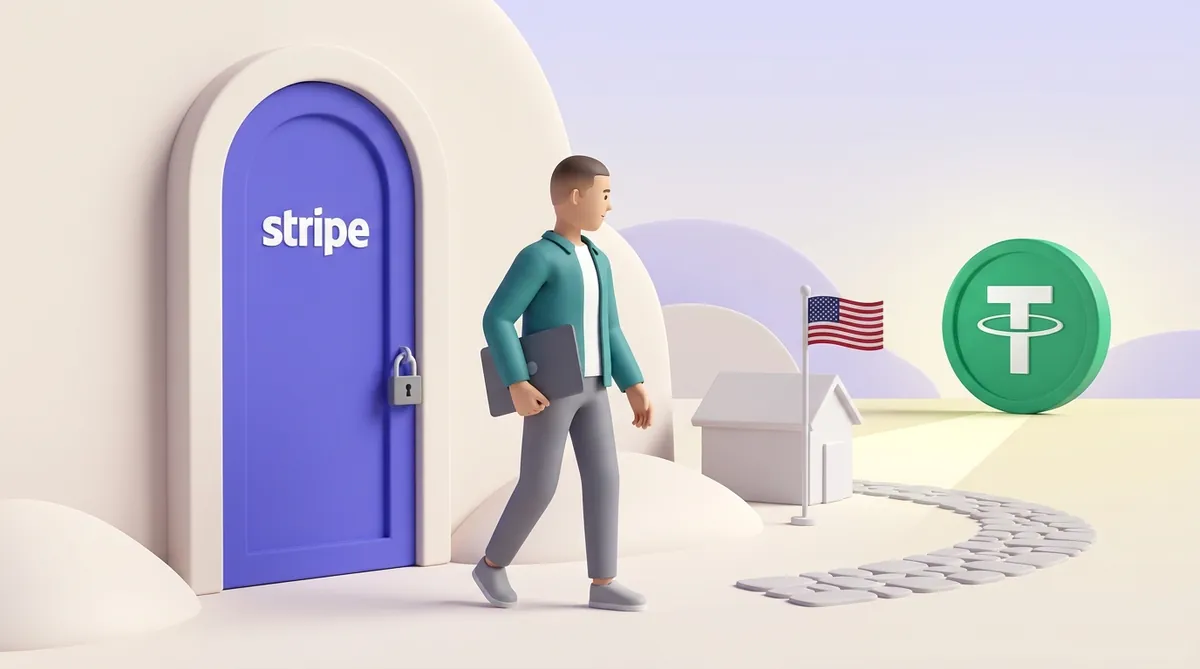
A seller in a teal jacket with a laptop under his arm walks away from a padlocked purple door with the Stripe logo, along a path toward a small house with a US flag and a large green USDT coin
Contents

    If Stripe is not available in your country, the reason is its sign-up rules: Stripe opens accounts only for businesses based in the countries on its list, and the people behind the account have to live there too. No VPN or borrowed address changes that, but four other routes still get the money to you, from accepting crypto through a payment link to a US company of your own.

    The routes differ mainly in how much paperwork each one takes and what your customers can pay with. Below is how to tell which one fits you.

    Why Stripe is not available in every country

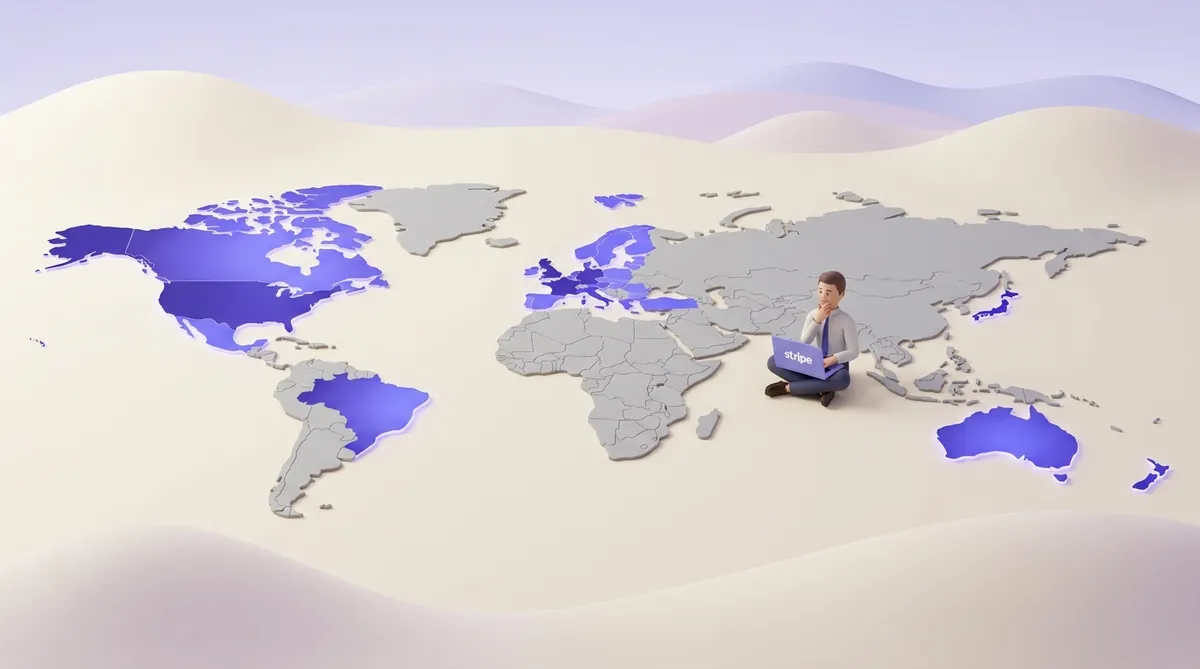
    Stripe works in around fifty countries and regions: its global availability page listed 51 in October 2026. A few of them sit on that list on special terms:

    • Preview countries. India and Indonesia are listed, but you reach Stripe through its sales team rather than the usual sign-up form.
    • Extended network. Côte d'Ivoire, Ghana, Kenya, Nigeria and South Africa are served through Paystack, a payments company Stripe owns.
    • Outlying territories. Jersey, Guernsey, the Isle of Man, the British Virgin Islands, the US Virgin Islands, Aruba, Curaçao, New Caledonia and similar places are not supported, even though the countries they belong to are. Puerto Rico is the one exception: businesses there sign up as US businesses.

    If your country isn't on the list at all, Stripe doesn't open accounts there yet. What it offers instead:

    • Stripe Atlas, a service that sets up a US company for you. More on it below.
    • Stablecoin accounts in more than 100 further countries. Stablecoins are crypto tokens built to stay worth one US dollar. These accounts hold and manage money, but they don't take payments from customers yet.

    That last point makes it fair to ask whether you can accept crypto payments through Stripe at all, and what to do if you can't switch them on.

    Your passport is not what decides things: a government ID can come from any country. To open an account in a supported country, Stripe asks for:
    • A business registered in that country, with a tax ID from it, if you sign up as a company.
    • A physical address there. A P.O. box doesn't count.
    • A bank account in that country. It has to be a real one: Stripe does not accept virtual bank accounts.
    • People on the account who live in a supported country. Stripe applies this even to Estonian companies set up through e-residency, Estonia's online registration for foreigners.
    A 3D world map where the US, Canada, Mexico, Brazil, Europe, Japan, Australia and New Zealand are coloured Stripe purple while Russia, Central Asia and Africa stay grey; a seller with a laptop showing the Stripe logo sits on a grey part of the map

    Why the shortcuts end badly

    Forums and paid "account services" offer ways around the list. Each of them runs into the checks above:

    • A friend's or relative's account. On paper the business is theirs, so the money lands in their bank, not yours. If Stripe sees that the account doesn't match the real business, it can close it.
    • A bought or "pre-verified" account. A Stripe account is tied to the person and the business that passed its checks. One sold to you belongs to a stranger as far as Stripe is concerned.
    • A VPN or a virtual address. Stripe asks for documents, a physical address and a local bank account. Changing your IP address changes none of them.

    The real risk here is not a refusal. When Stripe closes an account, money already in it can be held for a while to cover refunds and chargebacks (cases where a customer's bank pulls a card payment back). For a small seller, that means a balance you have earned and cannot reach.

    Four routes that do work

    The first one doesn't depend on any card company's country list at all.

    Send customers a crypto payment link

    A crypto payment link is a web page with the amount and the payment details. You send it to the customer, and they pay from their crypto wallet. The money goes from wallet to wallet without a card network, so no card processor has to accept your country. The crypto payment service still checks who you are, so read its country rules too.

    The cost of this route sits with the customer: they need to hold crypto, usually USDT, the most widely used dollar stablecoin. It suits clients who already have it, such as companies paying contractors abroad or audiences that buy with crypto anyway. It doesn't suit a shop whose customers only ever pay by card. Rules on accepting crypto and taxing the income also differ by country, so check yours before you switch it on.

    CryptumPay works this way and gives you three ways to take the payment:

    • A payment link. You create an invoice in the console and send the link anywhere you talk to the client: a messenger, email, social media.
    • A checkout button. You add one button to your site, and it opens the full checkout in a window.
    • An API for a deeper integration with your own system.

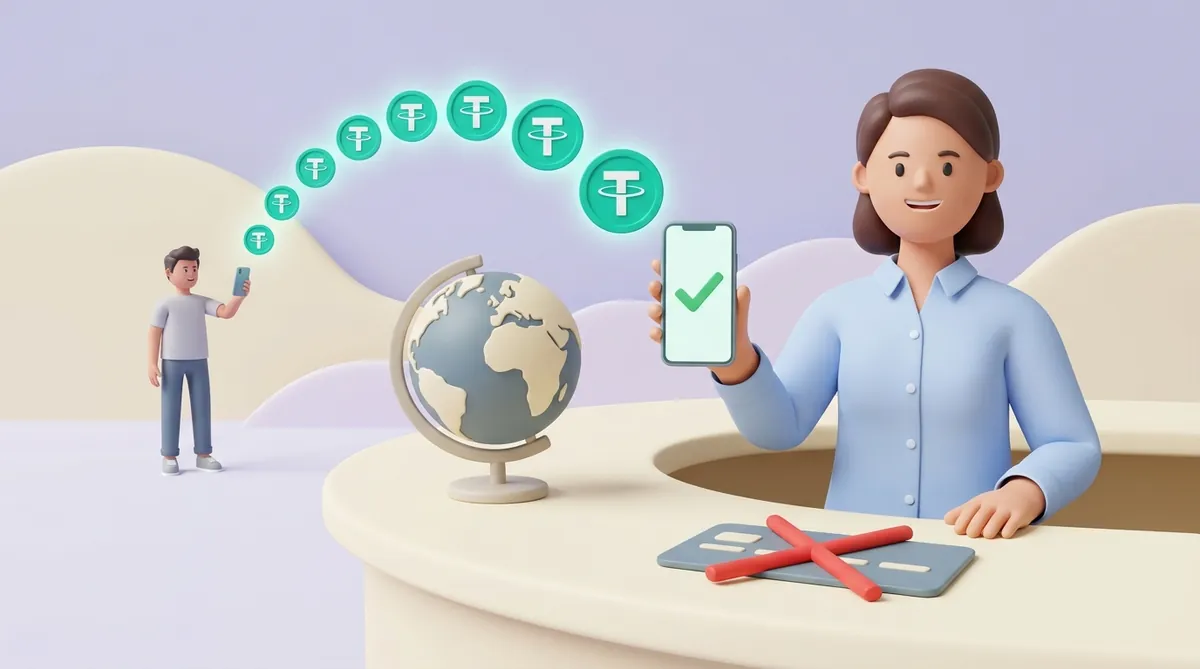
    In every case the customer needs no account: they open the link and pay straight from their crypto wallet. Payment links and QR invoices let a seller accept USDT without building a full integration.

    Whatever coin the customer pays in, CryptumPay converts it and settles the money to you in USDT. You can withdraw at any time, and there is no minimum withdrawal amount. The fee is 1% per successful payment, down to 0.5% at higher volumes.
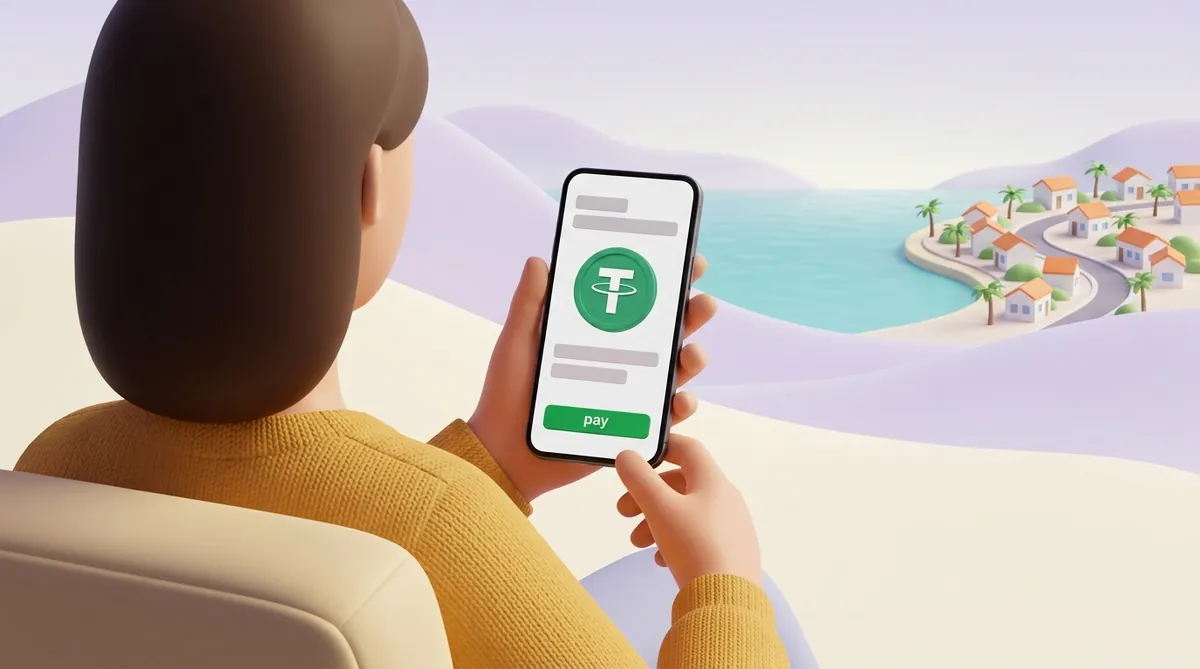
    A customer in a mustard sweater holds a phone showing a checkout page with a green USDT coin and a pay button, with a seaside town with palm trees in the distance

    Use a payment provider that works in your country

    Your country may well have local payment providers or banks that accept cards online even without Stripe. Such providers know local rules and pay out straight to a local bank account. The question is whether they work for customers outside your country.

    Before signing, ask the provider three things:

    • Cards from abroad. Does it accept cards issued in other countries, or only local ones?
    • Currencies. Which currencies can customers pay in, and which one lands in your account?
    • Timing. How many days pass between a customer paying and the money reaching you?

    If the answers show that money from foreign customers gets stuck somewhere along the way, look at the other ways to accept international payments when customers are abroad and the money won't come through.

    Sell through a platform that takes the payment for you

    Three kinds of service take the payment under their own account and pay you your share:

    • Marketplaces for freelance work or goods, where the customer pays the marketplace, not you.
    • Creator platforms for music, courses, memberships and other digital products.
    • Merchant-of-record services. These companies sell your product in their own name: they charge the customer, handle sales tax and refunds, and pay you.

    The platform holds the payment account and you are its supplier, so you never need Stripe yourself. Before you sign up, check two things:

    • How it pays out in your country. Payout methods differ by country. Some creator platforms move sellers in countries without Stripe to another payout method, so look for your country in the platform's payout help pages first.
    • What it costs and what you give up. The fee pays for the tax and refund work the platform takes on, so compare it with what a plain payment processor would charge. You also follow its rules on what you may sell and when you get paid.

    If you sell software or subscriptions, a merchant of record is only one part of choosing an international payments stack for a SaaS business.

    Open a company in a country Stripe supports

    This is the route Stripe itself points people to: Stripe Atlas sets up a US company for founders who live outside the countries on Stripe's list. Stripe's own rules leave some people out, though:

    • Russia, Ukraine and Belarus. Stripe currently does not support users located in these countries. For Russia, sanctions also bar corporate formation services to anyone located there.
    • Cuba, Iran, North Korea, Syria and the Crimea, Donetsk and Luhansk regions. Stripe's terms prohibit its services to people located in, resident in or citizens of these places.

    If none of that applies to you, you choose a Delaware LLC or a C corporation, and incorporation takes about two business days. Atlas also gets the company's US tax ID (EIN), and after incorporation you can open an account and start taking Stripe payments.

    The price is $500 once. It covers the government filing fees and the first year of a registered agent, a firm that receives official mail for your company in Delaware. From the second year, the registered agent costs $100 a year.

    The bigger cost is what a US company asks of you every year:

    • Delaware tax. An LLC pays a flat annual tax of $400, due 1 June. A C corporation pays franchise tax and files an annual report by 1 March. These are Delaware's rules as of 2026.
    • US federal tax returns. They are due every year, and some may be needed even in a year with no revenue (US, 2026). Atlas offers discounts with partner tax and accounting firms, and it's worth budgeting for one.
    • Your home country's view. Owning a foreign company can bring tax and reporting duties where you live. A local accountant can tell you which ones before you form it.
    • A bank that says yes. Atlas helps you open an account, but the bank runs its own checks on you and your business.

    If forming a company is exactly what you want to avoid, it helps to know whether you can get a payment gateway without registering a company.

    Which route fits you

    The answer depends on what you sell and who pays:

    • Software or subscriptions, paid by card worldwide. A merchant of record takes the sales tax work off your hands, and an Atlas company gives you Stripe directly once you're ready for the yearly paperwork.
    • Freelance work or agency projects for a few clients abroad. A crypto payment link or a freelance marketplace can get money to you without forming a company.
    • A shop selling mostly to people in your own country. A local provider fits best, as long as it takes the cards your customers carry.
    • A startup planning to raise money from US investors. Atlas is built for this: besides the company, it prepares founder equity and fundraising documents.

    In short

    Stripe's country list is about where you and your business are, and no shortcut moves you onto it without putting your balance at risk. Pick a route by how much paperwork you're ready for and how your customers want to pay.

    Questions people ask next

    What if my country is not listed on Stripe?

    Stripe doesn't publish dates for new countries: its availability page only says more are to come. You can ask Stripe to notify you when your country is added. Until then, it's safer to set up one of the routes above than to wait for a launch that has no date.

    Can you use Stripe without a business?

    Yes, if you live in a supported country. There Stripe lets you sign up as an individual or sole proprietor, without registering a company. What blocks people in other countries is where they and their bank are, not the lack of a business.

    What are the Stripe alternatives for people who don't live in the US?

    Living outside the US is not the problem in itself: Stripe works in around fifty countries, every EU country among them. If your country is on the list, you can sign up there directly, with no US company. If it isn't, the alternatives are the four routes above, and what you sell decides which one fits.

    This article is general information, not legal or tax advice.

    Start accepting crypto payments

    Create an account and connect the checkout yourself, or talk to sales and we will plan the integration with you.