August 7, 2026
Is BEP-20 the Same as BSC? Yes — For Your Transfer
Read article
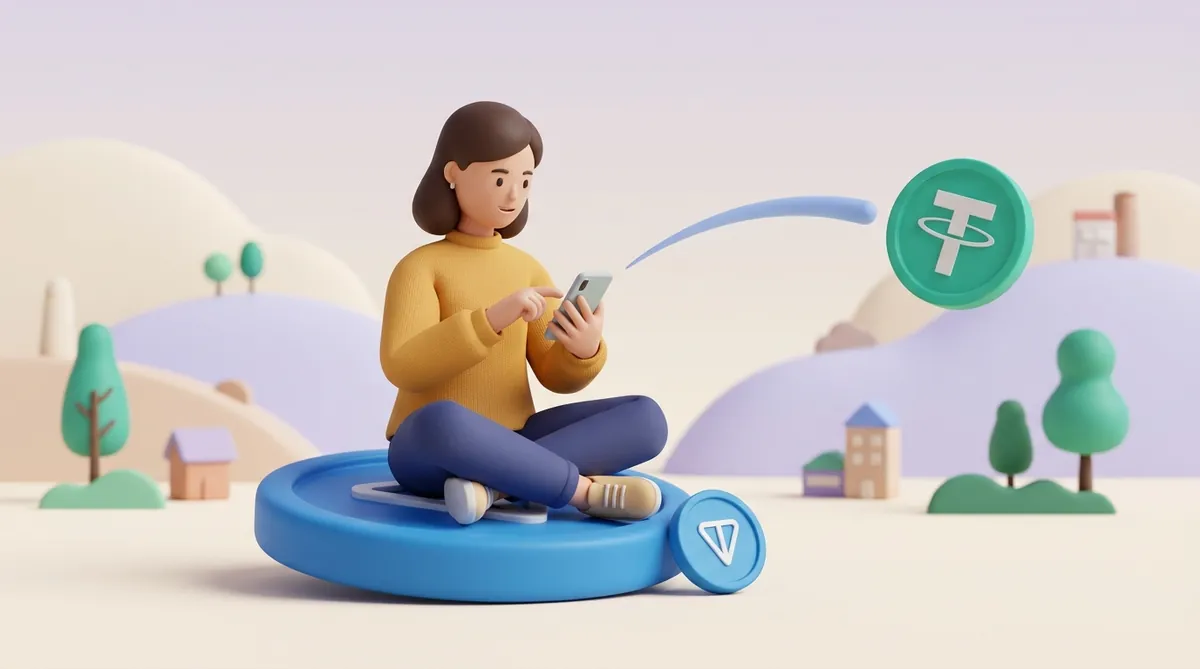
USDT on TON is the same Tether dollar you know from other networks, issued by Tether directly on TON since April 2024. A transfer arrives in seconds and costs a fraction of a cent, paid in Gram, TON's own coin, so keep a little Gram next to your USDT. When you deposit to an exchange, copy the memo along with the address if the deposit screen shows one.
TON, short for The Open Network, is a blockchain closely tied to Telegram. Its own coin is Gram. Until mid-June 2026 the coin was called Toncoin, and older guides and some apps still use that name.
USDT on TON is a jetton: TON's word for a token issued on TON, the way TRC-20 is the word for a token on TRON. Tether issues it itself, so it is not a wrapped copy or an IOU from some bridge. One USDT on TON is backed by Tether the same way as one USDT on TRON or Ethereum.
What differs is the road it travels. USDT on TON moves only between TON addresses. It cannot land on a TRON or Ethereum address directly; to switch roads, you go through an exchange or a swap service that handles both networks.
A TON address is 48 characters long and usually starts with UQ or EQ. Both are the same wallet written two ways, so if a wallet shows your UQ address as EQ, nothing is broken. The same address receives both Gram and USDT. If you want the bigger picture of the network itself, here is what the TON network is and what it costs to send money on it.
As of October 2026, a USDT transfer on TON costs about 0.001 Gram in network fees, well under a cent. The fee is fixed: it does not climb when the network is busy.
The catch is that the fee is paid in Gram, not in USDT. A wallet holding 500 USDT and zero Gram cannot send a single cent of it. The fix is to keep a little Gram next to your USDT; a dollar's worth covers a long run of transfers.
Your wallet may still ask for a slightly bigger Gram balance than the fee itself. That is normal: wallets attach a little extra Gram to each USDT transfer to be safe, and the unused part comes back to you.
If you have no Gram at all, there are two ways out:
Exchanges and custodial apps play by different rules. When you withdraw USDT on TON from an exchange, the exchange charges its own withdrawal fee, usually a fixed amount of USDT and much higher than the network fee. The withdrawal screen shows that fee before you confirm. If you are picking a network partly on price, it helps to see USDT transfer fees and speed on each network side by side.
Any wallet that supports the TON network holds USDT on TON. The real choice is between two kinds of wallet:
Keeper is the wallet most guides still call Tonkeeper. It was renamed in September 2026 and now holds coins on several other networks too, TRON among them. Its TON side works as before.
Holding several networks in one app adds one thing to watch. Keeper can keep USDT on TON and USDT on TRON side by side as two separate balances, each with its own address. When you receive or send USDT on TON in Keeper, pick the entry marked TON.
For a self-custody wallet, the recovery phrase matters more than the app you pick. Anyone who sees it can empty the wallet from their own phone, and if you lose it along with your phone, nobody can restore your coins. Before you put real money into a new wallet, read up on how to keep your seed phrase and private key safe.
There are three common ways to get USDT on TON, from cheapest to most convenient:
Whichever way you choose, check that what lands in your wallet is labelled USDT on TON, not just USDT. That label is how you know the coins can travel on the network you meant.
Sending USDT on TON takes under a minute once you have the recipient's address. Here is the order:
A memo is a short note attached to a transfer. Between two personal wallets it is optional and only carries a message.
Exchanges use it differently. Many exchanges receive deposits from thousands of customers at one shared TON address, and the memo is the number that tells the exchange whose deposit it is. When an exchange needs a memo, it shows it on its deposit screen, right next to the address.
Without the memo, your USDT still reaches the exchange, but the exchange cannot tell it is yours, so it does not appear in your account. That is why the rule is simple: if a deposit screen shows a memo, copy it along with the address, every time.
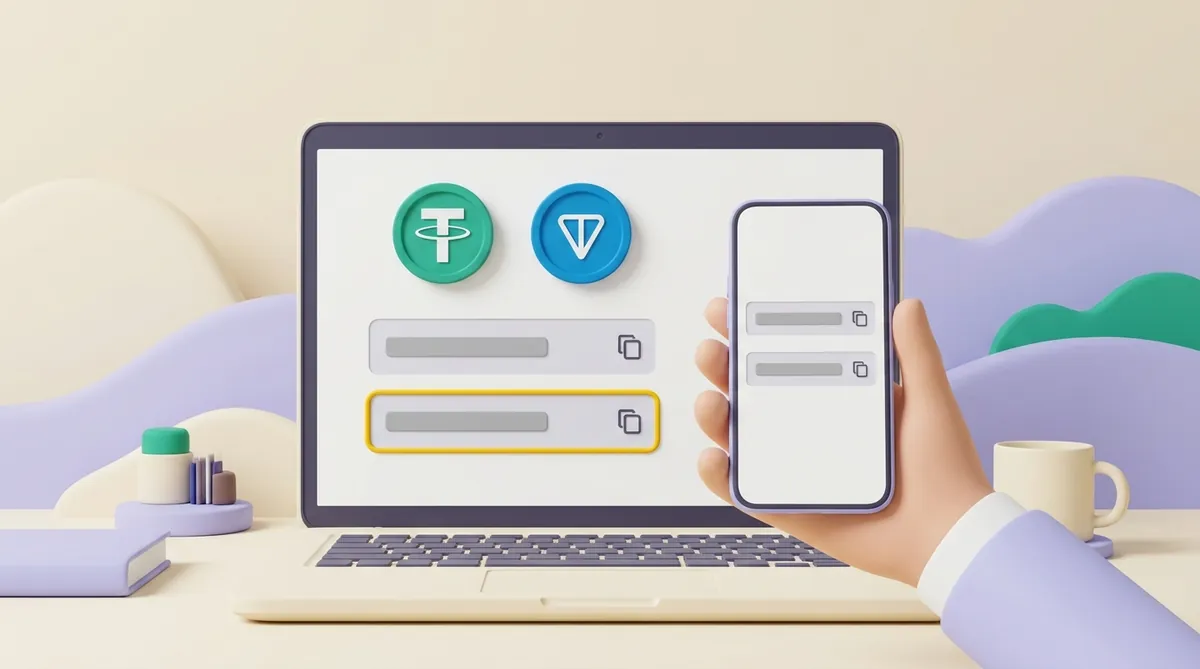
Moving USDT on TON from an exchange to Keeper, the app that used to be called Tonkeeper, goes like this:
Going the other way, from Keeper back to an exchange, the memo becomes the key detail. On the exchange's deposit page, choose USDT, pick TON as the network and copy the address, plus the memo if the page shows one. Then send from Keeper as in the previous section, pasting the memo into the comment field.
Every USDT transfer on TON is public. Tonviewer and Tonscan are TON's blockchain explorers: websites where you paste an address or a transaction ID and see what moved, when and to whom. If you have never read one, here is how to read a crypto transaction in a blockchain explorer.
An explorer settles most arguments about a payment. Three things are worth checking on the transfer page:
That last point matters because anyone can create a token on TON, call it USDT and give it Tether's logo. The real USDT on TON has one contract address, also called the jetton master address: EQCxE6mUtQJKFnGfaROTKOt1lZbDiiX1kCixRv7Nw2Id_sDs. In an explorer, click the token's name in the transfer and compare the address it opens with this one.
You may also come across older bridged versions on TON named jUSDT or oUSDT. They were created by bridges before Tether issued USDT on TON itself, and they are separate tokens with their own contract addresses, not Tether's USDT on TON.
A lookalike token often comes with a story: a buyer pays "USDT" that shows in your wallet but cannot be sold or withdrawn anywhere. If that has happened to you, find out whether flash USDT is real and whether it can be withdrawn.
Most USDT in circulation still lives on TRON and Ethereum, and those are the networks exchanges and payers expect by default. TON wins when the people you pay or get paid by live in Telegram and already hold a TON wallet, and when tiny, fixed fees matter more than how many services know the network.
Before you ask someone to pay you in USDT on TON, check that they can. Some exchanges and wallets list USDT only on TRON, Ethereum or BNB Chain, and a payer whose exchange has no TON option would have to move the money twice: first to another exchange, then on to you. That costs them two withdrawal fees and a fair amount of patience.
The working rule is that the best network is the one both sides support. A fast, cheap network does nothing for you if the other side cannot receive on it, and a familiar network costs little extra when both of you already use it. When the choice is yours to make, weigh it with which USDT network to pick when you send and when you get paid.
USDT on TON is Tether's own dollar on a fast, cheap network with deep roots in Telegram. Four habits keep it that way for you:
The USDT is not lost: it sits in the exchange's shared deposit address, but the exchange cannot match it to your account. Contact the exchange's support and give them the transaction ID from the explorer, the amount and the time. Once the exchange confirms the transfer is yours, it can credit the deposit by hand, though that can take a while.
Yes. On TON the sender pays everything it takes to deliver USDT, including setting up the USDT balance on a brand-new address. You only need Gram, or a wallet that can pay the fee in USDT, when you want to send that USDT on.
No. A transfer of USDT on TON needs a TON address, and a TRON address, which starts with T, is not one, so the wallet will not send it. To move USDT from TON to TRON, deposit it to an exchange on the TON network and withdraw it on TRON, or use a swap service that handles both networks.
There is no fixed number: Gram's price moves with the market, while USDT stays close to one dollar. Older pages and many apps still show the rate as TON to USDT, because Gram was called Toncoin until June 2026. The swap screen in your wallet, or the trading page on an exchange, shows the live rate and the fee before you confirm.
Create an account and connect the checkout yourself, or talk to sales and we will plan the integration with you.