How to send bitcoin, and what to check before you press Send
Published
21.10.2026
Updated
21.10.2026
Contents
You send bitcoin from the Send screen of whatever wallet or app holds it, by pasting the recipient's bitcoin address and the amount. With a fee that matches current traffic, the payment gets its first confirmation in about ten minutes on average, and after that nobody can reverse it. So most of the job is making sure the money goes to the right address on the right network.
What you need before you send bitcoin
Three things have to be in place before the Send button does anything useful:
Bitcoin you can move. It sits either in a wallet app where you hold the keys yourself, or in an account at an exchange or payment app such as Coinbase or Cash App. Both can send; the difference is who signs the payment.
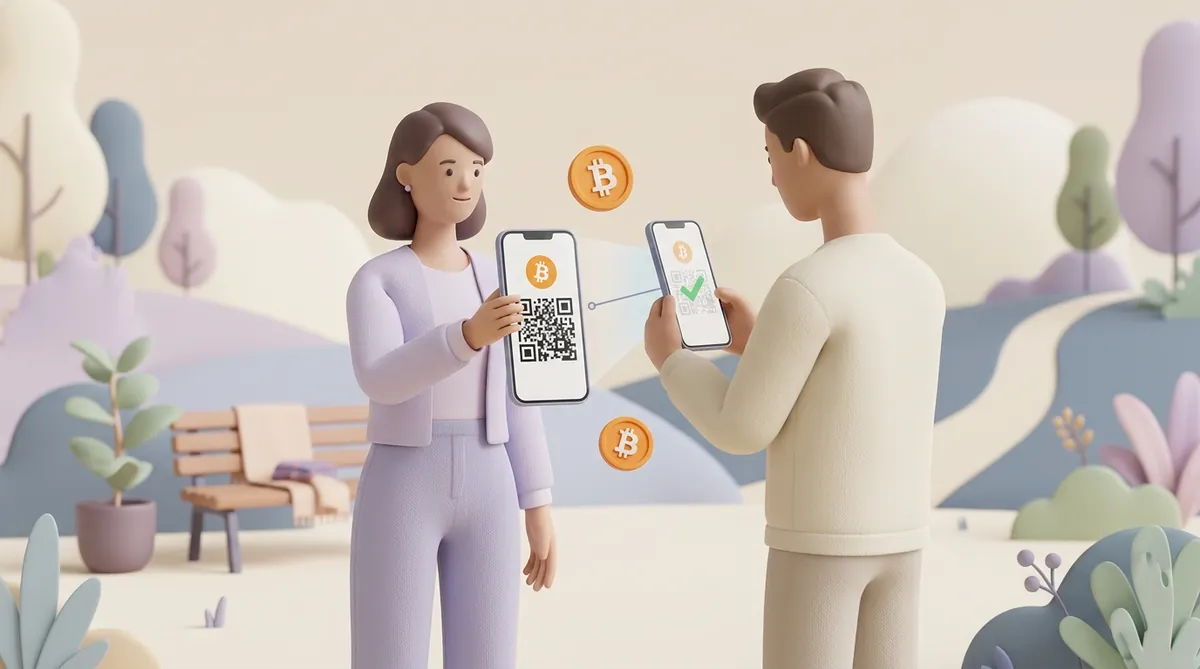
The recipient's bitcoin address. It is a long string of letters and numbers, or a QR code that holds the same string. The recipient finds it on the Receive screen of their own wallet and sends it to you.
A little extra for the fee. The network fee is paid in bitcoin on top of the amount. A wallet holding exactly 0.01 BTC cannot send exactly 0.01 BTC, which is why many wallets have a "send max" option that subtracts the fee for you.
Where your bitcoin sits decides who actually presses Send. In an exchange or payment app, the company holds the keys and sends on your instruction. In your own wallet, you sign the payment yourself, and a hardware wallet keeps those keys on a separate device with its own screen.
The first characters of an address tell you which network the payment will travel on. The network has to be the same on both ends, so read the start of the address before anything else:
Starts with bc1, 1 or 3. This is a regular address on the Bitcoin network itself. Any bitcoin wallet or app can send to it.
Starts with lnbc. This is a Lightning invoice. Lightning is a second layer built on top of Bitcoin for fast, small payments: you need a wallet or app that supports it, and the invoice works only for a limited time.
Starts with 0x. This is not a Bitcoin address at all. It belongs to Ethereum, BNB Smart Chain or a similar network, where bitcoin exists only as a token copy, and a normal bitcoin wallet will refuse to send to it.
The 0x case usually comes up at an exchange. When you withdraw BTC, the exchange may list several networks, and only "Bitcoin" (or "Lightning", for an invoice) delivers real bitcoin. The other options deliver a token that tracks bitcoin's price, and it arrives only in a wallet that supports that network.
How to send bitcoin to another wallet, step by step
The order below is the same in almost every wallet and app; only the button names differ:
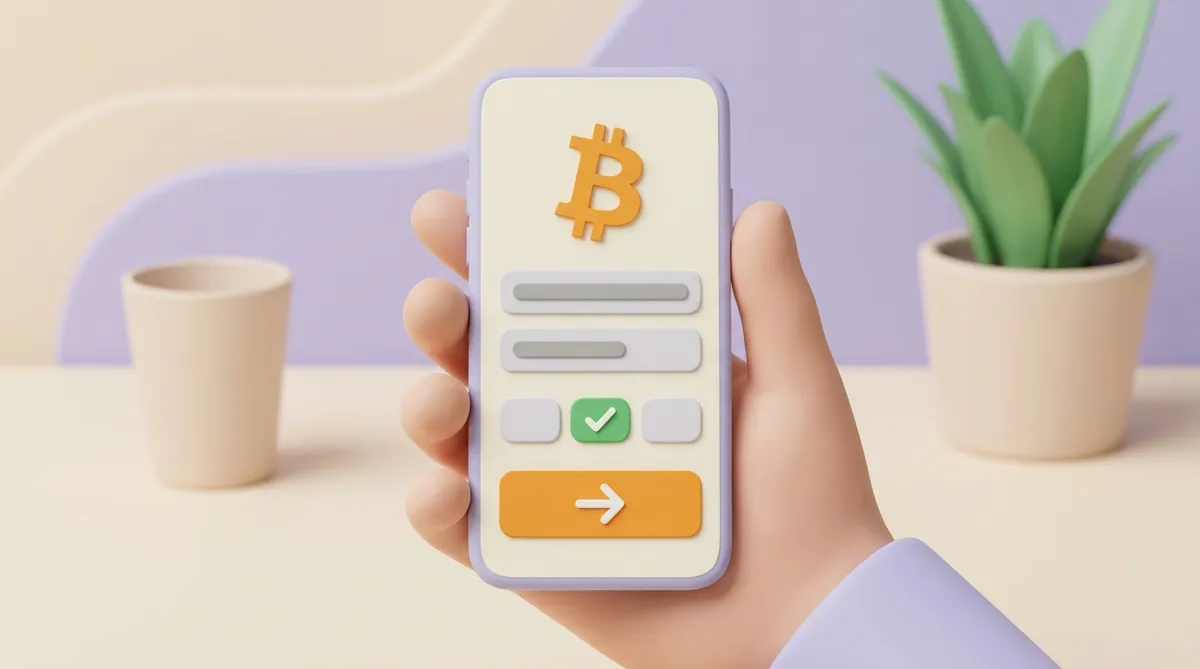
Open Send and choose bitcoin. In a wallet that holds several coins, pick BTC, and if the wallet asks for a network, pick Bitcoin, or Lightning if you were given an invoice.
Paste or scan the recipient's address. Copy the address from the recipient's message or scan their QR code rather than typing it. Bitcoin addresses carry a built-in check, so a wallet almost always rejects an address with a typo in it.
Compare the pasted address with the original. Check the first five characters, the last five and a few in the middle against what the recipient sent you. Malware on a computer or phone can swap a copied address for a different one, and a wrong but valid address goes through without any warning.
Enter the amount and check the unit. Many apps let you type the amount in dollars, in BTC or in satoshis, the smallest unit of bitcoin (one hundred-millionth of a bitcoin). Make sure the field shows the unit you mean before you go on.
Choose the fee. Wallets offer speeds such as fast, normal and slow, or let you set a rate yourself. A faster option pays more to get into the next block; the section on the bitcoin transfer fee below explains the trade-off.
Review the summary and confirm. The summary screen shows the address, the amount, the fee and the total. Confirm with your PIN, password, two-factor code or the button on your hardware wallet.
Save the transaction ID. After sending, the wallet shows a transaction ID, a long string also called a TXID. It works as your receipt: the recipient or a support team can find the payment by it.
For a large first payment to a new address, it is worth sending a small test amount first and waiting until the recipient says it arrived. The test costs one extra fee and rules out a wrong address or a wrong network before the real money moves.
Step three matters more than it looks, because copying from the right source is half of the check. Take the address from the recipient each time, not from your own transaction history. That habit also defeats a trick called address poisoning, in which a scammer sends you a tiny payment to plant a lookalike address in your transaction history.
Sending bitcoin to someone from Coinbase, Cash App or another app
Apps that sell bitcoin hide two different actions behind the same Send button:
Sending to another user of the same app. You pick the person by username, $Cashtag, email or phone number. The app moves bitcoin inside its own records, nothing goes on the blockchain, so there is no network fee and the payment appears at once.
Sending to an outside address. The app asks for a bitcoin address or a Lightning invoice and broadcasts a real transaction. A fee applies here, and the app sets it its own way, sometimes as a flat withdrawal fee rather than the network's going rate.
Before bitcoin can leave such an app, expect it to ask you to verify your identity first. If you are sending to a friend who uses the same app, the in-app transfer is the simplest route; if they gave you an address, you are making an outside transfer, and everything in the step-by-step list above applies.
What the bitcoin transfer fee depends on
The fee does not depend on how much bitcoin you send. It depends on how much space your transaction takes in a block and how many other people want that space at the same moment:
Size. Space in a block is counted in virtual bytes. A simple transfer from a modern wallet takes roughly 140 of them, and a wallet that has to bundle many small incoming payments to cover the amount builds a bigger transaction and pays more.
Rate. Fees are quoted in satoshis per virtual byte. Miners, the computers that build blocks, take the highest rates first, so the rate you need rises when the network is busy and falls when it is quiet.
Here is how that plays out. At 5 satoshis per virtual byte, a 140-byte transfer costs 700 satoshis; on a busy day at 50, the same transfer costs 7,000. Whether that transaction moves 0.001 BTC or 2 BTC makes no difference to the fee.
The cheapest way to send bitcoin depends on how fast it has to arrive and how much you are sending:
Choose the slow option when nothing is urgent. The wallet sets a lower rate and the payment waits for a quieter block. The cost is time: hours instead of minutes, and on a busy day longer.
Look at current rates before you send. Fee trackers such as mempool.space show what the next blocks are charging right now. If the rate is high and the payment can wait, sending later is often cheaper.
Use Lightning for small amounts. When both sides support it, a Lightning payment arrives in seconds and costs far less than an on-chain fee. Large payments can fail on Lightning when the route lacks capacity, so it suits small sums best.
Send inside one app when you both use it. A transfer between two users of the same app skips the network and its fee entirely. The limit is that the recipient has to be in that app.
Merge small coins while fees are low. Sending many small receipts to your own address on a quiet day turns them into one coin, and later payments become cheaper. You pay one fee now to save on several later.
When you are paying a business rather than a friend, the network fee may be only one line of the bill. Exchanges add withdrawal fees and payment pages can add their own, so before comparing prices it helps to see how network fees, gateway fees and checkout costs add up.
How long bitcoin takes to send
A bitcoin payment is waiting from the moment you send it until it gets into a block. Once it is in a block, it has one confirmation, and every new block on top adds another. How long all this takes comes down to a few things:
Block timing. The Bitcoin network adds a block about every ten minutes on average, but the timing is random. The next block can come in a minute, and now and then it takes half an hour or more.
Your fee. A fee that matches current traffic usually gets in within the next block or two. A low fee can wait hours or days.
What the recipient waits for. A friend's wallet shows the incoming payment within seconds as unconfirmed. An exchange or a shop decides how many confirmations it waits for before crediting it: some take one, others several. Six is the traditional cautious number, about an hour.
Lightning. A Lightning payment settles in seconds, because it doesn't wait for a block at all.
The sending app's processing. When you withdraw from an exchange or app, the clock starts only when it broadcasts the transaction. Processing and reviews can add minutes or hours, especially on a first withdrawal.
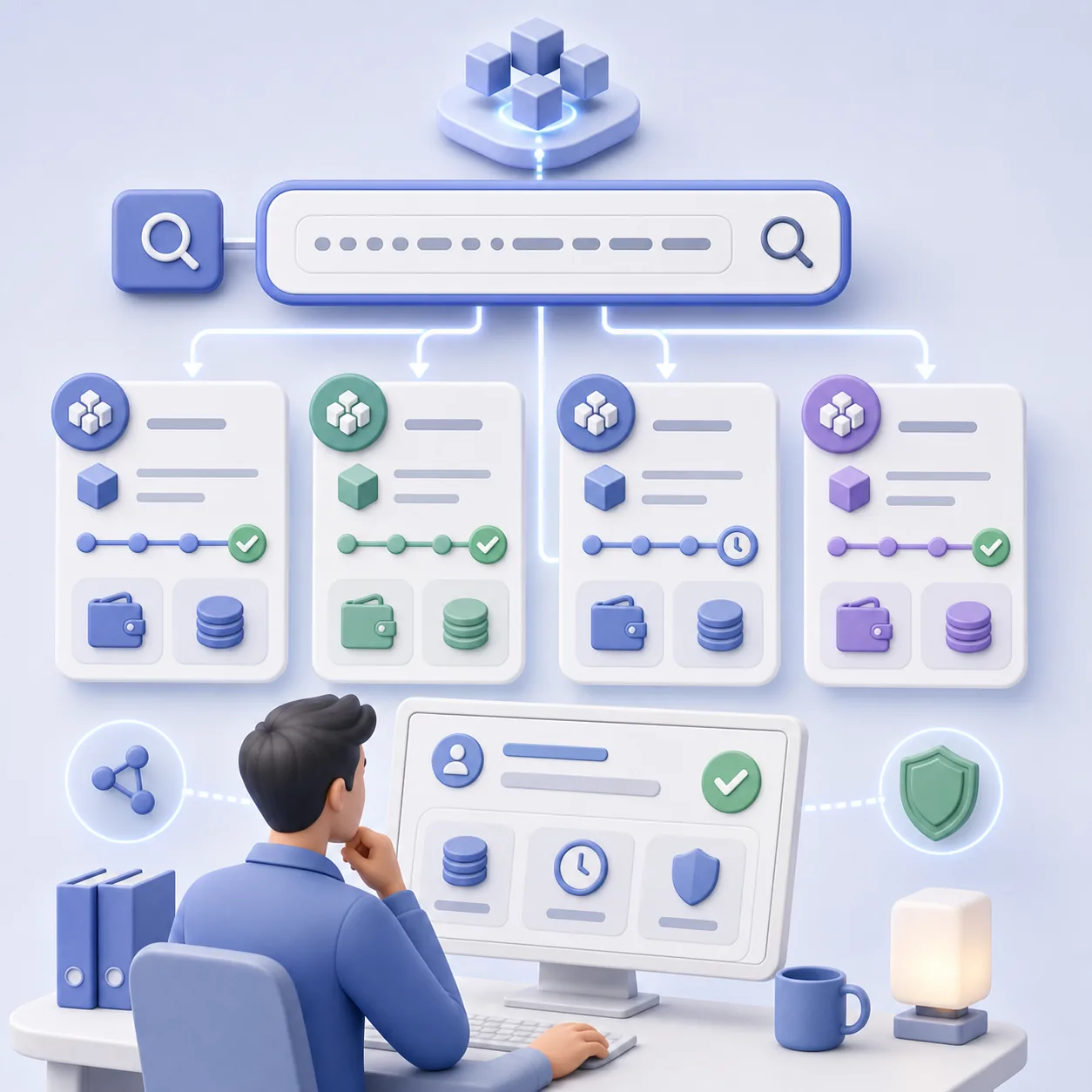
To see where a payment stands, paste the transaction ID into a block explorer, a public website that shows every Bitcoin transaction. It tells you whether the transaction is waiting or confirmed, how many confirmations it has and what fee it paid. The fields make sense quickly once you know how to read a crypto transaction in a blockchain explorer.
Why a bitcoin transaction stays pending for hours
Pending means the transaction is sitting in the mempool, the waiting room of transactions that no block has taken yet. If your fee rate is lower than what others are paying, miners keep choosing their transactions over yours. Your bitcoin has not gone anywhere: the transaction either confirms or eventually drops out.
A stuck transaction leaves you four ways forward:
Wait. When traffic eases, low-fee transactions get picked up. The cost is not knowing how long: it can be hours or days.
Bump the fee yourself. Wallets with a "Bump fee", "Speed up" or "RBF" (replace-by-fee) option send the same payment again with a higher fee, and the new version replaces the stuck one. It costs the higher fee and works only from the wallet that sent the payment, not from an exchange.
Let the recipient pull it through. The recipient can spend the incoming, still unconfirmed bitcoin onward with a high fee. Miners then take both transactions together because the pair pays well; this is called child pays for parent, or CPFP. It costs a second fee and needs a wallet that allows spending unconfirmed coins.
Let it drop out. If nothing confirms it, most of the network forgets the transaction after about two weeks, and the bitcoin becomes spendable in your wallet again. Some wallets show it only after you cancel the transaction in the app or rescan the wallet.
If the payment is pending in an exchange or payment app and there is no transaction ID yet, the transaction has not reached the network at all. In that case the app is still processing it, and only its support team can say why.
Can you cancel a bitcoin transaction?
You can cancel only while the transaction is still unconfirmed, and only if your wallet supports replace-by-fee. The wallet replaces the payment with a new one that sends the same bitcoin back to your own address at a higher fee. It is a race: if the original lands in a block first, the cancellation fails.
Once a transaction is confirmed, nobody can reverse it, and only the recipient can send the bitcoin back. A withdrawal from an exchange is a different case: some exchanges let you cancel it in the app while it is still processing, before they broadcast it.
In short
Sending bitcoin is a few taps; the care goes into what happens before them:
Read the start of the address. It tells you the network, and the network has to match on both ends.
Paste, then compare. Paste the address instead of typing it, and check it against the one the recipient sent.
Pick the fee by urgency. A higher rate buys a faster confirmation; a lower one saves money if the payment can wait.
Keep the transaction ID. It is the receipt that lets anyone find the payment in a block explorer.
If the payment stalls, a fee below the going rate is the usual reason, and the wallet that sent it is where you speed it up.
Questions people ask next
Which app should I use to send bitcoin?
Any wallet or app that holds bitcoin can send it, so the practical answer is usually the one where your bitcoin already sits. An exchange or payment app is the easiest place to start but sets its own fees and limits. A wallet where you hold the keys lets you choose the fee rate and speed up a stuck payment. If someone gave you a Lightning invoice, the app has to support Lightning.
Can I send bitcoin through Zelle?
No. Zelle moves US dollars between bank accounts and does not carry bitcoin or any other cryptocurrency. You can send dollars to someone through Zelle, but if the goal is for them to receive bitcoin, the bitcoin itself has to go from a wallet or app to their bitcoin address.
What happens if I send bitcoin to the wrong address?
If the address has a typo, your wallet will almost certainly refuse it before anything is sent. If the address is valid but belongs to someone else, the bitcoin goes to whoever controls that address, and only they can send it back. When the wrong address belongs to an exchange, its support team is the one place to ask, and recovery is up to that exchange.
Why won't my app let me send bitcoin?
The usual reasons are an unfinished identity check, a sending limit already used up for the day or week, or an amount below the app's minimum withdrawal. Some apps also block sending to a newly added address for a while as a security measure. The app's help section or support team can tell you which one applies to your account.
Start accepting crypto payments
Create an account and connect the checkout yourself, or talk to sales and we will plan the integration with you.