October 25, 2026
CEX or DEX: what's the difference, and which kind of crypto exchange should you use?
Read article
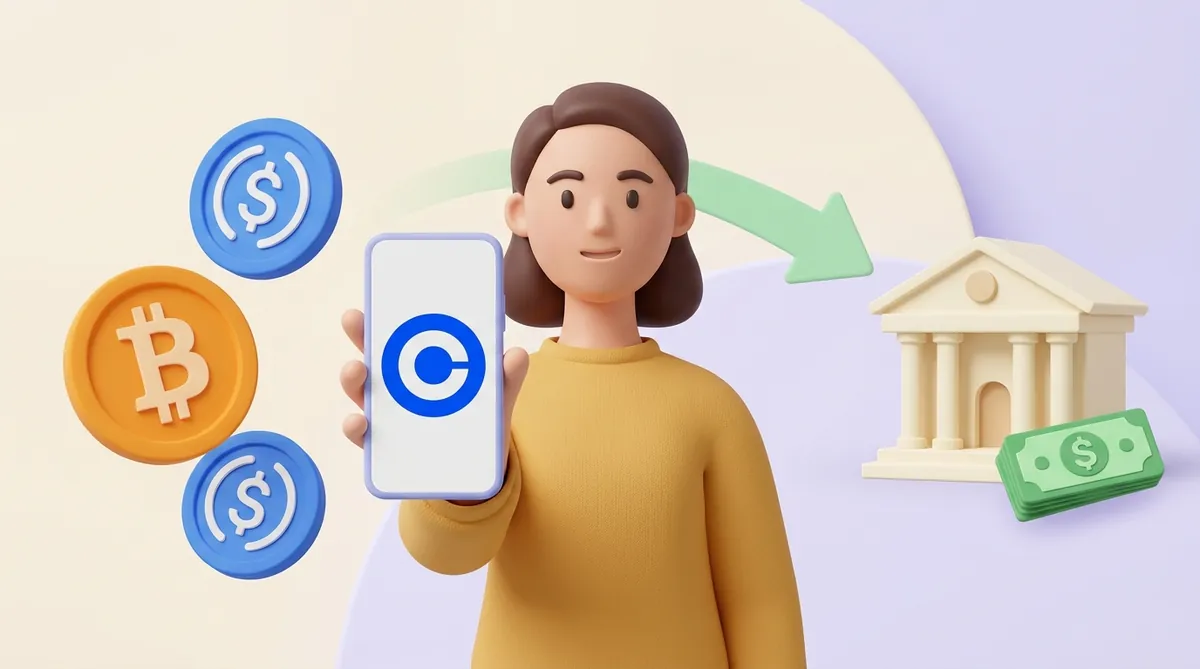
Using Coinbase takes four moves: verify an account, add a way to pay, buy, then keep, send or cash out. Three spots cost beginners money or time: the fee on small buys, the network on transfers, the hold on bank money. This guide slows down at each of them.
Coinbase is an exchange: a company that buys and sells crypto for you and keeps it in an account it looks after, much like a bank keeps your dollars. You log in with a password, and if you lose access, Coinbase can help you back in. That safety net is the main reason people start here.
To open an account, have these ready:
The ID step is called KYC, short for "know your customer". Coinbase will not let you buy until it passes, and every licensed exchange runs the same kind of check, so it is worth knowing what KYC is in crypto and why the exchange wants your ID.
Once you are in, turn on two-step verification with an authenticator app or a security key rather than text messages. A code sent by SMS can be intercepted by someone who talks your phone company into moving your number to their SIM card. An app or a key stays on your own device.
A first purchase takes five steps:
The coin appears in your Coinbase account straight away. If you paid from a bank, though, Coinbase may not let you send it out or cash it for several days. That hold is explained in the section on withdrawals below.
A regular Coinbase account has no monthly fee. You pay per action, and each action is priced differently (figures as of November 2026):
The flat fee is what makes small purchases expensive. Someone who buys $20 of bitcoin in the US pays at least $1.49, about 7.5% of the money, before the spread. Buying less often in larger amounts, or moving to Advanced once you are comfortable, keeps that share down.
The only thing with a monthly price is Coinbase One, an optional subscription. Its cheapest plan, Basic, costs $4.99 a month and removes the Coinbase fee on up to $500 of trades a month. It pays off only if the fees it saves you each month add up to more than $4.99.
Sending to an outside wallet or exchange goes like this:
Coinbase cannot pull back a transfer sent to a crypto address, and it cannot recover money sent to a wrong address or over a wrong network. Bitcoin adds details of its own: the fee depends on how busy the network is, and addresses come in several formats that start differently. Before a first bitcoin transfer, go through what to check before you press Send on bitcoin.
Paying a friend who also uses Coinbase is simpler. Type their email, phone number or username instead of an address: the transfer stays inside Coinbase, arrives at once and costs nothing. Until the friend accepts it, it shows as pending.
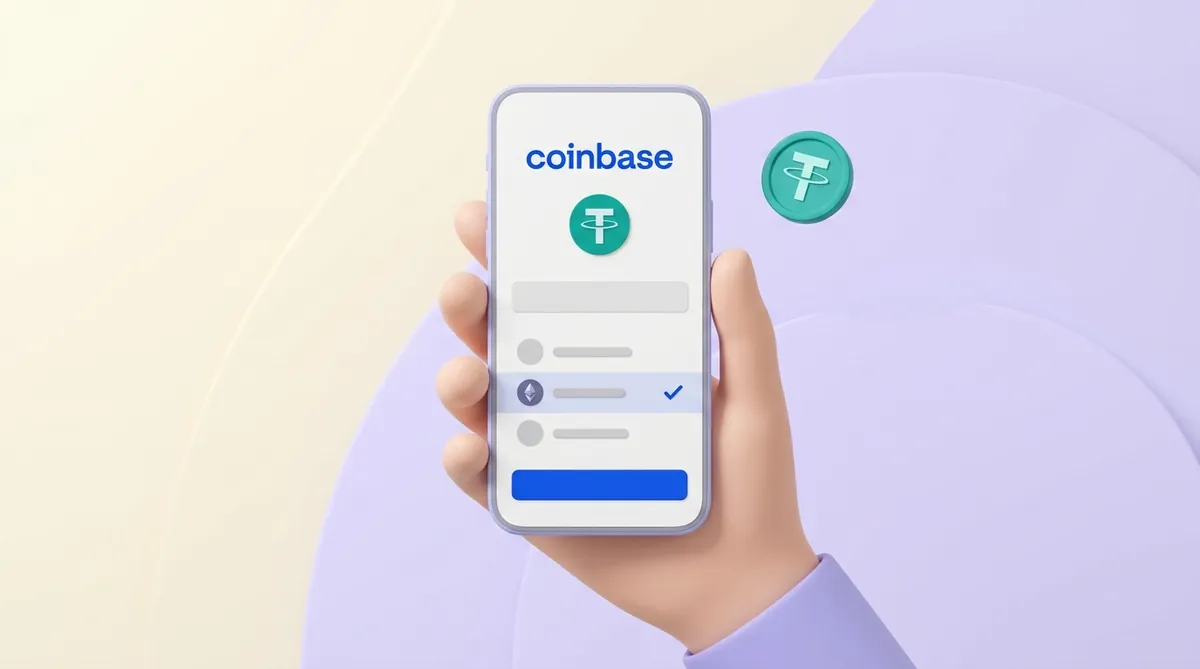
Receiving works the other way round. In Coinbase, tap Receive, choose the coin and the network, and Coinbase shows the address to give the sender, with a QR code next to it. Copy it from that screen every time instead of typing it by hand: one wrong character sends the coins to someone else. Tell the sender the network as well as the address: an address without its network is only half the instruction.
Finding your Coinbase address works the same way for every coin: it lives on this Receive screen, not in your profile or settings. Coinbase can show different addresses for different coins, so take the one for the exact coin and network the sender is using. If the string of characters still looks like gibberish, it helps to know what a crypto wallet address is and how to find yours.
USDT, or Tether, is a stablecoin: a token meant to stay worth one US dollar. It lives on many blockchains at once, among them Ethereum, TRON and Solana. The token is the same; the network is the road it travels on.
Coinbase accepts USDT only on some of those roads. To see which ones, tap Receive or Send, choose USDT, and look at the network list Coinbase offers. That list is the answer for today: it changes as Coinbase adds networks.
The rule is that both ends of a transfer must use the same network. Say a friend sends you USDT from another exchange. On Ethereum, your Coinbase address for USDT starts with 0x, and so do addresses on BNB Smart Chain and several other networks. The friend's exchange will happily send over a network Coinbase does not list for USDT, and that money will not show up in your Coinbase account. So ask the friend to pick a network that appears on your Coinbase list.
If the sender offers only a network Coinbase does not list, the transfer cannot come straight to Coinbase. It has to land first in a wallet or at an exchange that supports that network.
Networks also differ in what a transfer costs and how long it takes. A USDT transfer on Ethereum costs more than on networks built for cheap payments, and the gap matters when you move small amounts. Before choosing, compare the USDT transfer fee and time on each network.
"Pending" means the money has left one place and has not yet been confirmed in the other. One of these is keeping it there:
To see which one you are dealing with, open the transaction in Coinbase. If it shows a transaction ID, a long code also called a hash, the transfer is already on the blockchain. Paste that ID into a block explorer, a public website that shows every transaction on that network, and you can watch the confirmations come in.
If there is no transaction ID, the transfer has not left Coinbase yet, and only Coinbase support can say why. Reach it through the Coinbase app or its help center, never through a phone number found in search results: fake "Coinbase support" numbers are used to take over accounts.
Cashing out takes four steps:
In the US, Coinbase offers three speeds:
In the EU and the UK the money travels by SEPA or Faster Payments, and the app shows the fee and timing before you confirm.

When the Cash out button is greyed out or the amount looks smaller than expected, check these causes:
Selling also has a tax side. In the US, under IRS rules as of 2026, selling crypto for dollars or swapping one coin for another can produce a gain you owe tax on. For sales made on or after 1 January 2025, brokers such as Coinbase report the gross proceeds to the IRS on Form 1099-DA. If you sold at a profit this year, find out when crypto taxes are due and how much they come to.
Coinbase makes two apps with similar names, and they are easy to mix up:
The wallet has also changed its name twice. In July 2025 Coinbase renamed it the Base app, and on 10 September 2026 it went back to Coinbase Wallet. Guides written in between call it the Base app; it is the same product.
Setting it up takes four steps:

Which of the two apps fits you depends on a broader choice: keep crypto with a company that can help when something goes wrong, or keep it yourself and trade directly on blockchain-based exchanges. Each side has its own costs and risks, and it is worth weighing how to choose between a CEX and a DEX for buying, swapping and storing crypto.
Some people open Coinbase because a customer offered to pay them in crypto. That is a different job from the one the Coinbase app does: the app is for buying and holding your own coins, while taking payments needs invoices and a checkout page.
A freelancer can give a client the Receive address from their Coinbase account, and for a one-off payment that works. With regular orders, three problems appear:
For regular sales, sellers use a crypto payment service instead. Its invoice fixes the amount and the network in advance, so each payment arrives already tied to its order. Before picking one, look at how crypto payment services for sellers compare.
Coinbase is easy to use once you know where it charges and where it waits:
Coinbase does not publish one minimum for every coin and network. When you enter an amount on the Send screen, Coinbase tells you if it is below the limit for that network. The more practical floor is the network fee: on Ethereum it can eat a noticeable part of a small USDT transfer, so check the preview before you confirm.
Only one kind: a send to an email or phone number that the recipient has not accepted yet. Open the pending transaction and cancel it, and the money returns to your account. A transfer to a crypto address cannot be cancelled once it is sent; you can only wait for the network or ask Coinbase support through the app.
Yes, if they can use Coinbase too: send to their email or phone number, and if they have no account yet, Coinbase invites them to open one. A stablecoin keeps the amount steady in dollars on the way, and the one closest to home on Coinbase is USDC, which Circle launched together with Coinbase in 2018, so it helps to know how USDC works and what stands behind it. Whether your recipient can then cash it out in local currency depends on what Coinbase supports in their country.
This article is general information, not legal or tax advice.
Create an account and connect the checkout yourself, or talk to sales and we will plan the integration with you.