en

What is a crypto wallet address, and how do you find yours?

Published
04.11.2026
Updated
04.11.2026
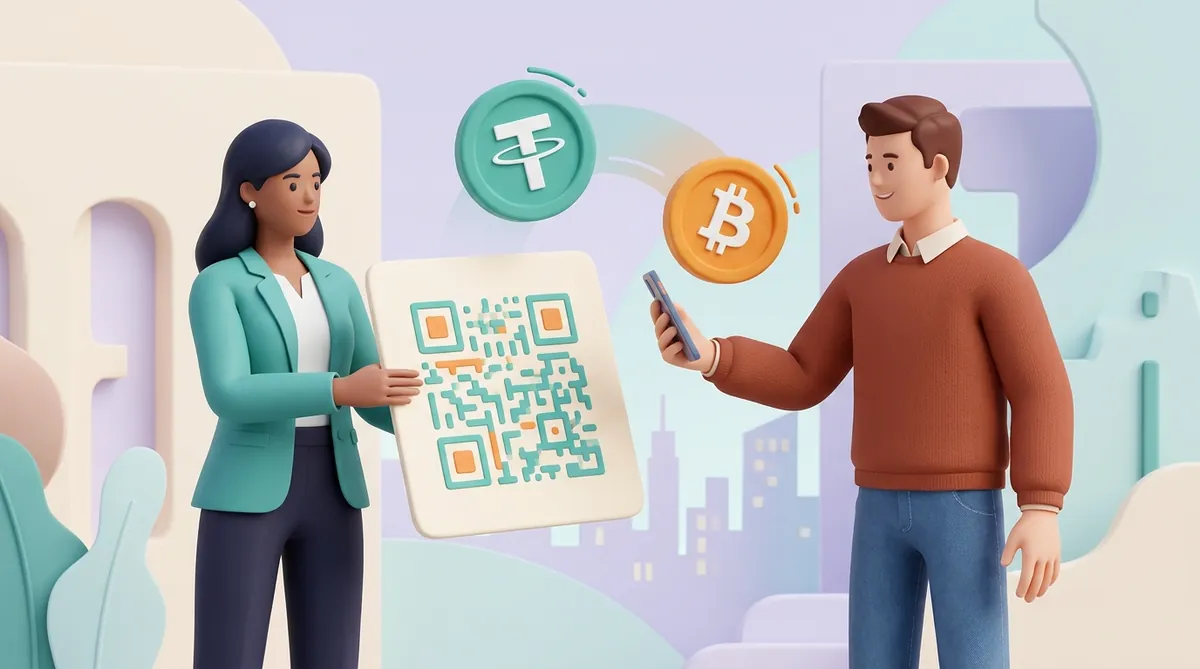
A woman in a teal blazer holds up a large card with a QR code while a man in a brown sweater scans it with his phone; a USDT coin and a Bitcoin coin fly between them
Contents

    A crypto wallet address is the string of letters and numbers other people use to send you crypto, much like a bank account number, and it is safe to give out. You find yours behind the Receive button in a wallet app, or under Deposit on an exchange, after you choose a coin and a network. Keep the address and the network together, because a correct address used on the wrong network can still lose the money.

    What "wallet address" means

    A blockchain is a public ledger, a shared record of who holds what. Your wallet address is the label on your line in that ledger. The coins never sit inside the app on your phone; the app holds the key that lets you move what is recorded against that line.

    The address and the key come as a pair and do opposite jobs:

    • The address receives. Anyone can have it, and all they can do with it is send you crypto or read your line in the ledger.
    • The private key spends. This secret number signs every transfer out of the address, and your wallet works it out from your seed phrase, usually the 12 or 24 words it showed you at setup.

    The address comes from the key through a one-way calculation, so nobody can work back from your address to your key. That is why one is public and the other stays with you. If you are not sure where those words went, start with how to find the seed phrase in your wallet.

    How to find your crypto wallet address

    The route is nearly the same in every app:

    1. Choose the coin. In your wallet or exchange app, open the coin you expect to receive.
    2. Choose the network. Pick the network the sender will use. Some apps list each coin-and-network pair as its own line, so this step happens together with the first.
    3. Open the address screen. Wallet apps call the button Receive and exchanges call it Deposit. Your address appears as text and as a QR code.
    4. Copy the address. Use the copy button or let the sender scan the QR code, and never retype it by hand.

    The same coin shows a different address in each app, because the two kinds of app work differently:

    • A self-custody wallet. The keys stay on your device, so the address is yours alone.
    • An exchange. You get a deposit address that the exchange controls. Crypto lands there, and the exchange adds the amount to your account balance.

    That difference also works in reverse. A withdrawal from an exchange usually comes from the exchange's own address, so if you need to pay someone back, ask for their address instead of using the sender address in your history.

    If you have neither kind of app yet, you need one before any of these screens exist, so start with the best crypto wallet for your situation.
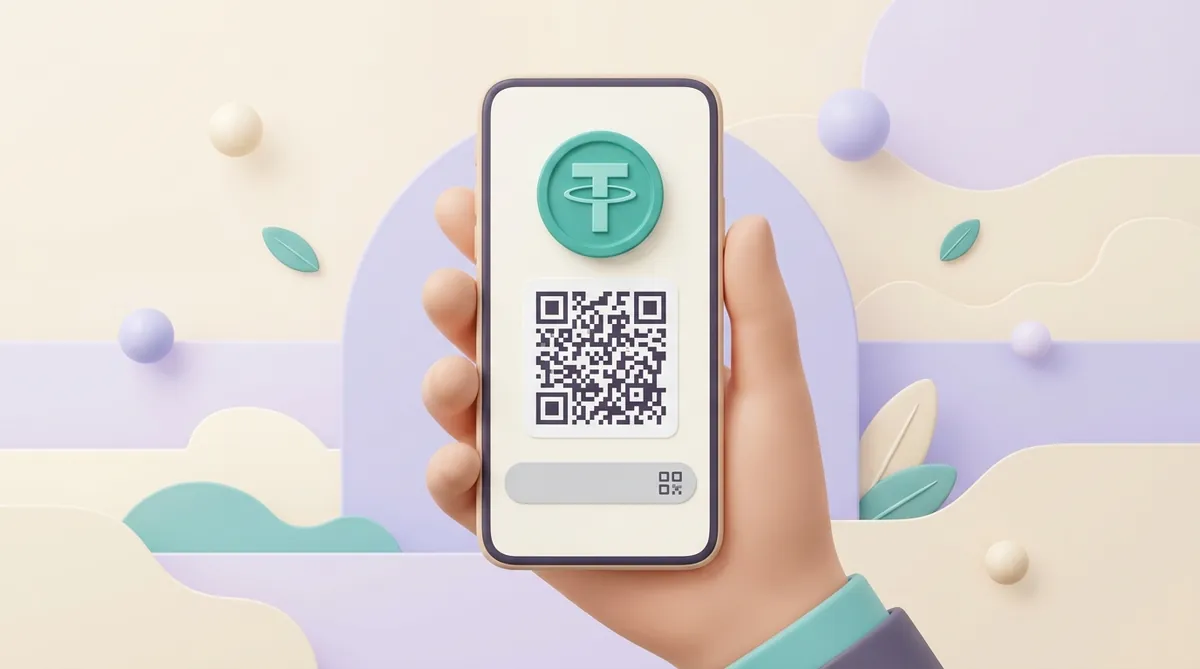
    A hand holds a phone: the screen shows a large USDT coin with the Tether symbol, a QR code under it and a grey address bar with a copy icon

    Where your address is on Coinbase

    In the Coinbase app, the steps are:

    1. Open the Pay tab. It sits on the navigation bar; older versions of the app use Transfer, then Receive crypto.
    2. Select the asset, then Receive. Pick the coin you expect and tap Receive.
    3. Select the network. Pick the network the sender will use, and Coinbase shows the QR code and the address.

    On the Coinbase website, select the asset and then Receive crypto. Coinbase's separate self-custody app, known as Coinbase Wallet and for a while as the Base app, has its own addresses, so an address copied from one is not the address in the other.

    How to find your address on Binance

    1. Open the deposit screen. Log in to the Binance app, tap Deposit, then Deposit Crypto. On the website, Deposit Crypto sits in the side panel.
    2. Select the coin and the network. Pick the coin, then the network of the platform you are withdrawing from.
    3. Copy the deposit address. Binance shows a QR code and the address, and the copy icon sits beside it. If a memo appears too, copy that as well.

    Finding your address in Trust Wallet

    1. Select the coin. Open Trust Wallet and pick the coin you expect. If it exists on several networks, check that you opened the one the sender will use.
    2. Tap Receive. Your address appears under the QR code.
    3. Tap Copy. The address goes to your clipboard, ready to paste into a message.

    Finding your address in MetaMask

    MetaMask now gives each account several addresses, one per type of network, so the step that matters is picking the right one:

    • In the browser extension. Your addresses sit under the account name on the home screen. Click the network addresses box there, then choose the address you need from the list, such as Ethereum or Solana. The same addresses are also listed under Account details.
    • In the mobile app. Tap the copy icon on the home screen, then pick the network from the list.

    If someone sent you USDT to the right address and your balance shows nothing, the token may simply not be listed in the app yet, and here is how to add USDT to MetaMask.

    What a crypto wallet address looks like

    The first characters and the length tell you the network. Here is one example for each, taken from that network's public documentation. They are for looking at only: never send anything to them, because the coins would go to a stranger or to nobody.

    • Bitcoin: starts with bc1, 1 or 3 and runs 26 to 62 characters. Example: bc1qar0srrr7xfkvy5l643lydnw9re59gtzzwf5mdq
    • Ethereum and networks built like it, such as BNB Chain, Polygon, Arbitrum and Base: starts with 0x and runs 42 characters. Example: 0x5aAeb6053F3E94C9b9A09f33669435E7Ef1BeAed
    • TRON: starts with T and runs 34 characters. Example: TNPeeaaFB7K9cmo4uQpcU32zGK8G1NYqeL
    • Solana: has no fixed opening and runs 32 to 44 characters. Example: vines1vzrYbzLMRdu58ou5XTby4qAqVRLmqo36NKPTg
    • TON: usually starts with UQ or EQ and runs 48 characters. Example: UQDKbjIcfM6ezt8KjKJJLshZJJSqX7XOA4ff-W72r5gqPuwA

    USDT has no address style of its own, which surprises people looking for a USDT example. It takes the format of whichever network carries it: USDT on TRON goes to an address starting with T, and USDT on Ethereum goes to one starting with 0x. So before anything else, you and the sender have to agree on a network, and the choice depends on which USDT network suits senders and which suits merchants.

    What a TON wallet address is

    A TON wallet address is 48 characters long and usually starts with UQ or EQ. The two prefixes are the same account written two ways. They differ in one flag that tells the sender's wallet whether a transfer may bounce back if the receiving side cannot take it:

    • UQ is the form for wallets. A transfer to a UQ address will not bounce off a brand-new wallet that has never been used, so the money arrives.
    • EQ is the form for smart contracts. These are programs that run on the network, and a bounce returns the money if the program fails.

    Two more things trip people up on TON:

    • The wallet version changes the address. A TON wallet is itself a small program, and its address is calculated from that program's code and your key. One seed phrase therefore gives different addresses in versions such as V4 and V5, so a balance that looks empty may be sitting under the other version.
    • The coin has a new name. The TON network's own coin has been called Gram (ticker GRAM) since June 2026, and before that it was Toncoin. The network is still TON, and addresses and balances did not change.

    You give out the same address for USDT on TON as for Gram. Sending it has its own steps, and they are in what USDT on the TON network is and how to send it.

    When an address alone is not enough

    A correct address can still lose money if it travels without the two things that belong with it:

    • The network. Ethereum, BNB Chain, Polygon, Arbitrum and Base all use the same 0x address, so a transfer on the wrong one looks perfectly normal and nothing warns you. In your own wallet the same key usually works on that other network, so adding the network brings the coins into view. An exchange that does not support the network may never credit the money.
    • The memo or tag. Some exchanges keep one shared address for all customers and tell them apart by a short extra code, called a memo, tag or comment. Binance asks for one on coins such as XRP and Stellar, and many exchanges ask for one on TON. Without it the transfer completes, but the deposit is not credited to your account automatically.

    Your own wallet usually needs no memo, since the address is yours alone.

    So when someone asks you to pay in USDT, get the full set from them in writing: the address, the network and the memo if there is one. With those three in hand, the rest is how to pay with USDT when you have never done it.

    If a deposit has already gone out without its memo, do not send a second transfer to test things. Write to the exchange's support with the transaction ID, because the exchange may be able to credit it by hand.

    How to check a crypto wallet address

    A wallet address checker can mean three different checks, and each answers its own question:

    • Is it written correctly? Paste the address into your wallet's Send field, and the wallet will reject most typos. Bitcoin, TRON and TON addresses carry a checksum, a few characters calculated from the rest, and Ethereum does the same job with its mix of capital and small letters. Solana addresses have no checksum, so a typo there can slip through.
    • Is it tied to stolen money? Risk-scoring tools, known as AML checks (AML stands for anti-money-laundering), compare the address's history with lists of known hacks and scams and return a score. Exchanges and payment services use them to screen deposits.
    • What has it done so far? Paste it into a block explorer, a public website that shows the ledger, such as Etherscan for Ethereum, Tronscan for TRON or Tonviewer for TON. You will see the balance and every transfer, and the rest comes down to how to read a transaction in a block explorer.

    None of these checks can tell you that the address belongs to the person you mean to pay. A stranger's valid address passes all three, so for a large payment, ask the recipient to confirm it through a second channel, such as a phone call.

    Any checker that asks for your seed phrase is a theft attempt, because a real check needs only the address.

    What to do before you send to an address

    A blockchain transfer has no cancel button, so the time to catch a wrong address is before you confirm. Four habits lower the risk:

    • Paste, do not type. One wrong character in a 42-character address is easy to make by hand and hard to spot.
    • Compare the whole address after pasting. Some malware swaps the address in your clipboard for its own, so check the pasted text against the original, including the middle.
    • Do not copy from your transaction history. Scammers send tiny transfers from addresses that look almost like yours or a contact's, hoping you will copy the fake one next time, and this trick is called address poisoning.
    • Send a small test first. For a large amount, send a few dollars and confirm they arrived before you send the rest. It costs one extra network fee and limits the worst case to those few dollars.

    Is it safe to share your crypto wallet address?

    Yes. An address can only receive, so nobody can take your coins just by knowing it. Moving them takes your private key, your seed phrase or your own signature on a transaction.

    Sharing does give away two things:

    • Your balance and history. Anyone with the address can open it in a block explorer and see what it holds and every transfer it has made. A client you invoice can also see your other income.
    • A way to reach you. Anyone can send tokens to any address, so scammers drop worthless coins carrying links to fake sites. Ignore tokens you do not recognise and do not follow their links.

    Theft comes through the key or a bad signature, after a fake site or message talks you into handing over one or the other. That is the risk worth guarding against, and it is explained in how a crypto wallet can get hacked.

    If the visible balance bothers you, keep a separate wallet for the addresses you publish or give to strangers. The cost is one more wallet to look after, and a transfer between the two is visible too, so this hides your balance from a casual look and not from a determined one.

    Can you give the same address to everyone?

    You can, and nothing breaks: an address keeps working however many times it is used. The costs show up elsewhere:

    • Payers can see each other. Anyone who has paid you can look up that address and see all your other incoming payments.
    • You cannot always tell who paid. If two customers each send 50 USDT, you see two transfers from addresses you may not recognise, and you are left asking them which is whose.

    A single address works fine for one client you know. A shop with regular orders is better off with a fresh address for each order, so that every payment matches itself to its order, and that is part of how to accept crypto payments on a website.

    The short version

    Your wallet address is a public label you can hand out freely, and you find it on the Receive or Deposit screen after choosing a coin and a network. Send it with its network and any memo, paste it instead of typing it, and guard the seed phrase, because that is what actually controls the money.

    Questions people ask next

    How do I create a wallet address?

    You do not apply for one anywhere. Installing a self-custody wallet and saving its seed phrase creates your addresses for free, and an exchange makes one for you when you open its Deposit screen. We don't recommend address generators on websites, because whoever runs the page may keep a copy of the key, and the address is only as safe as that key.

    Does my wallet address ever change?

    On Ethereum-style networks, TRON and Solana, an address stays the same unless you create a new one yourself. Bitcoin wallets usually show a fresh address after each use, and the old ones stay yours and keep working. Exchanges can retire addresses: Binance replaces older deposit addresses in batches and emails the people affected, and later deposits to an expired address are not credited automatically. That is a good reason to copy your deposit address from the app each time instead of from an old note.

    Can a wallet address be traced back to me?

    An address has no name on it, but its entire history is public and stays that way. The link to you appears where the address touches the real world, such as an exchange that holds your ID or a post where you published it. From there, analytics firms follow coins from address to address. Privacy coins such as Monero hide most of this trail by design, while on Bitcoin, Ethereum and the USDT networks it stays open, and businesses use it to give each wallet a crypto risk score.

    Start accepting crypto payments

    Create an account and connect the checkout yourself, or talk to sales and we will plan the integration with you.