October 5, 2026
What is a crypto payment gateway, and how does a business start taking payments through one?
Read article

A permanent limitation means PayPal has decided to stop working with you: the account will not be restored, and the balance stays on hold for up to 180 days before you can withdraw it. What is still in your hands is getting that money out, not opening a new account that would be limited too, and moving customers to another way to pay: crypto payments, a different card processor or a bank transfer.
PayPal uses the word "limited" for two different situations, and each calls for different moves:
To see which one you have, log in to PayPal yourself rather than through a link in an email, and look in two places:
If an email says your account is limited but the Resolution Center shows nothing, the email may be fake. PayPal asks you to forward such emails to its anti-phishing team, delete them, and change your password if you clicked anything inside.
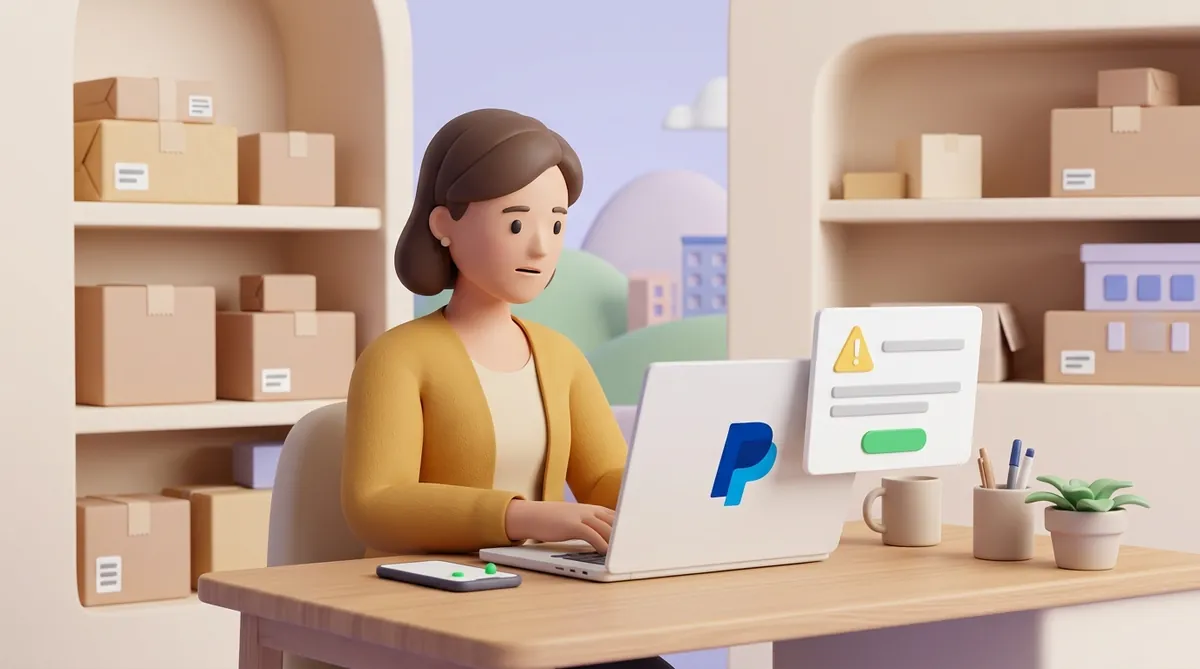
PayPal's help page on permanent limitations is short. It says PayPal regularly reviews accounts and payments against its Acceptable Use Policy, the list of what may and may not be sold through PayPal, and may end the relationship as its User Agreement allows. Local laws and the policies of PayPal's partners can also put an account out of reach.
PayPal's general page on limitations shows what those reviews catch:
PayPal emails the reason when it limits an account, so the notice is the first thing to reread. Even when it does not go into detail, the reason it gives points to one of these groups.
If claims and chargebacks were behind it, that matters beyond PayPal. A chargeback is a buyer asking their bank to reverse a card payment, and whichever card provider you move to will look at how often that happens to you. Before you open a new account anywhere, it is worth understanding what a chargeback costs a merchant and how to get fewer of them.
PayPal's help pages explain, step by step, how to lift a temporary limitation. For a permanent one they describe no appeal procedure, and they note that customer service usually can't lift a limitation over the phone.
That leaves two situations where writing back to PayPal makes sense:
Whatever you do, keep the notice, every email and every case number. You will need them to collect your balance and, if it comes to that, to complain outside PayPal.
Beyond these two situations, plan as if the decision is final. Your effort pays off on the two things you can still move: the money on hold and your customers.
A permanent limitation does not mean PayPal keeps your money. PayPal's User Agreement (US version, October 2026) lets it hold the balance of a limited or closed account for up to 180 days if that is reasonably needed to protect against liability, or if you broke the agreement or the Acceptable Use Policy. A court order or a regulator's requirement can keep the hold in place longer.
The 180 days match the buyer's window. Under PayPal's Purchase Protection program in the US, a buyer can open an "item not received" dispute within 180 days of paying. Disputes and chargebacks that land during the hold are paid out of the balance you are waiting for.
Here is an example. You had $3,000 on hold, and two buyers win disputes of $150 each over the next months. About $2,700 is left for you to withdraw.
While the clock runs, three things are worth doing:
Not to get around the limitation. PayPal's User Agreement (US version, October 2026) lists circumventing PayPal's decisions about holds, limitations and restrictions among restricted activities. One of its examples is attempting to open a new or additional account when an account has been restricted.
A new account in your name, with your bank account or your business details, is exactly what that rule is about. Once PayPal links it to the limited one, the new account can be limited as well, and the money in it can end up on hold too.
For a business, that means sending customers to an account that may stop working with their payments inside it. It is safer to build the next way to get paid on a service that has nothing to do with the old account.
The pressing question for a business is not the old account but how customers will pay you tomorrow. Three routes are worth comparing:
Crypto stands first here for a reason that matters right after PayPal. Once a crypto payment is confirmed by the network, it is final: there is no buyer dispute window hanging over the money for the next six months.
If your customers live in other countries, the choice narrows further. Card processors don't operate everywhere, and international transfers lose days and fees on the way, while a crypto invoice does not depend on the customer's bank at all. The full set of routes is laid out in how to accept payments from customers abroad when the usual ones fail.
CryptumPay is a crypto payment gateway. Here is what it offers a seller who needs a new way to get paid:
So a seller who signs up on Monday can send the first invoice the same day. To begin, create an account on the CryptumPay site.
Customers don't need the story of what happened with PayPal. They need to know how to pay you now, and the switch takes four steps:
If you have no developer, a payment link is the quickest replacement for a PayPal button. You create an invoice, paste the link into the chat or email where you already talk to the customer, and they pay from their phone. The setup, including QR codes for invoices, is covered in how to accept USDT with payment links and QR invoices.
A permanently limited PayPal account will not come back, but the money in it can still reach you once the hold ends and disputes are settled. Spend the waiting time answering disputes and moving customers to a new way to pay, not on a second PayPal account that would be limited too.
Don't send them there. PayPal has decided to stop serving the account, and a limited account can't send or withdraw money. Even if a payment gets through, it only joins the balance you can't touch for months, so point every customer to your new way to pay.
Write to PayPal through the Message Center, give the date of the notice and your case number, and keep the reply. If no answer comes or it doesn't resolve anything, the next step is a complaint to the financial ombudsman or regulator in your country. In the UK, the Financial Ombudsman Service takes complaints against PayPal and has ruled on permanently limited accounts (as of October 2026).
It is not a safe workaround. PayPal's User Agreement (US version, October 2026) treats using someone else's account to get around a limitation as a restricted activity. If PayPal connects the two, the other person's account can be limited as well, with their money on hold.
This article is not legal advice.
Create an account and connect the checkout yourself, or talk to sales and we will plan the integration with you.