

July 29, 2026
What Are Embedded Crypto Wallets? How In-App Wallets Work
Read article
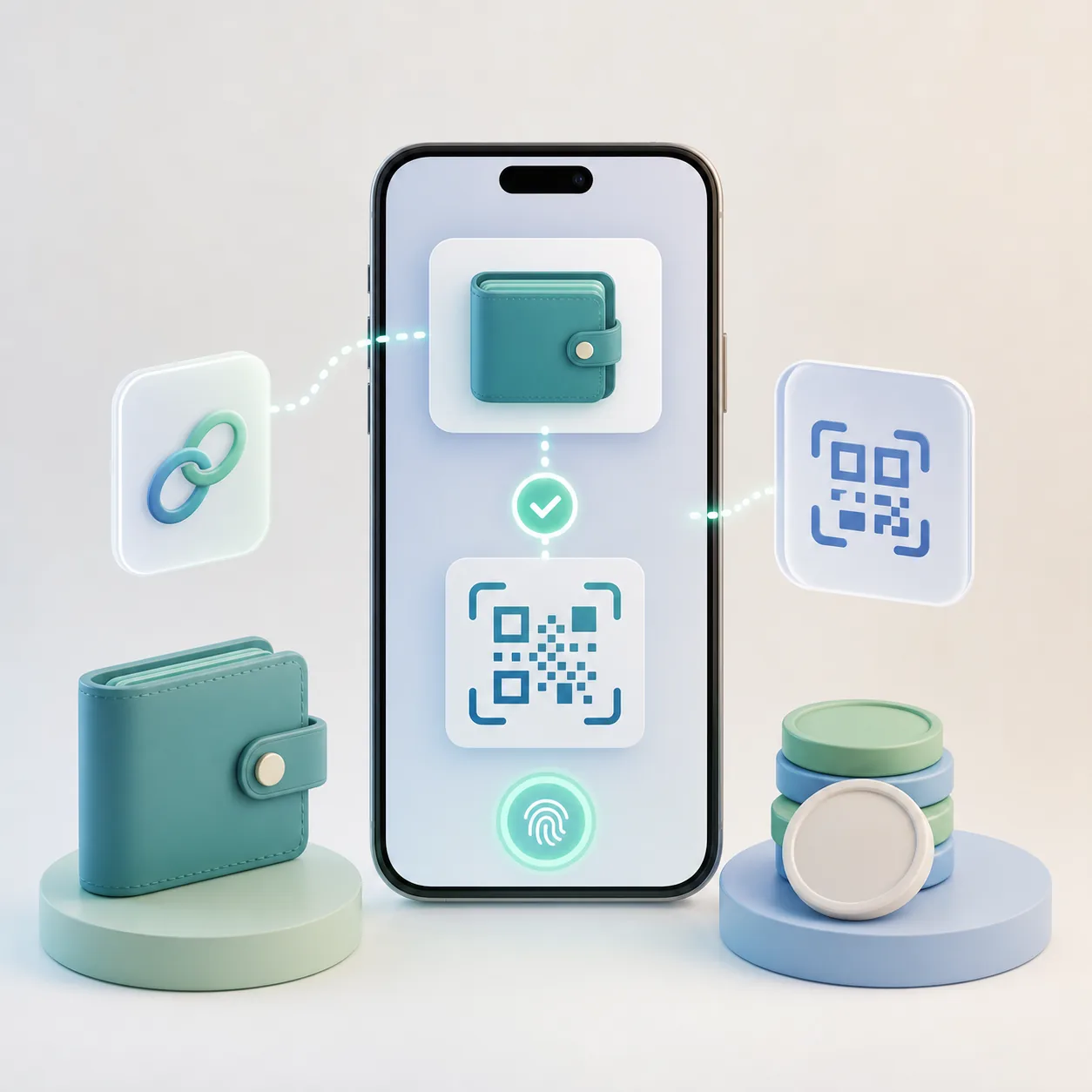
When an app asks you to “connect wallet,” it can feel like a normal login. In reality, it is a different kind of action. A wallet connection can show an app your public wallet address, let the app request signatures, and help prepare transactions for confirmation. It is not the same as entering a password, and it is not the same as sending a payment.
WalletConnect is one of the protocols that makes this connection possible. It lets a crypto wallet and an app communicate without giving the app access to the user’s private keys. That sounds simple, but the user experience around it can still be confusing: connect wallet, sign message, approve token, send transaction, pay gas, wait for status.
For crypto payments, these differences matter. A good wallet-based checkout should not merely open a wallet. It should make the payment context clear: what asset is being paid, which network is used, how much is required, where the funds go, what fee may appear, and when the order, balance, subscription, or account will update.
WalletConnect is a communication layer between a crypto wallet and an app. The app can be a DeFi interface, marketplace, game, mobile product, payment page, or another Web3 service. The wallet stays under the user’s control. The app sends a request. The wallet shows the request. The user decides whether to approve it.
The most important point is simple: WalletConnect does not give the app your seed phrase or private key. Your wallet remains the place where signing happens.
A connection can let the app see basic wallet information, such as the public address and supported network. It can also let the app request actions, such as signing a message or confirming a blockchain transaction. The danger is not the connection alone. The danger is approving something you do not understand.
This is also why connecting a wallet is different from giving a token approval. A token approval can let a smart contract spend a specific token from your wallet under certain conditions. If you want the deeper security difference, read the guide to token approvals and wallet permission revokes. For this article, the key idea is narrower: “connected” does not always mean “authorized to spend,” but a connected app may still ask for risky signatures or transactions.
Wallet UX often compresses several different actions into one mental category: “I clicked approve.” That is where mistakes happen.
Connecting a wallet usually creates a session between the wallet and the app. The app may learn your public address and request permission to interact with that wallet account. This is often needed before the app can show balances, prepare a transaction, or personalize the interface.
Signing a message is different. It can be harmless, such as proving that you control a wallet address. But signatures can also be used in more sensitive flows, depending on what the message says and how the app uses it. Users should not sign unclear messages just because the wallet popup looks familiar.
Approving a token is different again. If you approve a token allowance, a smart contract may be able to move that token within the approved limit. Unlimited approvals are convenient, but they can become a long-lived risk if the contract, app, or user’s browsing behavior becomes unsafe later.
Sending a payment is the most concrete action. It creates a blockchain transaction that transfers funds or executes a smart contract call. Before confirming, the user should check the asset, network, destination, amount, and fee.
A strong crypto app makes these differences visible. A weak app hides them behind one button and leaves the user guessing.
WalletConnect by itself is not a payment system. It helps the wallet and app communicate. A payment still needs a payment context.
For a normal online order, that context includes:
Without this context, wallet linking can become a prettier version of manual transfer. The customer may still choose the wrong network, miss the gas requirement, send the wrong amount, or fail to understand whether the payment arrived.
This is why simple flows often use crypto payment links and QR invoices: they reduce manual copying and give the customer a clearer payment screen. Wallet linking can go further, especially in mobile flows, because the app can open the wallet, prepare the transaction, and bring the user back to the payment status.
The useful question is not “Can the customer connect a wallet?” The useful question is “Can the customer complete the payment without losing context?”
Crypto checkout has a different failure pattern from card checkout. A card payment usually fails inside the payment processor’s world. A crypto payment can fail across several layers: wallet, network, user balance, gas fee, invoice timing, amount matching, confirmations, and merchant status logic.
Wallet linking can improve some of that experience. It can reduce copy-paste errors. It can make mobile payment flows smoother. It can help returning users pay faster because the wallet relationship is already familiar. It can also make the transaction feel more native to the user, especially if they already use wallets for DeFi, gaming, Telegram commerce, digital products, or Web3 apps.
But it does not remove every problem. The customer may still need the right native token for gas. The wallet may show a warning. The network may be congested. The user may reject the request. The business may still need to detect the transaction and update the order. The broader causes are covered in the guide to failed crypto payments, especially wrong networks, gas fees, underpayments, and expired invoices.
For businesses, the strongest wallet-linked checkout is not the one with the fewest screens at any cost. It is the one where each screen removes uncertainty.
WalletConnect is designed to let wallets and apps communicate without exposing private keys, but users still need basic security habits. A safe protocol cannot fix a bad decision on a phishing page.
The habits are the same in every wallet; what differs is where each one puts the warning and what it shows before you sign. TronLink's own screens, fees and security settings are described in the guide to TronLink and TRC-20 USDT payments.
Before connecting or signing, check the app domain and the context. If you expected to pay an invoice, the request should match that invoice. If you expected to log in, the wallet should not suddenly ask you to send tokens. If you expected a small payment, the transaction should not show a strange contract call or an unexpected asset.
The practical safety checks are simple:
Fees deserve special attention. A customer can pay USDT but still need TRX, ETH, BNB, MATIC, or SOL to cover the network fee, depending on the network. The guide to crypto network fees explains why the payment asset and the fee asset can be different.
For a business, wallet linking is only one layer of the payment experience. The harder work starts around it.
A production payment flow needs invoice creation, payment detection, confirmations, order matching, underpayment rules, expired invoice handling, refunds, customer replies, dashboard records, and security controls. If the product is an app, it also needs smooth return behavior after the wallet opens. If the customer leaves the app and confirms in the wallet, the product must bring them back to a clear status.
A wallet-connected payment flow should define:
For developer teams, the crypto payment API checklist is a useful companion: WalletConnect may improve the front-end wallet experience, but the backend still needs reliable statuses, webhooks, and reconciliation rules.
In a business payment flow, wallet linking becomes useful when it is connected to an invoice, a payment status, and the customer’s account. The customer should not have to copy addresses between screens, manually calculate amounts, or wonder whether the business has detected the transaction.
Linking a wallet takes the copying out, but nothing after the connection changes: the customer signs, and the customer needs the gas covered. Whether an account can be built differently — signing with a passkey, someone else paying the fee — is the question in smart wallets, passkeys and who covers the gas.
A mobile payment scenario can work like this. The customer chooses crypto at checkout, opens the payment screen, connects a compatible wallet, checks the prepared transaction, and confirms it in the wallet or payment app. The product then returns the customer to a clear status: pending, paid, expired, underpaid, or failed. For returning customers, the same wallet relationship can make later payments smoother, because the user no longer starts from a completely manual transfer.
CryptumPay supports this kind of business scenario for websites, apps, Telegram bots, and other digital platforms. In an app-based payment flow, users can link their crypto wallets through a WalletConnect-compatible connection and confirm payments with Face ID, Touch ID, or PIN. After the first successful payment, repeat payments can require fewer manual steps.
The business value is not only the visible connect-wallet moment. It is the surrounding payment logic: invoices, statuses, transaction history, webhook updates, AML checks, account protection, settlement, withdrawals, and support visibility. If a team is building a mobile product, the broader integration options are covered in the guide to crypto payments in mobile apps.
This does not mean every business needs wallet linking immediately. A simple landing page, donation page, small MVP, or one-time sale may start with a QR invoice or payment link. But once users return often, pay from mobile, top up balances, renew access, or make repeated purchases, a wallet-linked app flow can remove a lot of manual friction.
Wallet linking is most useful when the same user is likely to pay more than once. Examples include mobile apps, SaaS accounts, gaming balances, iGaming deposits, creator platforms, digital subscriptions, VPN services, marketplaces, and Telegram-based products.
It is less important when the payment is rare, low-value, or handled through a simple one-time invoice. In those cases, a clean payment page may be enough.
A good decision rule is practical: if users often abandon payment because they must copy an address, switch apps, choose a network, calculate gas, or contact support, wallet linking may be worth testing. If the main problem is business-side reconciliation, start with better invoice and status logic first.
Even with wallet linking, support teams need a way to investigate payment status. A customer may say they paid, but the business still has to check the TXID, network, amount, confirmations, and invoice match. The article on checking a crypto payment explains that operational side in detail.
No. WalletConnect is not a wallet and does not hold funds. It is a protocol that helps wallets and apps communicate. The wallet still controls signing and private keys.
A basic connection does not automatically let a website take your funds. The risk comes from what you approve after connecting: signatures, token approvals, transactions, or contract interactions. Always read the wallet request.
Yes, but it is only one part of the flow. It can help open the wallet and request confirmation, while the payment system still needs invoice logic, network selection, status tracking, and reconciliation.
It can reduce some manual errors, especially on mobile, but it does not remove phishing, wrong-network mistakes, risky signatures, or gas issues. Good checkout design and user attention still matter.
WalletConnect is best understood as a bridge between a wallet and an app. It does not replace the wallet, and it does not replace the payment system. It makes communication possible.
For users, the main habit is to separate connection from approval and approval from payment. For businesses, the main lesson is to design the whole payment flow, not just the connect button. A connected wallet is useful only when the customer can see what they are paying, confirm it safely, and return to a clear result.
Create an account and connect the checkout yourself, or talk to sales and we will plan the integration with you.