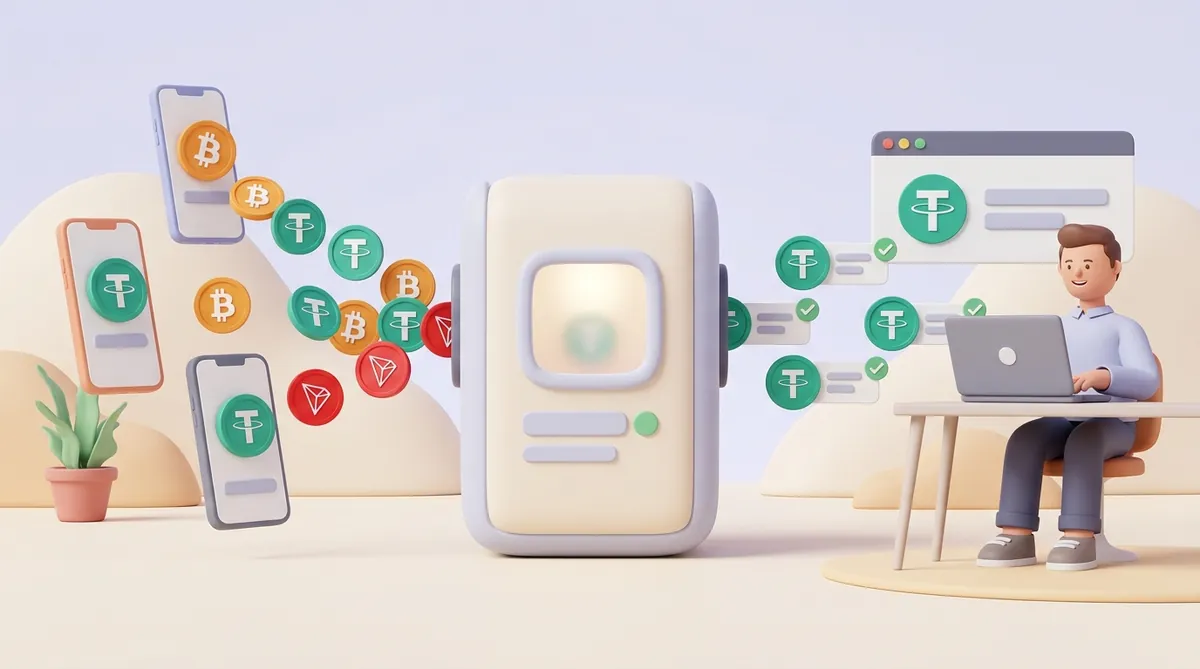
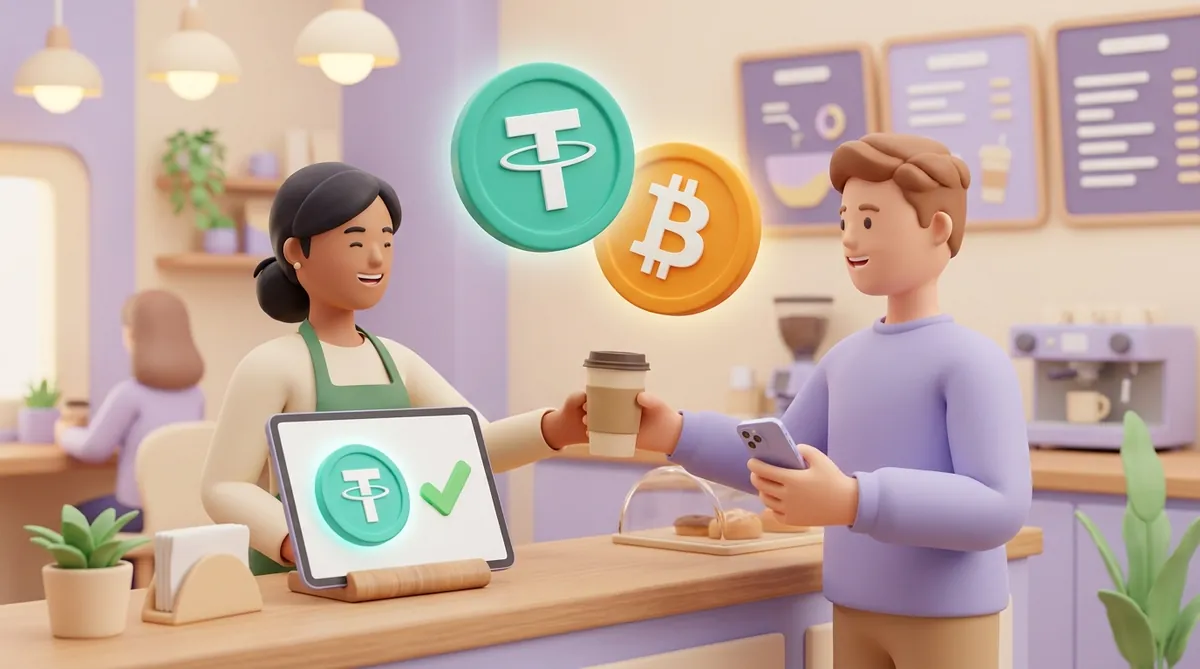
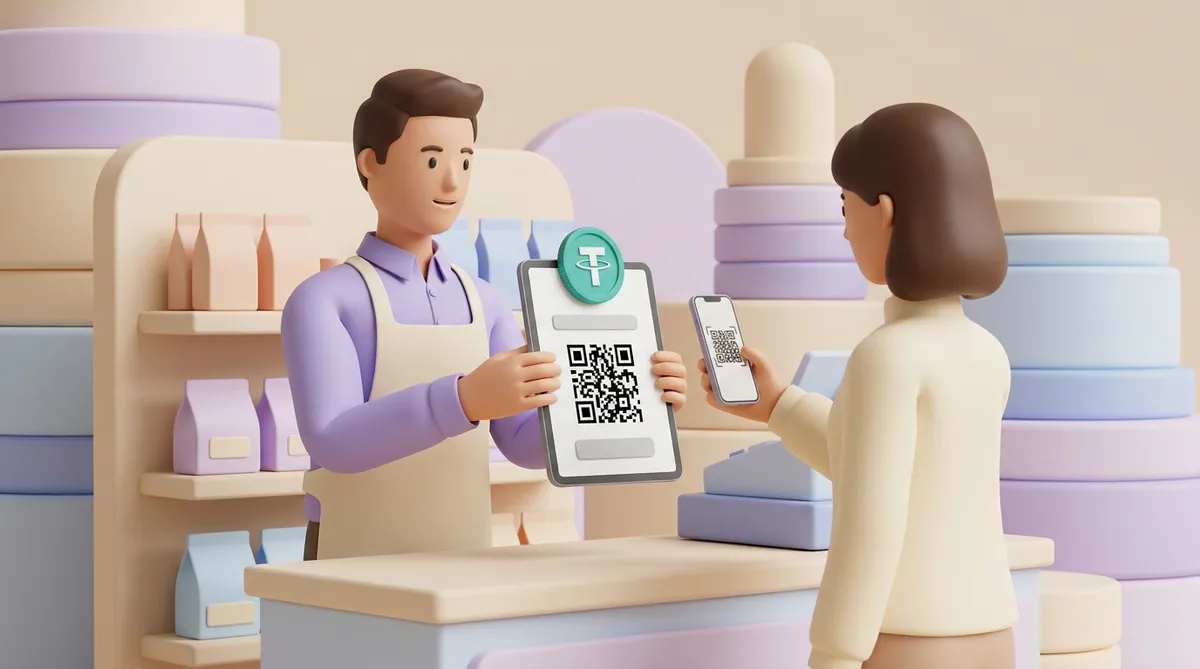
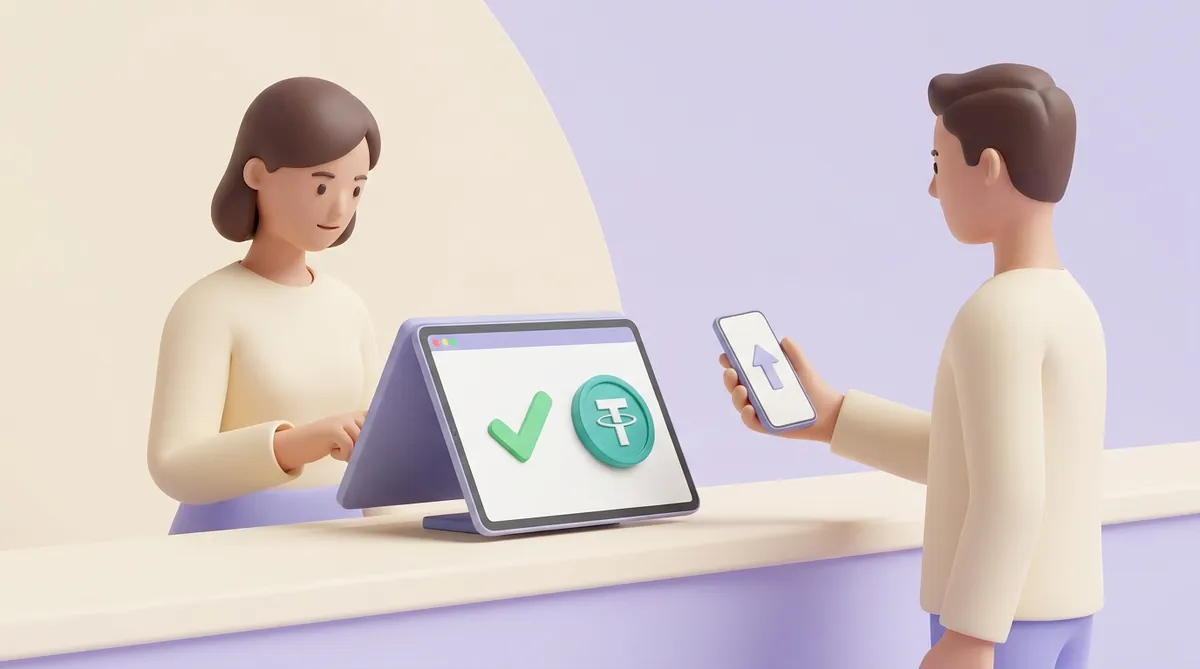
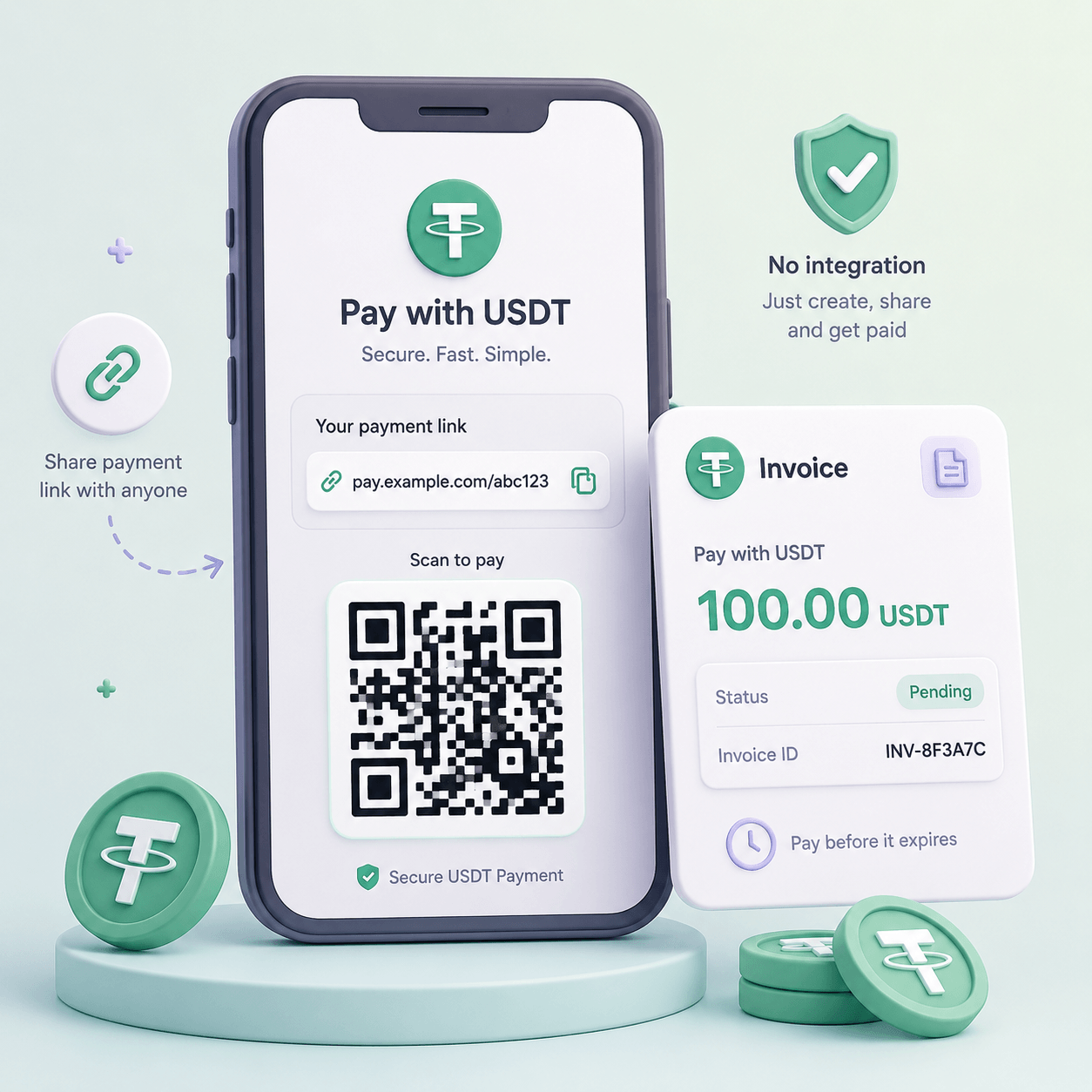
To accept crypto payments in your store, you show the customer a QR code on a screen. The cashier enters the price, the customer scans the code with the wallet app on their phone and sends the money, and the screen shows it as paid once the network confirms the transfer: for the coins that suit a counter, that takes from a few seconds to about a minute. You don't need a special terminal: a tablet or phone showing an invoice from a crypto payment service does the job, and some till systems now have crypto built in.
What a crypto payment at the counter looks like
For the customer it feels much like paying by QR code in a banking app. With a payment service or a till that supports crypto, the sale goes in five steps:
The cashier creates a bill in dollars. The cashier types the price, say $42, and the service works out how much crypto that is at the current rate.
The screen shows the payment details. The customer sees a QR code, the amount in crypto and the network to send it on. A network here is the blockchain the coin travels on: USDT, for example, exists on several of them.
The customer scans and sends. The customer opens the wallet app, scans the QR code, checks the amount and confirms the transfer.
The screen confirms the payment. The service watches the network, sees the transfer arrive and marks the bill as paid once the network has confirmed it.
The cashier hands over the goods. The receipt goes out the same way as for a card or cash sale.
Where shops already take crypto at the till
Paying by QR code at a counter is not an experiment any more. Two examples you can check yourself:
Steak 'n Shake, US. In May 2025 the burger chain announced that its US restaurants take bitcoin. The customer scans a Lightning QR code at the register and pays from their phone. Lightning is a fast layer built on top of bitcoin where payments settle in seconds.
Lugano, Switzerland. The city's Plan ₿ programme, run together with Tether, the company that issues USDT, lists more than 360 local merchants that accept bitcoin, USDT and the city's own LVGA token, as of October 2026. Its map covers shops, cafés and restaurants.
Behind every such counter is one of three setups.
Three ways to accept crypto payments in a store
A shop can set this up in three ways. They differ in who makes the QR code, who checks that the money arrived and what ends up on your balance:
A crypto payment service. CryptumPay and other crypto payment gateways create an invoice for each sale, show it on any screen, track the payment and can convert it to a stablecoin, a token whose value is tied to the US dollar. You pay a percentage of each payment.
A till system with crypto built in. Some point-of-sale systems add crypto as one more payment method on the same screen as cards. This works only if your shop already runs on such a system.
Your own wallet. The shop phone shows a QR code from a wallet app. It costs nothing beyond network fees, but you check every payment and carry the price risk yourself.
A payment service: an invoice on any screen
A crypto payment gateway sits between the customer's wallet and your balance. For each sale it usually issues a fresh address, watches the network and tells you when the money has arrived and how much came in. If the term is new to you, start with how a crypto payment gateway works for a business.
At a counter nothing has to be plugged in. The cashier creates an invoice, opens it on a tablet or phone and turns the screen to the customer. Because every sale gets its own invoice, two customers paying at the same moment don't get mixed up, and the books show which payment belongs to which receipt.
The price is a percentage of each payment, and some services let you add it to the customer's bill. There is no hardware to buy.
A till system with crypto built in
Here crypto is one more button in the point-of-sale app the cashier already uses. The till system decides which coins and wallets work, what the shop receives and what it costs, so those terms come with the system rather than being chosen separately.
The limit of this route is the customer's wallet. A customer whose wallet or coin the till does not support needs another way to pay.
Your own wallet's QR code
The simplest setup is a wallet app on the shop phone: open the "receive" screen and let the customer scan the address. It costs nothing to start, but the shop takes on three jobs a service would do:
Checking every payment by hand. The cashier opens the wallet and confirms the right amount arrived on the right network before handing anything over.
Telling payments apart. All customers pay to the same address, so two transfers of similar size arriving at once are hard to match to their receipts.
Carrying the price risk. The coin stays a coin. If you take bitcoin at lunchtime, the same coins may be worth less by closing time.
This works for a market stall that takes an occasional payment. At a busy counter, the manual checks slow the queue and mistakes add up.
Which services let a store accept crypto at the counter
As of October 2026, the services below can put a crypto QR code on a shop counter. At the till, two things matter most about each: which wallets the customer can pay from and what the shop ends up with.
CryptumPay
CryptumPay is a crypto payment service: the shop creates an invoice and shows it on any screen.
No website integration and no code. The shop creates an invoice in the CryptumPay console and sends the link anywhere: it opens on the counter tablet or goes to the customer's phone.
How the customer pays. The payment window asks to send the exact amount to the specified address and shows a QR code, the address and the amount, each with a copy button, plus the coin, the network and a countdown timer. The address is a one-time deposit address for this payment.
What the cashier sees. First "Payment found and processing" while the network confirms the transfer, then "Paid" with the invoice amount, coin, network, fees and the amount paid.
What the shop receives. USDT: CryptumPay converts incoming payments to USDT as soon as they arrive, so the balance never sits in a volatile coin.
What it costs. CryptumPay charges 1% per successful payment, down to 0.5% at higher volumes, and the shop can pass the fee on to the customer.
Every project is reviewed first. Before live payments are switched on, CryptumPay reviews the project, so even a shop that sells only over the counter needs a website that shows what it sells.
Square is a till system for US shops, and bitcoin is one of the payment methods in its point-of-sale app.
Who can use it. US sellers whom Square's system marks as eligible; businesses in New York are excluded, and users must be 18 or older.
How the customer pays. The seller picks Bitcoin in the Square POS app, and the customer scans the QR code with a wallet that supports Lightning.
What the shop receives. Either bitcoin or US dollars, converted by Square straight away.
What it costs. Square charges 0% processing on bitcoin payments until December 31, 2026, and 1% after that.
Binance Pay
Binance Pay is the payment service of the Binance exchange. The shop gets its QR codes from Binance as a merchant and shows them at the till.
How the customer pays. The customer opens the Binance app, scans the shop's QR code and confirms with a passcode or a confirm button. A QR code can carry an amount the shop set in advance, or leave the customer to type the amount and pick the currency.
Which wallets work. Binance's merchant documentation describes payment from the Binance app, so the customer needs a Binance account.
What the shop is told. Binance notifies both the shop and the customer of the payment status. Its merchant documentation for the QR flow does not say in what form the shop receives the money.
Open CryptoPay
Open CryptoPay is an open payment standard for shops; its API and till software are published by the Swiss company DFX.swiss.
How the customer pays. The shop places a dedicated QR code in the checkout area. At the end of checkout the cashier selects Open CryptoPay, and the customer scans the code with a wallet app and confirms.
Which wallets work. The project's site lists Cake Wallet, Frankencoin Wallet, Phoenix, Wallet of Satoshi and Binance among compatible wallets. Coins include bitcoin, also over Lightning, ether, USDT and USDC, another dollar stablecoin.
What the shop receives. Swiss francs or euros paid to its bank account, or crypto if the shop chooses.
Speed
Speed is a payment provider whose Terminals product is a web-based point of sale for in-store bitcoin and stablecoin payments, with no hardware to buy. Steak 'n Shake takes bitcoin in its US restaurants through Speed.
How the customer pays. The customer scans a QR code and pays over Lightning, in bitcoin on its main network, or in USDT or USDC.
What the shop receives. Bitcoin, USDT or USDC, with settlement the shop sets to its needs.
BTCPay Server
BTCPay Server is free, open-source payment software that the shop runs on its own server. Its built-in Point of Sale app opens in the browser of a tablet and has a plain keypad view for quick sales.
How the customer pays. The customer scans the QR code from their wallet. Which coins and networks work depends on what the shop connects to its server.
What the shop receives. The coins themselves: funds arrive directly in the shop's connected wallet, with no third party in between.
What it costs. The software charges no fee of its own. The cost is running and updating the server yourself.
Bitcoin.com Checkout POS
Bitcoin.com Checkout POS is an app in Apple's App Store that turns a phone into a till, and the app itself is free to use.
How the customer pays. The merchant types the price in local currency and picks the coin, the app shows a QR code, and it confirms the payment on screen once it arrives. The customer pays from a wallet for that coin; the listing names bitcoin, Bitcoin Cash, ether, Zano and Solana, plus more than ten others.
What the shop receives. The coin the customer paid in, at the addresses the merchant manages in the app.
Do you need a crypto POS terminal or a special app?
A dedicated terminal is optional. A crypto POS terminal, sometimes sold as a crypto payment machine, is a screen that shows an invoice QR code and a payment status. A tablet or phone you already own does the same job. A dedicated device makes sense if you want a fixed screen at the till, at the cost of buying it and tying the shop to the provider that runs it.
Which app you need depends on the route you chose:
Till system with crypto. Crypto lives inside the POS app you already use, and there is nothing else to install.
Payment service. The invoice is a web page that opens in the browser of any device, so a separate app is not needed.
Your own wallet. A wallet app on the shop phone is the simplest app to accept bitcoin payments, and it comes with the manual checks described above.
A web invoice has one more use in a shop. When a customer orders by phone or wants to pay before pickup, the cashier sends the same invoice as a link in a message, and the customer pays from home. That is the idea behind payment links and QR invoices that work without integrating a website.
What the QR code should show: address, amount and network
A QR code is text in the form of a picture. If it holds only an address, the wallet learns where to send the money but not how much, and the customer types the amount by hand. That is where many counter mistakes start.
A payment-request QR code carries the amount too, and how it does that depends on the coin:
Bitcoin. The QR code holds a "bitcoin:" link with the address and the amount added to it.
Bitcoin over Lightning. A Lightning invoice usually has the amount built in.
USDT. Wallets differ in how they read an amount from a QR code, so a good payment screen also prints the amount as text with a copy button.
Even with a clear screen, customers slip in three places:
Too little arrives. A customer types 50 USDT into an exchange's withdrawal form, the exchange takes its fee out of that sum, and 49 USDT reaches the shop. To the service this is an underpayment.
Wrong network. The customer sends USDT on a different network from the one shown on the invoice, and the invoice does not see the transfer.
Too late. The timer on the screen runs out before the customer sends, and the transfer lands on an invoice that is already closed.
At a till, speed matters more than anywhere else: the next customer is waiting. The common options behave very differently:
Bitcoin on its main network. A new block arrives about every ten minutes, so waiting for confirmation is too slow for a coffee or a sandwich. This is why till systems use Lightning.
Bitcoin over Lightning. The payment settles in seconds, but only customers with a Lightning wallet can pay.
USDT on TRON. A transfer is usually confirmed in about a minute, and the price stays in dollars because USDT is a stablecoin.
The coin also decides what lands on your balance. A $42 sale paid in USDT is still worth about $42 in the evening. The same sale kept in bitcoin can be worth more or less by then, unless the service converts it on arrival.
USDT runs on several networks, and the one your customers pick is not always the one that suits the shop. Before you print a sign for the till, check which network to take USDT on as a merchant.
What the cashier checks before handing over the goods
A cashier taking crypto has one rule to learn: trust the shop's screen, not the customer's phone. In practice that rule comes down to three checks at the till:
The status on the shop's screen. The customer's wallet showing "sent" means the money left their phone, not that the right amount arrived on the right network. A screenshot proves even less: it can be old or belong to another payment.
The final status, not the first one. If the screen shows a payment in two stages, first found and then paid once the network has confirmed it, the goods go out at "paid".
The amount received. If the screen shows less than the bill, the sale is not finished, whatever the customer's phone says.
When a payment looks stuck, or a customer insists they paid and the screen disagrees, the cashier needs more than a status line: the transfer's own record in the network shows what really happened. Train at least one person on how to check a crypto payment by its network, amount and status.
Returns work differently from cards too. A crypto payment cannot be pulled back by the customer or a bank, so there are no chargebacks. A refund is a new transfer from the shop to an address the customer gives. Decide before the first sale whether you refund the dollar price or the amount of crypto received, and put that rule next to your returns policy.
Can a shop accept crypto, and how is it taxed?
Whether a shop may take crypto depends on its country, and so does the tax. The US gives a clear example of how the tax side works.
In the US, as of October 2026, the IRS says crypto received as payment counts as income at its US-dollar value at the moment it arrives. That means the shop records the dollar value of every crypto sale when it happens, not when the coins are later sold or withdrawn.
Converting payments to a stablecoin on arrival makes that record simple: the amount on the balance is already close to the dollar price on the receipt.
To accept crypto payments in your store, you need a screen that shows a QR code with the amount and a service that confirms the money arrived. A tablet with an invoice from a crypto payment service is enough to start. Before the first sale, settle three things:
A coin that confirms fast. USDT on TRON or bitcoin over Lightning keeps the queue moving.
A cashier who waits for "paid". The shop's screen decides, not the customer's phone.
A refund rule. Decide whether a return pays back the dollar price or the crypto received.
Questions people ask next
How should a small store start accepting bitcoin?
Start small, because demand depends on whether your customers hold crypto, and the cheapest way to find out is to try. A payment service that charges per payment and needs no hardware costs little when nobody uses it. Put a small sign by the till, train one cashier, and look at the numbers after a few months.
How do I actually receive crypto payments: do I need my own wallet?
You don't need one to receive the payment. With a payment service the money lands on your balance in the service, and with some till systems it can arrive as dollars. You need your own wallet or an exchange account only when you want to move crypto out of the service.
How can my business accept crypto payments online as well as in the store?
The simplest way is one crypto payment service for both. At the counter the invoice opens on a screen; online the same service connects to the checkout page or sends invoices as links. What changes for a website is mostly the checkout, so read up on what accepting crypto in an online store involves.
This article is not legal or tax advice.
Start accepting crypto payments
Create an account and connect the checkout yourself, or talk to sales and we will plan the integration with you.