August 9, 2026
Crypto Payment Gateway: What It Really Costs and How to Connect It
Read article

Reconciling crypto payments means checking that every order you invoiced is matched by money that actually reached you, in the right amount, and that your balance adds up to what your records say. In crypto this rarely happens by itself, because a blockchain transfer carries no order number and the amount often shifts on the way. Most of the work is done before the first payment arrives: tie each payment to its order when you create it, take the payment status from the payment service rather than the customer's browser, and record what was credited after fees rather than what was invoiced.
Reconciliation is a check that two records of the same money tell the same story. A business that takes crypto keeps three such records, often without thinking of them that way:
When everything is in order, each order ties to exactly one completed payment, and the amounts credited, minus what you withdrew, explain the balance to the cent. Anything that doesn't fit is an exception. The point of reconciling regularly is to find exceptions while there are two of them, not two hundred.
A card payment reaches the merchant with the order number, the customer's name and a clean amount attached. A blockchain transfer arrives with a receiving address, an amount and a transaction hash, which is the transfer's unique ID on the network, and nothing else. The records drift apart in five places:

Five steps cover most of it. The first three are set up once, when you connect payments; the last two are a routine.
Tie each payment to its order at the moment the payment is created, so the order number travels with it to the end. Without that, payments are matched by amount and time, and the guessing starts with the second identical order.
If customers pay straight to your own wallet, the usual workaround is to give each order its own receiving address. That holds for a dozen orders a week and becomes a chore well before a hundred, which is one of the reasons businesses move to a payment service; the natural next question is what a crypto payment gateway costs and how to connect one.
At CryptumPay, an order created from your server can carry your internal order number, your user ID, the customer's email and a free-form note. All four come back in the webhook, the automatic message the service sends to your server, when the order is created. From the first message on, you know which of your orders a payment belongs to.
A customer landing on your "thank you" page proves nothing: they may have closed their wallet without sending anything. An order counts as paid when the payment service confirms that the money was received, and your server should hear that from the service directly, not from the customer's browser.
CryptumPay sends a webhook at every change of an order's status:
When to hand over the goods is set in CryptumPay's documentation. An order may be fulfilled at either of two order statuses:
An order that is still In progress or Under review is not fulfilled yet. Handing over the goods and recording the money are separate decisions, and the amount to record comes only with the finished webhook.
Your server can also ask CryptumPay for an order's state, and once the order reaches its final state, the answer includes its final financial summary. The merchant dashboard shows the same history of operations and statuses for a person to look through.
Webhooks from any payment service need a little care on your side. The same message can arrive more than once, and anyone who learns the address of your handler can send it a fake one, so the handler should trust only messages it can verify, and only once each. The details are in how to process crypto payment confirmations safely.
For each order, keep three numbers side by side:
Brought to one currency, the gap between the first and the third number is what accepting the payment cost you, fees and conversion together. Your balance is reconciled against the third number only; the first belongs in your sales report.
At CryptumPay, the invoice amount is set in one of 14 ordinary currencies such as US dollars or euros. Whatever coin the customer pays in is converted to USDT as soon as it arrives and credited to your USDT balance, so the balance side of reconciliation is kept in one currency instead of one per coin.
The finished webhook from CryptumPay carries the amount credited after all fees, which fills in the third number for you. CryptumPay charges 1% per successful payment, from 0.5% at higher volumes, and the fee can be passed on to the customer.
Once a day, or once a week if orders are few, pull out everything that didn't close cleanly:
A short list each day takes minutes to clear. The same list after a quarter is an investigation, because customers no longer remember what they sent and why.
At the end of the month, check one equation: opening balance + credited during the month − withdrawn during the month = closing balance. If the two sides differ, three places are worth checking first:
A withdrawal is not part of any payment, so give each one its own line in your records, down to the amount that actually reached your wallet or bank. Once several people approve withdrawals and convert them to ordinary money, this becomes a process of its own, with controls for USDT payments, conversion and withdrawals across a finance team.

The exceptions from your daily list fall into a handful of types. Each type has its own fix, and each needs one before the order is closed in your records:
At CryptumPay, underpayments and overpayments are mostly settled in the payment window itself, the page where the customer pays. You set a tolerance in percent: a difference within it confirms the payment automatically, and beyond it the payment window asks the customer to top up, with up to two top-up attempts. If the customer overpays, they request the extra back from the same payment window, and CryptumPay handles the return.
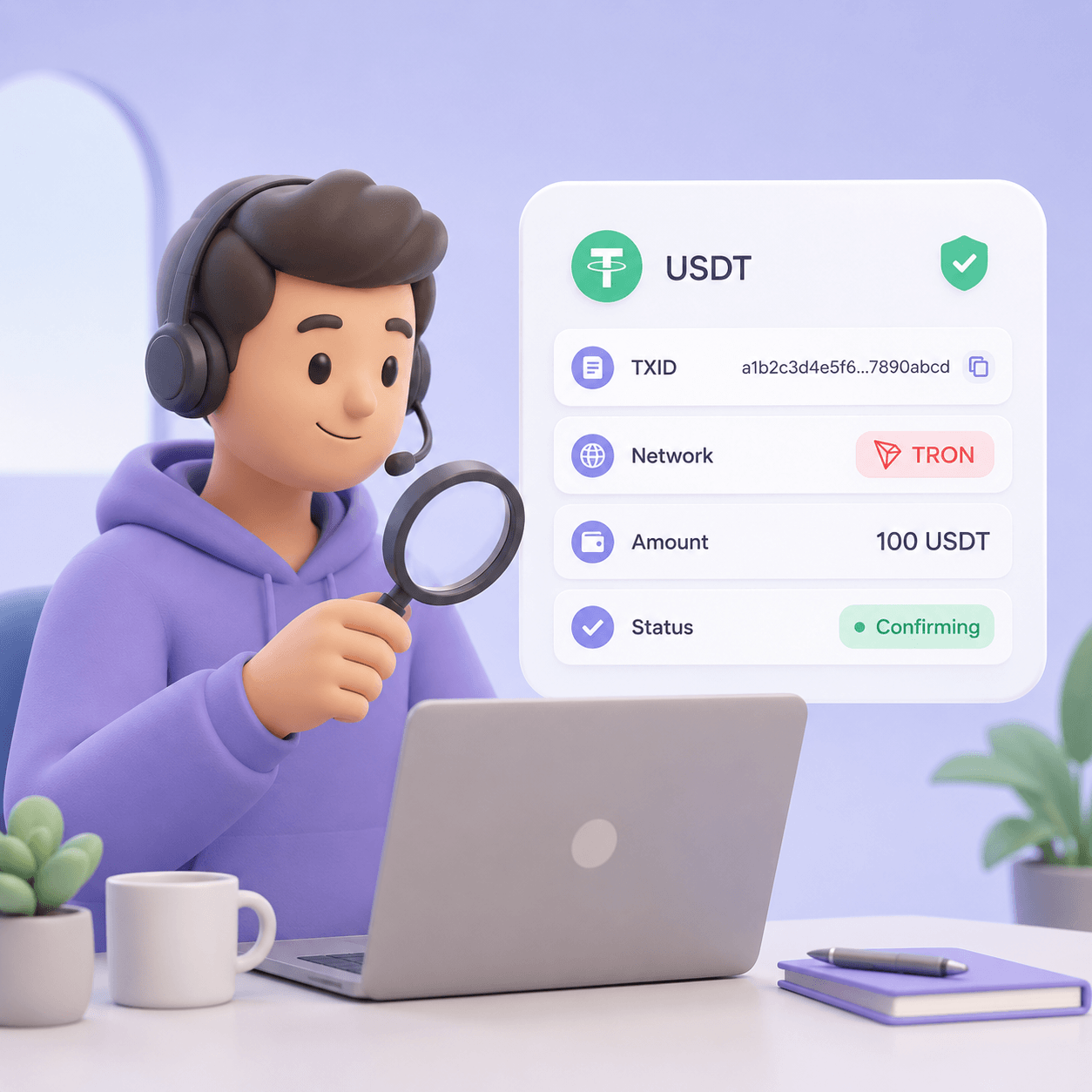
When a customer writes "I paid" and you see nothing on your side, ask for the transaction hash first. If the transfer went on another network or to an old address, the hash shows that at once. With it you see the transfer exactly as the network recorded it, and the walk-through of what to look at is in how to check a crypto payment by its hash, network, amount and status.
Reconciliation answers one question: did the money arrive, and does it match the order. Bookkeeping asks a different one, how that money is recorded and taxed, and the answer depends on where and how your business is registered. The two meet once a month, when your records go to whoever keeps the books.
What reconciliation can do is hand your accountant a clean file, and it only needs two parts:
With that file, the accountant works from facts instead of screenshots and chat messages, and nobody has to rebuild a month from memory or from a wallet's history. What happens to those numbers next, from the exchange rate to the tax line, is covered in how a business accounts for crypto it gets paid in.
Reconciling crypto payments is less about reading the blockchain and more about what you attach to each payment before it is sent. With the order number on the payment, the status coming from the payment service and the credited amount in your records, the daily check is a short list and the month closes on one equation. The bookkeeping that follows starts from a file that is already clean.
At a small business's volume, usually not. If each payment already carries your order number and the payment service reports the amount credited, an export into a spreadsheet and a monthly balance check are enough. Dedicated reconciliation tools are built for finance teams whose money moves across many wallets, exchanges and networks at once, and they pay off at that scale.
Check exceptions daily if orders come in every day, and weekly if there are a few a week. Check the balance once a month, at close. The working rule is to look often enough that a customer who underpaid still remembers the order when you write to them.
The hash proves that a transfer happened: how much went to which address, when and on which network. It doesn't say which order the transfer pays for, unless the address was issued for that one order. That is why the order number has to be attached when the payment is created rather than pieced together afterwards.
The daily exception check belongs to whoever handles orders and customers, because most exceptions are fixed by writing to the customer. The month-end balance check can go to the accountant, as long as they get the file with orders and withdrawals described above.
This article is general information, not legal, tax or accounting advice.
Create an account and connect the checkout yourself, or talk to sales and we will plan the integration with you.