
en

What is crypto phishing, and how do you spot it before it costs you?

Published
23.11.2026
Updated
23.11.2026
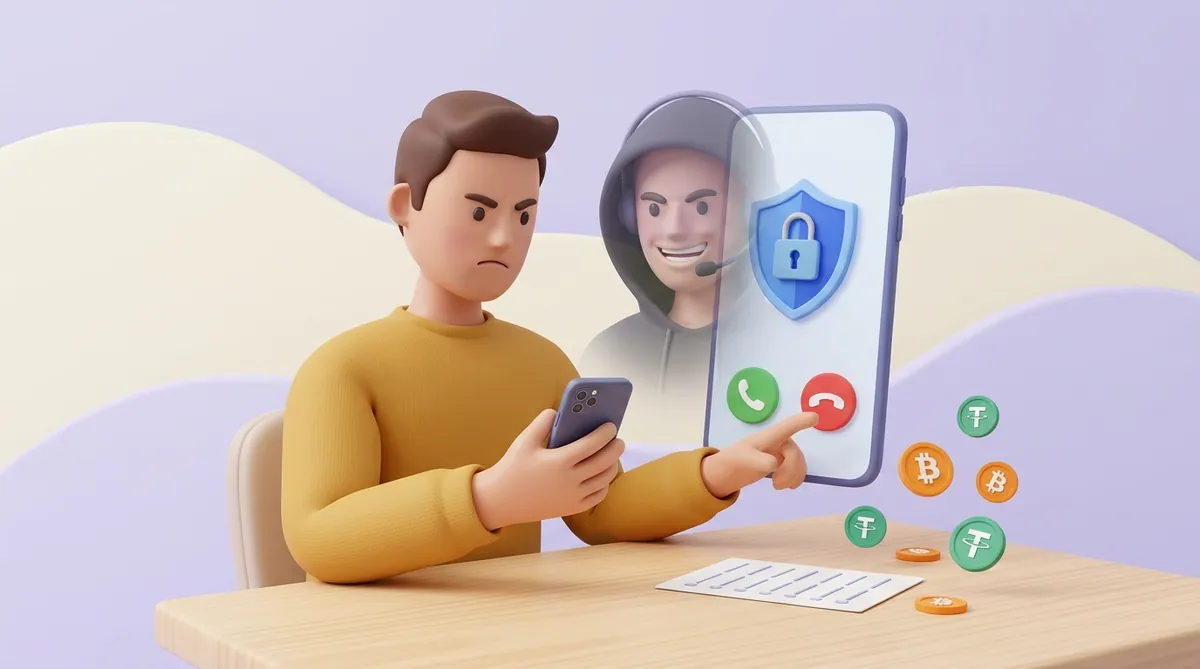
A man gets an incoming call showing a blue security shield while a grinning scammer in a headset is reflected behind the screen; he reaches for the red decline button, with a blank recovery-phrase card and bitcoin and USDT coins on the desk
Contents

    Crypto phishing is when someone poses as your exchange, wallet or support team to get your recovery phrase, your login or a signature that hands them your coins. It works because a crypto transfer can't be reversed, so the scammer only has to fool you once. Almost every attempt fails against one rule: nobody genuine ever asks for your recovery phrase or asks you to move coins somewhere "safer".

    What phishing in crypto is after

    Ordinary phishing steals a bank password, and the bank can still freeze or refund a transfer. In crypto there is usually no one to call. Whoever holds the key to a wallet controls the coins in it, and a transfer that has gone through stays gone.

    That is why phishers in crypto go after the things that let them move money at once:

    • Your recovery phrase. The 12 or 24 words that restore a wallet are the wallet. Anyone who types them into their own app gets every coin in it, from anywhere in the world.
    • Your exchange login. A password plus a 2FA code, the six digits from an authenticator app or a text message, lets a scammer into your exchange account long enough to withdraw.
    • Your signature. A site connected to your wallet can ask you to "sign" something that looks like a login but is really a permission to spend your tokens.
    • Your own transfer. Sometimes nothing is stolen at all. You are talked into sending the coins yourself, to an address the scammer gave you.

    The recovery phrase is the prize most of these tricks circle around. If you have never thought about what those words actually unlock, start with what a seed phrase and a private key protect in a wallet.

    The scale is large. In its report for 2025, the FBI's Internet Crime Complaint Center received more phishing and spoofing complaints than complaints of any other kind, about 190,000. Losses in complaints involving cryptocurrency came to about $11.4 billion that year.

    How a crypto phishing attack works, step by step

    Whether it arrives by email, phone or Telegram, almost every attempt follows the same script. Once you know the script, the costume stops mattering:

    1. The bait. A message that looks like it comes from someone you trust: your exchange, your wallet app, a well-known project, a support agent.
    2. The alarm or the gift. Something has to make you hurry: "a login from a new device", "your account will be frozen in 24 hours", "you're eligible for an airdrop" (free tokens a project hands out).
    3. The fake door. A link to a page that copies the real one down to the logo, a phone number, or a chat with "support".
    4. The ask. The page or the agent asks for the one thing they need: your recovery phrase, your password and 2FA code, a signature in your wallet, or a transfer to a "secure" address.
    5. The exit. As soon as they have it, the coins move on through several wallets, and the "support agent" goes quiet.

    Here is how that looks in practice. Anna gets an email saying a withdrawal of 0.8 BTC is pending from her exchange account, with a "Cancel withdrawal" button in case it wasn't her. The page behind the button asks for her email, password and 2FA code. She types them in, and the scammer, signed in at that very moment, withdraws her real balance.

    The step to watch is the fourth one. The first three can look perfect, but the ask is always one of a handful of things, and a real company never needs any of them from you this way.

    Start accepting crypto payments with CryptumPay
    Create your first invoice right after sign-up
    Create account

    How to read an email that claims to be from your exchange

    Phishing emails are the oldest version of the trick. They copy the exchange's layout and logo, and they often come from an address that differs from the real one by a letter or a word. A few things give them away:

    • The sender's domain. Look at the part of the address after the @, not the display name. "Support Team" can be anyone; the domain should be the exchange's own, not a near copy.
    • A deadline. "Verify within 24 hours or your account will be suspended" exists to stop you from checking.
    • A button that does the job for you. "Cancel withdrawal", "Confirm your wallet", "Claim your reward". Hover over it, or press and hold on a phone, to see where it really leads.
    • A request for anything secret. No exchange asks by email for your password, a 2FA code or a recovery phrase.
    • An attachment. An "account statement" or a "security update" in a file can be malware, a program that searches your computer for wallet files and saved passwords.

    The safest habit costs nothing: never act from the email itself. Close it. Then open the exchange's app, or type its address yourself, and see whether anything is actually happening on your account.

    What an anti-phishing code does

    Many exchanges let you set an anti-phishing code. It is a word or a short string of characters you choose in the security settings, and the exchange then prints it in every genuine email it sends you. A message that claims to be from the exchange but carries no code, or the wrong one, is fake.

    It is worth turning on, with two limits:

    • It only helps if you look. The code protects you on the day you actually check for it, not on the day you are in a hurry.
    • It mostly covers email. A phone call, a Telegram message or a fake site found through search carries no code to check.

    Why a "support agent" who finds you first is a scammer

    Fake support catches even experienced people, because it shows up exactly when you need help. It usually reaches you in one of these ways:

    • Replies on X. You post that a withdrawal is stuck, and within minutes several accounts with the exchange's logo reply and ask you to "DM us".
    • A private message in Telegram or Discord. You ask a question in a project's group, and an "admin" writes to you privately.
    • A phone number from search. You look up the exchange's number and call the first one in the results, which the scammers paid to put there.

    From there, the conversation moves towards one of a few requests:

    • "Validate" or "sync" your wallet. You are sent to a form that asks for your recovery phrase. No such validation exists.
    • Move your coins to a "secure wallet". The agent says your account is compromised and gives you an address. The address is theirs.
    • Install a screen-sharing app. With remote access to your computer, the scammer watches you sign in, or signs in for you.
    • Pay a fee to unlock your funds. The stuck withdrawal will supposedly be released once you send a "verification" payment.

    A phone call works the same way, and caller ID is easy to fake. Your screen can show the exchange's name while someone else is speaking. A voice telling you that your account is under attack and you must act right now is the clearest sign that you shouldn't.

    One rule covers all of it: genuine support lives inside the app or website you open yourself. If you need help, start the conversation there, through the exchange's own help page or chat. Anyone who found you in a messenger, in the replies or by phone is not support.
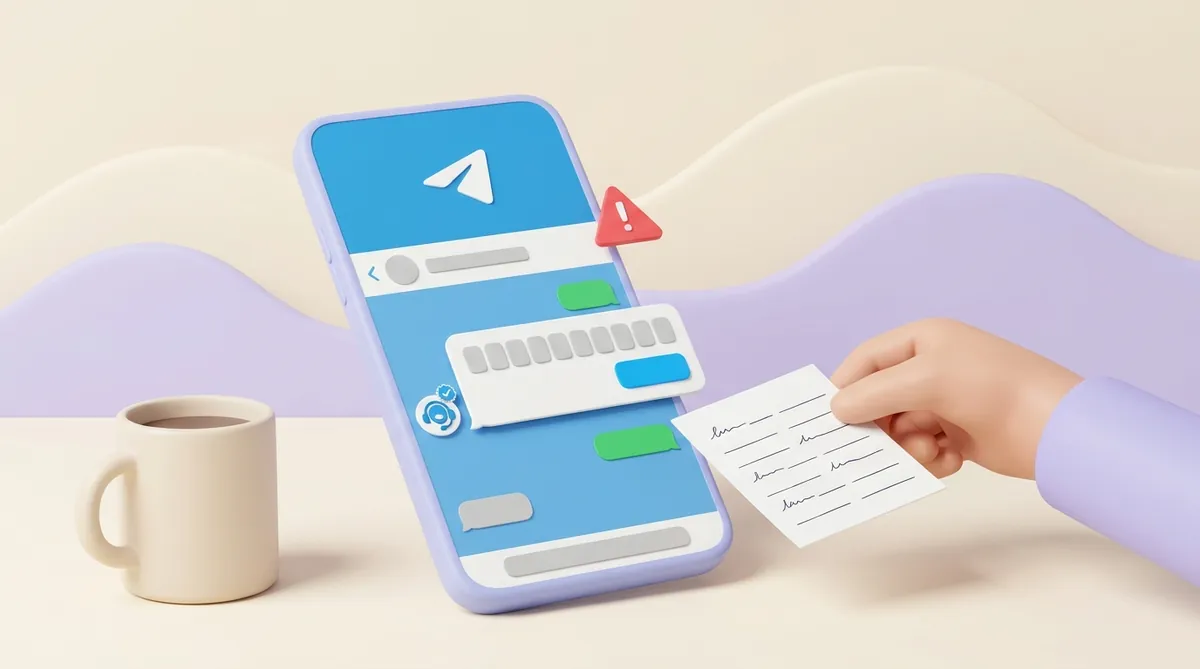
    A private Telegram chat from an account with a support-headset avatar and a tick asks for twelve words; a red warning sign floats above it, and a hand pulls a paper card with the recovery phrase away from the phone

    How fake exchange sites and look-alike websites catch people

    A fake site is the page behind most of these messages, but people also find such sites on their own, through search. Phishers buy ads so that their copy of an exchange or a wallet sits above the real one in the results.

    The address of such a copy looks almost right. The difference hides in small details like these:

    • One letter swapped. A lowercase "l" becomes a "1", or two letters trade places, and the name still reads right at a glance.
    • An extra word. The exchange's real name gets "support", "login" or "verify" added to it, with a hyphen or a dot.
    • A different ending. The name is spelled correctly, but the part after the last dot is not the one the real site uses.

    What protects you here is not inspecting every page but never landing on one:

    • Bookmark the sites you use. Open your exchange from a bookmark or its app, not from search and not from links in messages.
    • Skip the sponsored results. Phishers pay to appear there, so an ad for an exchange is the result to scroll past.
    • Read the address bar before you type anything. The padlock only means the connection is encrypted, and fake sites have one too.

    There is a second kind of fake exchange that doesn't copy anyone. It is a whole platform invented for the scam, usually recommended by a new online friend or an "investment mentor". You deposit, the dashboard shows your balance growing, and when you try to withdraw, the site asks for a "tax" or an "unlock fee" first.

    That is a slower scam than phishing: it builds trust over weeks instead of minutes. How that kind of scheme is set up, and the moments when it can still be caught, is laid out in how crypto scams work and how to spot one in time.

    What people mean by a "phishing wallet"

    The phrase gets used in three different senses, and it helps to keep them apart:

    • A fake wallet app. Copies of well-known wallets appear in app stores and as browser extensions. They look and work like the real thing, but the recovery phrase you create or import goes straight to the scammer. Install a wallet only from the link on its maker's own website.
    • A wallet address flagged for phishing. Block explorers, the websites that show every transaction on a blockchain, label addresses reported for phishing with tags such as "Fake_Phishing". Some wallet apps warn you before you send to one.
    • A wallet drainer. This is a ready-made script that runs on a phishing site. You press "Connect wallet", and the site asks you to sign a request that gives it permission to spend your tokens. Once you sign, it can take the tokens covered by that permission without asking again.

    The drainer is the newest form of crypto phishing, and it never needs your recovery phrase. Connecting a wallet only shows the site your address; the danger is the request that pops up next. On a phone screen, a permission to spend your tokens can look like an ordinary sign-in.
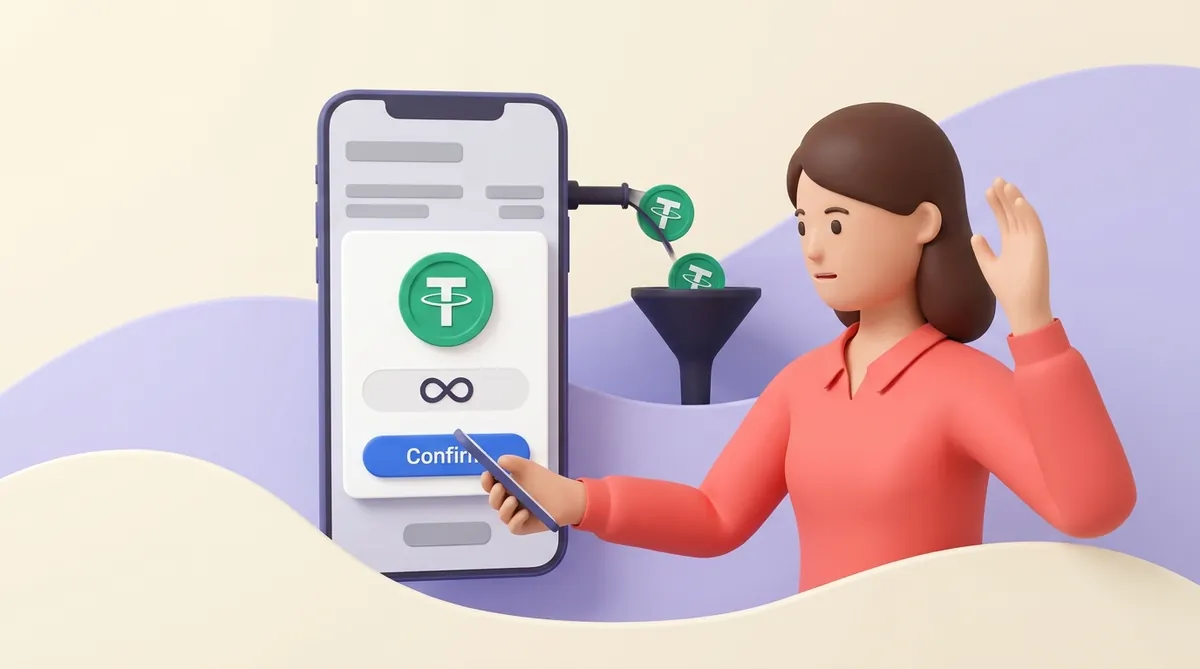
    A woman hesitates over a wallet pop-up that asks to approve unlimited USDT spending, while behind the phone USDT coins slide down a pipe into a funnel

    Many sites connect to a wallet by showing a QR code that you scan with your phone. Before you scan one on a site you reached through a link, it is worth knowing how WalletConnect links a wallet to a site and where the risks are.

    How to tell a crypto scammer before you click, sign or reply

    Most phishing attempts fail at least one of these checks, and none of them takes more than a few seconds:

    • Who started the conversation? If they came to you through a DM, a reply, a call or an ad, treat everything after that as unverified.
    • What are they asking for? A recovery phrase, a 2FA code, a signature, a transfer or remote access to your screen. Any of these, asked by someone you didn't contact yourself, ends the conversation.
    • How much of a hurry is there? A real security problem will wait the five minutes it takes you to open the app yourself. A scammer can't afford that pause.
    • Where does the link lead? Read the full address before the page loads, not the text on the button.
    • Does the offer make sense? Free tokens, doubled deposits and "you've won" messages are bait. Nobody pays you for connecting a wallet.
    • Is the whole address right? Compare a receiving address character by character, not just the first and last few.

    The last check matters more than it looks. Scammers send tiny transfers from addresses that start and end with the same characters as ones you use, so a look-alike sits in your history waiting to be copied. The full trick is explained in how address poisoning plants fake addresses in your wallet history.

    What to do if you clicked, typed or signed something

    Speed matters, because whoever got access can use it at any moment. What to do depends on what you gave away.

    You only opened the link

    Opening a phishing page and closing it, without typing or signing anything, usually costs nothing. Close the tab and don't download what it offered. If a file did get downloaded and opened, scan the device for malware before you open your wallet on it again.

    You typed your exchange password or a 2FA code

    Open the exchange yourself, from the app or a bookmark, and work through these steps right away:

    • Change the password. Do it first, so the stolen password stops working.
    • Reset two-factor authentication. Set it up again so a captured code or a copied setup key stops working.
    • Sign out of all other sessions. Look for the list of active devices in the security settings.
    • Check API keys and withdrawal addresses. Delete any key you didn't create and any withdrawal address you didn't add.
    • Write to support from the exchange's own help page. It may be able to hold withdrawals while you secure the account.

    You signed something in your wallet

    A signature can give a site lasting permission to spend a token, and that permission stays active after you close the page. Two things to do:

    • Revoke the approvals you don't recognise. Until you do, the site can come back for the same tokens.
    • Move what is left if tokens are already gone. A fresh wallet is safer than one a drainer has already touched.

    Finding those permissions takes a minute once you know where to look: here is how to check token approvals and revoke wallet permissions.

    You typed your recovery phrase anywhere

    Assume the wallet is no longer yours. Changing the password or PIN in the app changes nothing, because the phrase itself is the key, and the scammer can import it at any moment. What helps:

    • Create a brand-new wallet with a new phrase. Do it on a device you trust, not on the one where the phrase was typed into a fake page.
    • Move everything that is left, right now. Every minute counts: if the scammer moves the coins first, there is no undoing it.
    • Check every network and app that used the same phrase. One phrase can control coins on several blockchains, and each of them needs emptying.

    For the new start, a hardware wallet is worth a thought. It keeps the key on a separate device, so malware on your computer can't copy it. It won't stop you from typing the phrase into a site or approving a bad signature, so the checks above still apply. If you are weighing one up, read whether you need a hardware wallet, and whether Ledger or Trezor suits you.

    The short version

    Crypto phishing never breaks the blockchain. It gets you to hand over the key to your money yourself, and it does that by making you hurry. Reach every exchange and wallet by your own route, and talk to support only from inside the app. Then the scammer's whole script has nowhere to start.

    Questions people ask next

    Is crypto phishing illegal, and where can I report it?

    Yes. In the US, as of November 2026, phishing schemes are prosecuted as federal fraud, and wire fraud alone carries up to 20 years in prison. US victims can report to the FBI's Internet Crime Complaint Center (IC3) and to the Federal Trade Commission, and should also tell the exchange the coins were sent from. In other countries, the national police fraud or cybercrime service takes these reports.

    Can I get my crypto back after a phishing attack?

    Usually not, because a blockchain transfer can't be reversed and only the recipient can send the coins back. A quick report still helps: if the coins reach an exchange, that exchange may freeze them when it is alerted in time. Watch out for a second wave, too, since people promising to "recover" stolen crypto for an upfront fee are running another scam.

    Can a phishing site drain my wallet if I only opened it?

    In practice, a phishing site needs you to do something first: type your phrase, approve a request in your wallet, or download and run a file. That is why the line between a wallet being hacked and its owner being tricked matters so much for what you protect. Both sides of it are covered in can a crypto wallet be hacked, and how.

    Will my exchange ever phone me?

    It may, but you can't tell a real call from a fake one by the caller ID or by how much the caller knows about you, because leaked customer data makes both easy to fake. Hang up and contact the exchange through its app. A real problem will still be there when you look.

    This article is general information, not legal advice.

    Start accepting crypto payments

    Create an account and connect the checkout yourself, or talk to sales and we will plan the integration with you.