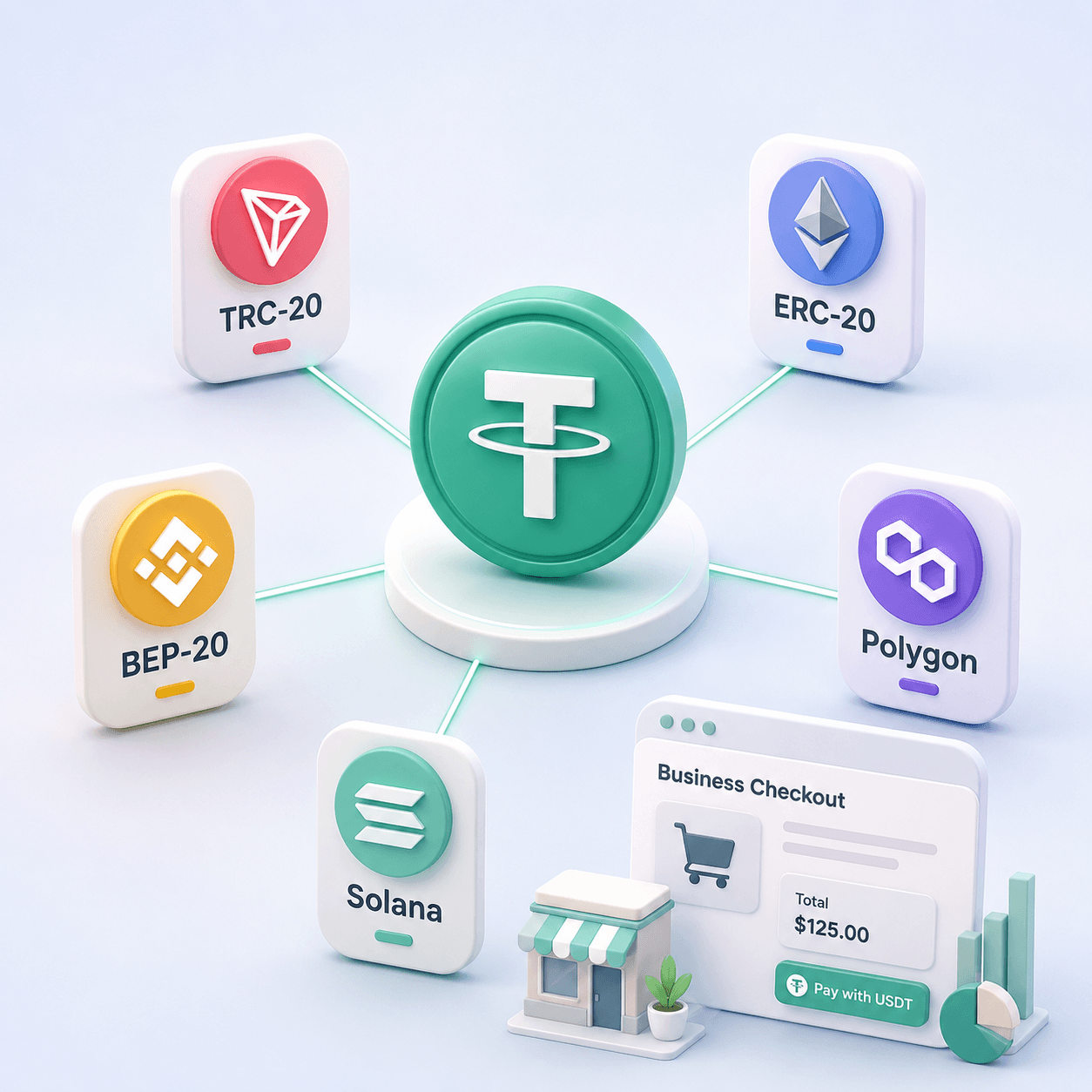
November 9, 2024
Stablecoin Payments for Business: Benefits, Risks, and How to Accept USDT
Read article
When a seller writes "USDT only" or a checkout offers "pay with USDT", they are asking for one thing: send a set number of USDT to an address they give you, on a network they name. USDT is a digital dollar, so a 50-dollar bill is paid with 50 USDT.
To get from there to "paid", three things have to match: the amount, the network and the address. You also need USDT of your own, in an exchange account or in a wallet app. Get all three right and the money arrives. Get one wrong and there is no bank to call.
Below is the whole route: where to get USDT, what TRC20 means, how to pay a person and how to pay at an online checkout, and how to prove the payment landed.
USDT is a stablecoin: a token issued by the company Tether and kept equal to one US dollar. It is not a card payment or a bank transfer. It moves between addresses on a blockchain, a public ledger that nobody can edit after the fact.
Sellers like it for exactly that reason. A USDT payment cannot be charged back, it reaches them from any country within minutes, and nobody holds it for three banking days. If you want the longer story, here is what USDT is and why so many sellers ask for it.
For you as the buyer, the consequence is short: a USDT payment is final the moment it is sent. That is why most of this guide is about checking things before you press the button.
Most people buy USDT on a crypto exchange. You open an account, pass identity verification and buy USDT with a bank card or a bank transfer. Binance is the exchange people name most often, but any large exchange that serves your country does the same job.
Buy a little more than the price. If the hosting plan costs 40 USDT, buying 45 leaves room for the withdrawal fee and for rounding. Whatever is left stays in your account for next time.
Where you live matters. Several large exchanges have stopped selling USDT to customers in the European Economic Area, so a buyer there may need a platform that still offers it, or may ask the seller whether another stablecoin will do.
The other route is P2P: buying USDT directly from another person on a marketplace inside an exchange, which holds the seller's USDT until you pay. It works where card purchases do not, and it is also where first-time buyers get cheated most, so read up on buying USDT from a person on P2P without getting scammed.
USDT exists on several blockchains at once: TRON, Ethereum, BNB Chain, Solana and others. Each version of USDT moves only inside its own network. A transfer sent on one network never lands on another.
The labels sellers attach to "USDT" are the names of those versions:
Notice that ERC20 and BEP20 addresses look exactly alike. The address alone does not tell you the network, so the seller has to.
How do you know which network the seller accepts? On a checkout page, the network name stands next to the address. When a person sends you just an address, ask them to name the network before you pay: "USDT TRC20" is a complete instruction, a bare "USDT" is not.
If the seller accepts several networks and leaves the choice to you, take the one you already hold USDT on. When you are buying from scratch, it is worth comparing how the USDT networks differ and which one is cheaper for the sender.
Yes. An exchange account can send USDT to any address. The exchange calls it a withdrawal, but for the seller it is an ordinary payment.
Paying from an exchange differs from paying from a wallet app in three ways:
A wallet app of your own, such as Trust Wallet or TronLink, works too. You send USDT from it directly, but then the network fee comes out of your own balance of the network's coin, which is the next question.
The route on Binance, and on most other exchanges, runs in five steps:
Every blockchain charges a fee for each transfer, and it charges in its own coin, not in USDT. On TRON the coin is TRX, on Ethereum it is ETH, on BNB Chain it is BNB. You can hold 500 USDT in a wallet app and still send none of it while the TRX balance is zero. If your wallet has already refused on exactly that, here is what to do when there is not enough TRX to send USDT.
As of September 2026, one USDT transfer on TRON burns about 6.5 TRX when the recipient's address already holds USDT, and about 13 TRX when it holds none. At recent TRX prices that comes to a few dollars. On other networks the fee rises and falls with how busy the network is, and the wallet shows it before you confirm.
So before paying from your own wallet, put some of the network's coin next to your USDT. Around 15 TRX covers one TRON transfer to any address.
Paying a person, such as a freelancer, is the case with the least protection: no checkout checks the amount or the network for you. These steps cover it:
A USDT checkout works like an invoice. You choose USDT and a network, and the page shows an amount, an address and, on many checkouts, a QR code and a timer. The order counts as paid when a transfer of that amount reaches that address.
You can pay a checkout in one of three ways:
The most common checkout mistake is a short payment. A buyer pays from an exchange, the withdrawal fee comes off, and 39.8 USDT arrives against a 40 USDT invoice. The other two are paying on a different network from the one chosen on the page, and paying after the timer has run out.
Payment services handle a short payment differently: some mark the order as failed, some wait for the rest, some leave it to the seller to sort out by hand. You rarely know in advance which kind you are facing, so the safe habit is to send exactly the amount shown, counted after the fee.
Every transfer gets a transaction hash, also called a TXID: a long string of letters and digits that identifies it on the blockchain. A wallet app shows the hash in the transfer's details; an exchange shows it in the withdrawal history.
Paste the hash into a blockchain explorer, a public website that shows every transfer on a network: Tronscan for TRON, Etherscan for Ethereum, BscScan for BNB Chain. It shows the status, the amount and the recipient's address, so you can see for yourself that the money reached the right place. Here is how to check a transaction by its hash in a blockchain explorer.
Send the seller the hash, the amount, the network and the order or invoice number if there is one. A screenshot of your balance proves nothing; the hash does.
If the explorer shows the transfer delivered to the right address and the seller still sees nothing, the seller is usually looking at a different network or a different wallet. The hash settles the question in a minute.
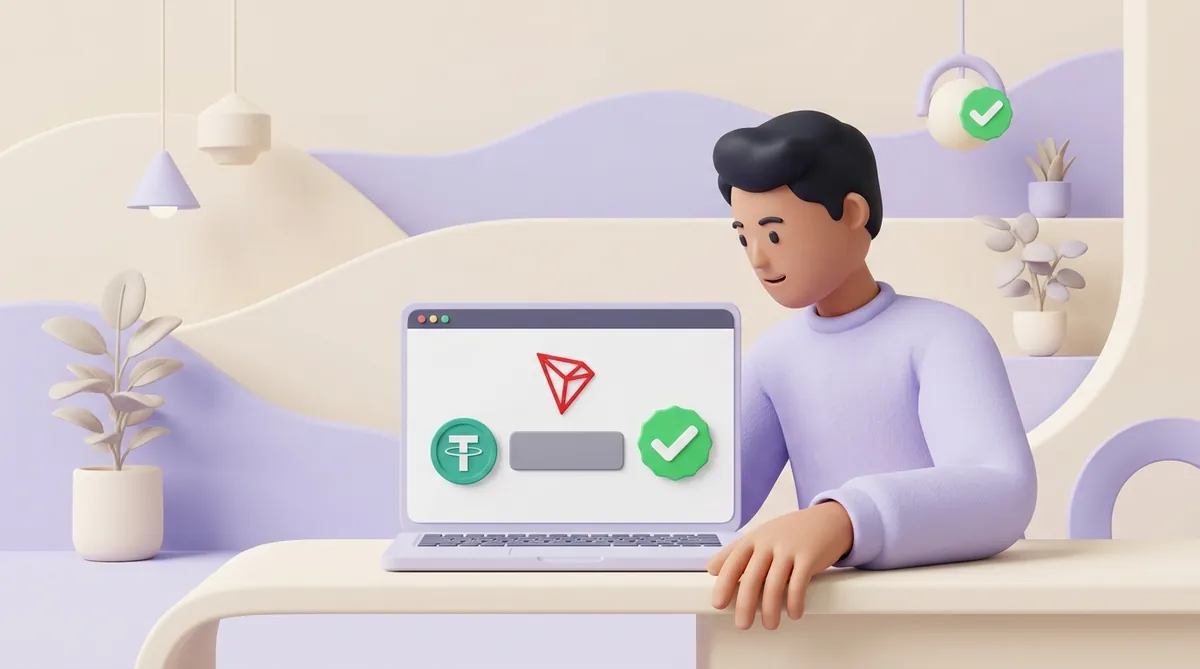
The network itself is reliable; the risks come from mistakes and from people. A USDT payment cannot be reversed: there is no chargeback, no bank dispute and no support line with an undo button. Money comes back only if the recipient chooses to send it back.
So how safe a payment is depends on who is on the other end:
Some sellers take USDT through CryptumPay, a crypto payment service. As a buyer you meet it in one of two ways: the seller creates an invoice in the CryptumPay console and sends you the payment link by email, chat or any other channel, or a button on the seller's site opens the full CryptumPay checkout in a window. You do not need a CryptumPay account: you open the payment link and pay directly from your crypto wallet.
Have your USDT ready before you start, together with the network's coin for the fee if you pay from a wallet app. The CryptumPay window takes you from the opened link to "Paid" in six steps:
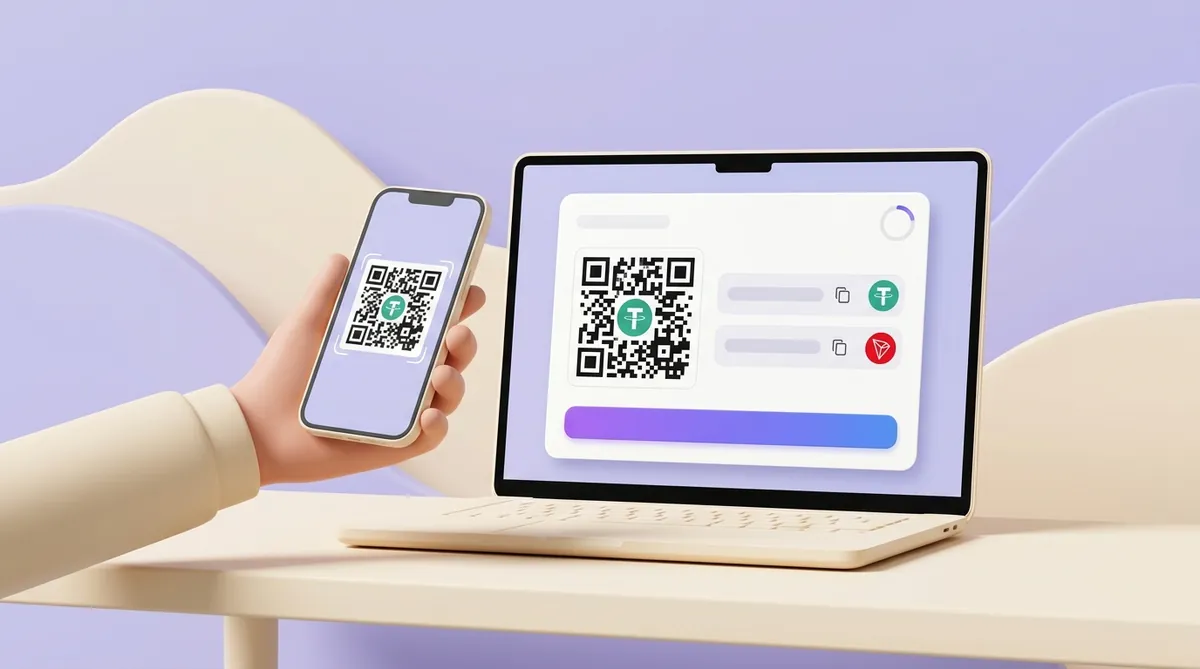
CryptumPay lets the seller set a tolerance in percent, and the invoice treats a wrong amount according to it. Say a withdrawal fee leaves 39.8 USDT against a 40 USDT invoice: if that difference is within the seller's tolerance, the payment confirms automatically; if it is beyond, the CryptumPay checkout asks you to pay the remaining amount. If you sent more than the invoice asked, you can request the excess back from the same CryptumPay checkout.
Paying with USDT means sending a stated amount to a stated address on a stated network. Get the network in writing, copy the address from the source and compare it, and check the amount the recipient will actually receive.
From an exchange, watch the withdrawal fee; from a wallet app, keep the network's coin for the fee. After sending, keep the transaction hash: it is your receipt and your proof.
TRON adds a new block about every three seconds, so a transfer usually shows as confirmed in the explorer within a minute. An exchange receiving the money may wait for extra confirmations and credit it a few minutes later. When a payment seems slow, the delay is usually on the sending exchange's side, before the transfer reaches the network.
TRON is not the only network you can pay on, and if the shop or person you are paying accepts USDT on more than one, you can compare their speed first. We measure real transfers every month and publish, for each network, how often a block comes and how soon a transfer becomes final, along with what it costs: how long a USDT transfer takes on each network.
Only if whoever controls that address sends it back; nobody can reverse the transfer for them. If the address belongs to an exchange, write to that exchange's support with the transaction hash, though a result is not guaranteed. If you sent ERC20 USDT to a BEP20 address in your own wallet app, or the other way round, the tokens are usually still yours: turn on the other network in the wallet and they appear.
Not directly: Amazon does not accept crypto at checkout. The usual workaround is an Amazon gift card bought for USDT from a third-party gift card service, whose balance you then spend on Amazon. Check the service's reputation first, and buy a card for the Amazon store of your own country, because cards work only in the store they were issued for.
In countries where Revolut offers USDT, open the crypto section, choose USDT, choose Send to an external address, pick Ethereum or TRON to match the seller's network and paste the address. Customers in the European Economic Area and Switzerland cannot do this: Revolut ended USDT support for them by 31 August 2026.
It depends on the network you choose, and Binance shows the exact fee on the withdrawal screen before you confirm. The fee is a flat amount in USDT per withdrawal, not a percentage of the payment. If the person you pay also has a Binance account, sending USDT to their Binance ID through Binance Pay skips the blockchain and is free for everyday amounts.
Create an account and connect the checkout yourself, or talk to sales and we will plan the integration with you.