Crypto invoice: what it must say, how the client pays it and what to do when the amount is off
Published
15.09.2026
Updated
19.10.2026
Contents
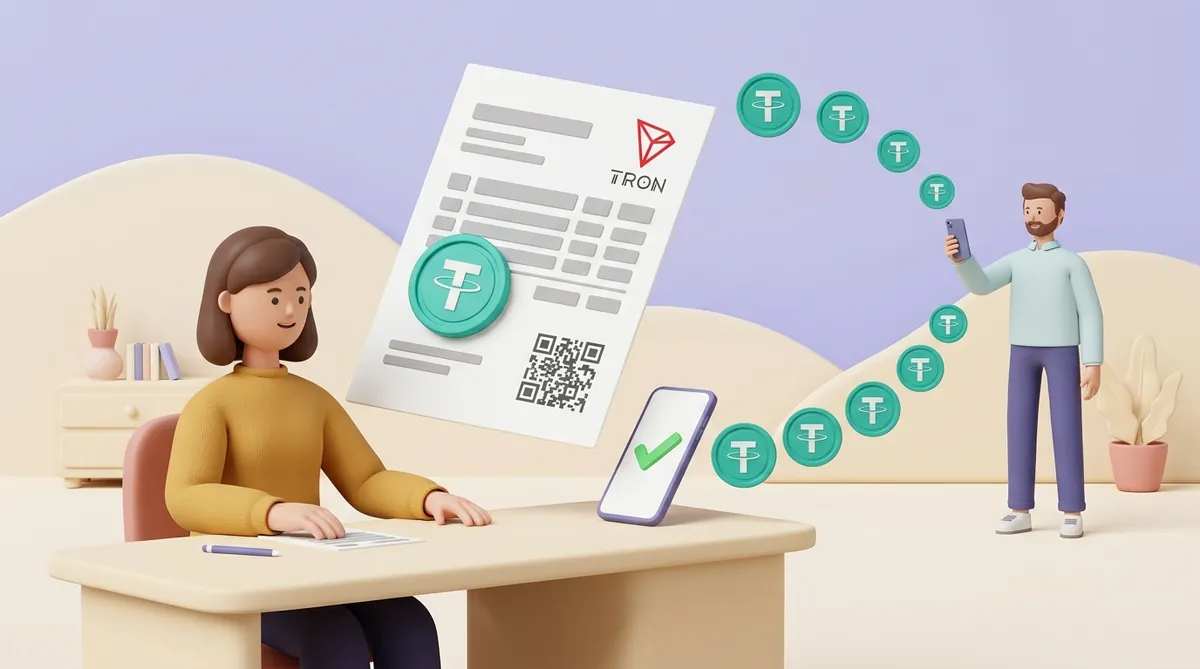
A crypto invoice is an ordinary invoice with a handful of extra lines that tell the client exactly what to send and where. Get those lines right and the client pays in two minutes without writing back to ask.
The template is the easy part. What costs people money happens around the payment: the rate moves, the transfer goes out on the wrong network, or the amount lands a few dollars short. This guide takes the crypto invoice from the first line to the record you keep after it is paid.
What a crypto invoice should include
Keep every field a normal invoice already has:
Both parties. Your name or company and the client's, with whatever details you put on any invoice.
Invoice number and date. They let you and the client refer to one payment without confusion.
What you are billing for. The work, service or goods, line by line.
The total. In the currency the deal was agreed in.
Then add the lines that make it payable in crypto:
Coin. Name it exactly: "USDT" or "BTC", not "crypto". A client holding several coins should not have to guess which one you want.
Network. USDT exists on several blockchains, and a transfer only arrives on the one your address belongs to. Write "USDT on TRON" rather than just "USDT"; how a business picks one is its own question, answered in our guide on which USDT network to put on the invoice.
Receiving address. The string of letters and digits your wallet shows under "receive". Give it as text the client can copy, and ideally as a QR code too.
Amount in the coin. "1,500.00 USDT" or "0.0231 BTC". A dollar total with no coin amount leaves the client to do the maths, and they will do it at their own rate.
The rate behind the amount. If the work is priced in dollars, say so, and say which rate turned dollars into coins and until when it holds.
Due time. A normal invoice is due in 14 or 30 days. A coin amount calculated from a volatile rate should hold for a much shorter window, and the invoice should say what happens after it.
What counts as paid in full. One line on how you treat a small shortfall saves an awkward exchange later, for example "payments within 1 USDT of the total are accepted as full".
A request for the transaction ID. The transaction ID, or TXID, is the unique receipt number the blockchain gives every transfer. Asking the client to send it back makes matching the payment to the invoice trivial.
Should the invoice be priced in USD or in crypto?
Decide this before you write the amount, because it decides who carries the risk of the price moving. Picture a $1,500 invoice paid in bitcoin: if bitcoin falls 4% between the moment you calculated the amount and the moment the client pays, the coins you receive are worth about $1,440.
There are three workable ways to price a crypto invoice:
Price in a stablecoin such as USDT. A stablecoin is a coin designed to stay worth one dollar, so "1,500 USDT" means roughly $1,500 whenever it is paid. This is the simplest choice for most invoices; the limit is that the client must hold or buy that stablecoin.
Price in dollars, pay in a volatile coin at a fixed rate. You write "$1,500, payable as 0.0231 BTC until 18:00 today" and recalculate if the deadline passes. The cost is the extra step: a late client needs a fresh amount.
Price in the coin itself. "0.0231 BTC, due in 30 days" only makes sense when both of you want to deal in bitcoin and accept that its dollar value will change. For a business with costs in dollars, we don't recommend it.
A deal priced in dollars and paid in bitcoin at "whatever the rate is on the day" is where most disputes start. If you use that arrangement, name the rate source and the time of day on the invoice.
When the client is in another country, the currency is only one of the choices the invoice has to settle. It also needs the currency written as a code, payment terms a stranger can't misread and a line saying who handles the tax. Those parts stay the same whether the client pays in crypto or by bank transfer, and they are laid out in what goes on an invoice for an international client, from currency to VAT.
What is a bitcoin invoice address, and why not just send your wallet address?
A bitcoin invoice address is simply a receiving address used for one invoice only. Many bitcoin wallets hand out a fresh address every time you press "receive", and all of those addresses lead to the same wallet.
Reusing one address for everyone works, but it has two costs:
You cannot tell payments apart. Two clients who each owe 500 USDT and pay on the same afternoon look identical on your address. You end up matching by time and asking people for screenshots.
Everyone who has the address sees your history. A blockchain is a public ledger. Anyone holding your address can look up every payment it has received and its current balance, including a client wondering how much you earn.
A separate address per invoice solves both. If your wallet gives you only one address, which is common for USDT, make the amounts unique instead: bill 1,500.13 USDT rather than 1,500, and the extra cents tell you whose payment it is. The limit is that an exchange's withdrawal fee can shave the cents off, so still ask for the TXID.
How to create a bitcoin invoice or a crypto invoice
There are three ways to make one, from fully manual to fully automatic:
A document you fill in yourself. Any invoice template in a word processor or spreadsheet works once you add the crypto lines above. It costs nothing, and you do all the checking yourself: the rate, the address, whether the money arrived.
A payment request from your wallet. Many wallets can create a request with the amount built in and show it as a QR code; for bitcoin this is a link starting with "bitcoin:" that fills in the address and amount when scanned. You still write the invoice around it and track payments by hand.
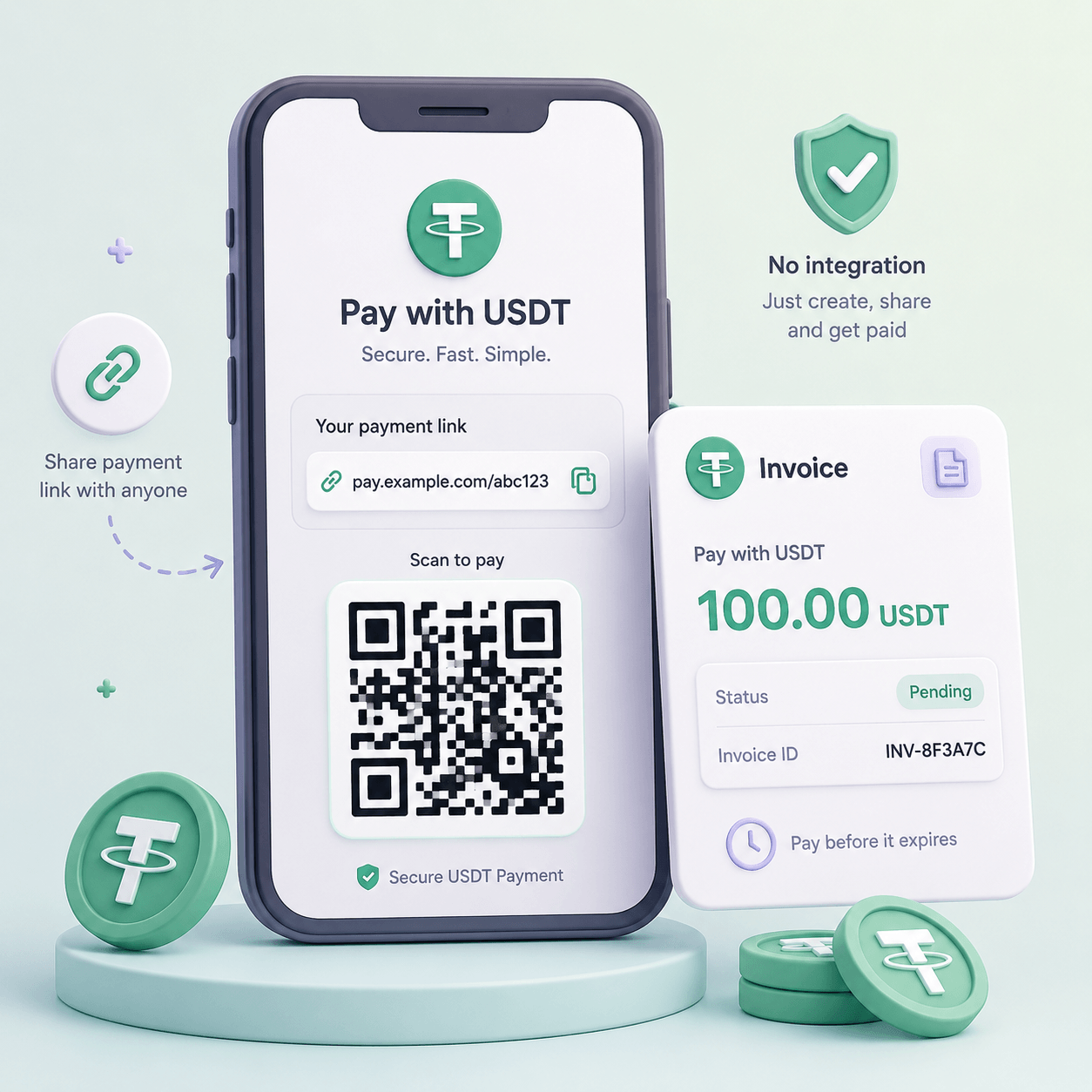
A payment link from a crypto payment service. A crypto invoice generator of this kind makes a page for one payment: the client opens it, sees the amount, chooses how to pay and sends. The service watches the blockchain and marks the invoice paid, and it usually takes a fee for that.
A document with an address is enough for a handful of invoices a month. Once you are chasing several clients at a time, a link saves the matching work, and the trade-offs between a link, a checkout widget and a full integration are laid out in our piece on payment links, QR codes and when to move beyond them.
A crypto invoice example you can copy
Here is what the crypto part of a filled-in invoice can look like, below the usual header and line items:
Total: $1,500.00, payable as 1,500 USDT.
Network: TRON (addresses start with the letter T). Transfers on other networks will not arrive.
Address: TXa7…9kPq. Copy it from the text, not from a screenshot, and check the first and last four characters.
Due: within 7 days of the invoice date.
Paid in full: a payment of 1,499 USDT or more is accepted as full; for anything less, we will ask for the difference.
After paying: please reply with the transaction ID.
If the price is in dollars and the coin is volatile, replace the total and the due date with the coin amount, the rate used and a same-day deadline. That is the whole free crypto invoice template: your usual invoice plus these six lines.
How to send a crypto invoice by email or chat
Sending is where an address can quietly change. Malware on a computer can swap a copied crypto address for the attacker's own. A hacked email account can send the client a "corrected" invoice with new details.
A few habits close most of that risk:
Send the address as text as well as in the PDF. The client copies it instead of retyping a long string, which is where typos come from.
Confirm the address through a second channel. If the invoice went by email, repeat the first and last four characters in the chat you already use with the client.
Never change payment details by email alone. If you really do switch wallets, say so by call or in a channel the client already trusts.
Offer a small test payment for large amounts. A 10 USDT transfer first costs the client one extra network fee and removes the fear of losing the whole sum.
If you are a freelancer or contractor billing a client in another country, the invoice is one step of a longer route that ends with money in your account, and our guide on getting paid in crypto as a freelancer walks through all of it.
How does a client pay an invoice in crypto?
From the client's side, paying a crypto invoice is a transfer from their wallet or exchange account, in five steps:
Open the wallet or exchange that holds the coin. The client picks "send" or "withdraw" for the coin named on the invoice.
Choose the network the invoice names. An exchange often offers several networks for USDT in a drop-down, and the client must pick the one the invoice states.
Paste the receiving address from the invoice. Before going on, the client compares its first and last characters with the invoice.
Enter the amount so that the invoice total arrives. Some exchanges subtract their withdrawal fee from the amount typed in, so a client who types 1,500 may deliver 1,499; the client should check the "will be received" figure on the screen.
Send, then share the transaction ID. The wallet or exchange shows the TXID in the transfer history once the transfer goes out.
A transfer from a regular personal wallet also needs a little of the network's own coin for the fee, such as TRX on TRON. Without TRX, a client paying USDT from such a wallet cannot send at all, so it is worth mentioning when you invoice someone paying from a wallet for the first time.
Some wallets on TRON have a mode that sends USDT with no TRX and takes the network fee in USDT out of the amount sent. For you the effect is the same as with an exchange fee: the client types the invoice total, and slightly less arrives.
Once the client says "paid", look up the TXID yourself in a blockchain explorer, a public website that shows any transaction, and check the network, the receiving address and the amount. A screenshot of a wallet is not proof, and the full routine is in our guide to checking that a crypto payment really arrived.
What happens if a crypto invoice is underpaid, overpaid or sent on the wrong network?
The sender cannot pull a crypto transfer back, so every mismatch is settled by you and the client talking. It helps to know in advance what you will do in each case:
Underpaid by a little. A client sends 1,499 USDT against a 1,500 invoice because the exchange kept a fee. If your invoice has a "paid in full" line, the rule is already agreed; if not, decide whether 1 USDT is worth a second transfer that costs the client another fee.
Underpaid by a lot. Ask for the difference on the same network and to the same address, and mark the invoice as partly paid with both TXIDs. Do not issue a new invoice for the full amount, or the client may pay it twice.
Overpaid. Keep the surplus as credit against the next invoice if the client agrees in writing, or send it back. A refund is a new transfer from you that costs you a network fee, and the client should confirm the address they want it on; our guide to refunding a client who overpaid or cancelled covers the rest.
Paid after the deadline. If the price was fixed in dollars and the coin moved, recalculate: ask for the difference if the coin fell, and agree what to do with the extra if it rose.
Sent on the wrong network. The outcome depends on whether the address exists on that network too. Addresses on Ethereum and BNB Chain look the same, so if the address sits in a wallet you control with your own recovery phrase, you can often reach the coins by adding the other network there. If the address belongs to an exchange account, only the exchange's support can help, and not every exchange recovers such transfers. The fix is never guaranteed, which is why the invoice should name the accepted network plainly.
Issuing a crypto invoice without doing it by hand
Everything above can be done with a document and a wallet. The manual parts are the rate, the matching and the mismatches, and those are what payment services take over.
CryptumPay works through payment links: you create an invoice in the console and send the link anywhere, by messenger, email or social media, and the client opens it and pays directly from their crypto wallet without an account. In CryptumPay's payment window the client picks the coin and the network themselves, whatever coin they pay in is converted, and you receive USDT at the rate fixed at checkout.
CryptumPay also handles the amount problem with a tolerance set in percent. A payment within it confirms automatically; beyond it, the checkout asks the client to pay the remaining amount, and a client who sent too much can request the excess back from the same checkout. Specialists who decide to bill this way start from CryptumPay's page on getting paid in crypto with payment links.
What records to keep for each crypto invoice
A bank statement records a payment for you. With crypto, the record is whatever you save, so keep a small file for every invoice:
The invoice as sent. Including the coin, network, address and the rate you quoted.
The transaction ID of every payment against it. One TXID for a normal payment, two or more for a partial one.
Date, time, network and amount received in the coin. The explorer page shows all four; a saved copy of it is enough.
The value in your own currency on the day it arrived. Note the rate and where you took it from.
What happened to the coins next. If you later sell USDT for dollars or euros, keep that record too, since the sale is a separate event; how received USDT becomes money in a bank account is explained in our guide to turning crypto into bank money for a business.
Which of these records your tax rules require, and at what value a crypto payment counts as income where you live, is a question for your accountant. Bring them this file and the question takes minutes.
What it comes down to
A crypto invoice works when the client can pay it without asking a single question, and when you can prove afterwards what arrived. In practice that means three things:
The invoice carries the crypto lines. Coin, network, address, amount in the coin, how long that amount holds and what counts as paid in full.
The rate risk is settled in advance. Price in a stablecoin, or fix the coin amount with a short deadline.
Every payment is checked and filed. Ask for the TXID, look it up yourself, and keep it with the day's value next to the invoice.
FAQ
What is a bitcoin lightning invoice?
A Lightning invoice is a payment request for bitcoin's Lightning Network, a faster layer on top of bitcoin built for small payments. It is a long code starting with "lnbc" that can carry the amount and an expiry time, one hour by default unless the issuer sets another. The payer's Lightning wallet reads it and pays in seconds, but a bitcoin wallet without Lightning support cannot pay it.
Is there a crypto receipt template?
A crypto receipt confirms that the money arrived, so it is shorter than the invoice. Take your invoice template, remove the address and the due date, and add the transaction ID, the date of payment, the amount received in the coin and its value in your currency that day. Finish with "paid in full" or "partly paid" and the invoice number it closes.
Can I pay a bank invoice with crypto?
Only if the company that issued it accepts crypto, and an invoice with bank details usually means it does not. The common route is to sell the crypto for your local currency on an exchange and withdraw it to your bank account. From there you pay the invoice by an ordinary transfer; some services convert crypto and pay a bill for you, but for a fee and within their own limits.
Why is a crypto invoice refund less than what was paid?
A refund is a new transfer from the merchant to you, and the network fee for it is usually taken out of the refunded amount. If the invoice was priced in dollars and paid in a volatile coin, the merchant may also refund the dollar value at today's rate, which gives fewer coins than you sent if the coin has risen. Ask how the refund is calculated before the merchant sends it.
What is the best crypto invoicing platform?
There is no single winner; the right platform is the one that fits how your clients pay. Before choosing, ask any platform these questions:
Which coins and networks can clients pay in? Your clients' wallets decide this, not your preference.
What do you receive, and at what fee? A platform that converts everything into one stablecoin spares you the rate risk.
How are wrong amounts handled? Automatic handling of short and excess payments saves the most manual work.
For a few invoices a month, a wallet and a template may be all you need.
Start accepting crypto payments
Create an account and connect the checkout yourself, or talk to sales and we will plan the integration with you.