August 7, 2026
Is BEP-20 the Same as BSC? Yes — For Your Transfer
Read article
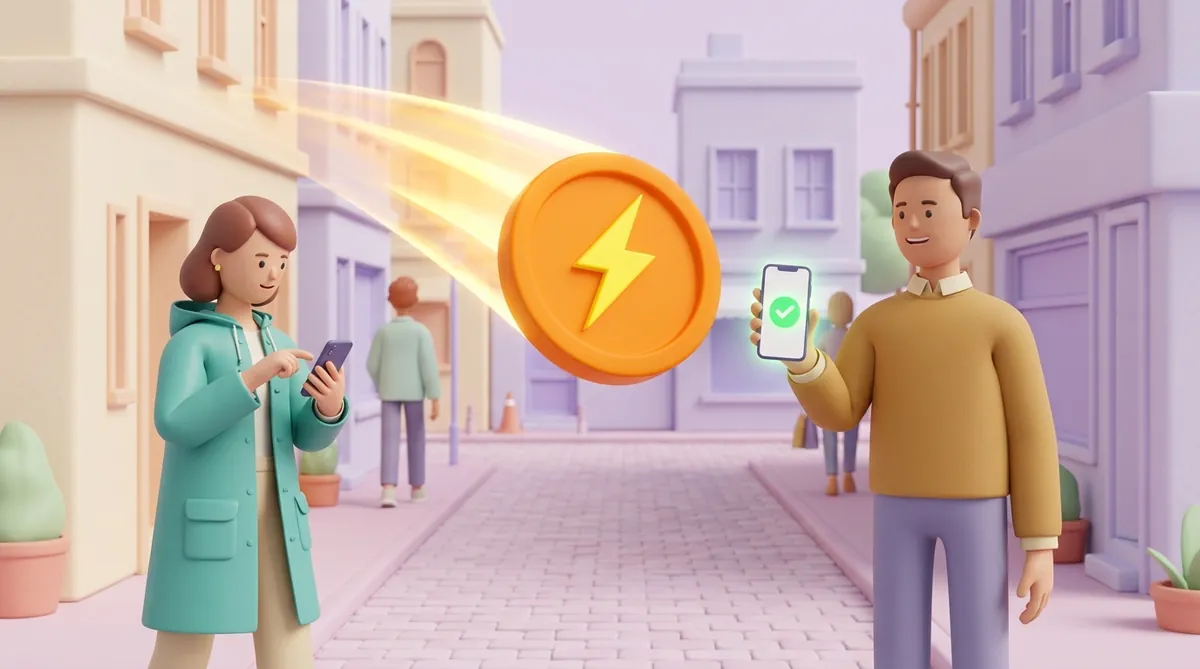
The Lightning Network is a way to send bitcoin in seconds for a fee of a few satoshis, the smallest units of bitcoin. It moves the same bitcoin, but each payment is not written to the Bitcoin blockchain on its own: wallets settle it between themselves through prepaid channels. For everyday amounts Lightning is usually the better choice, and for large sums and savings a regular transfer, the kind recorded on the blockchain, still is.
Picture a bar tab. Instead of paying the bartender for every drink, you leave a deposit at the start of the evening, and the bartender keeps a running count. At closing time one payment settles the whole night.
A Lightning channel works the same way. Two wallets lock some bitcoin into a shared pot with one transaction on the Bitcoin blockchain. After that they pay each other by updating who owns how much of the pot, and both sides sign every update.
Nothing reaches the blockchain until one side closes the channel. Then a second transaction pays each side its final share. Hundreds of payments can happen in between, and the blockchain only ever sees the opening and the closing.
You do not need a channel with everyone you pay. A payment can hop across channels: if you have a channel with Anna and Anna has one with a coffee shop, you can pay the shop through Anna. Your wallet finds the route by itself and pays each hop a tiny fee for passing the money along.
The hops in the middle cannot keep the money. A Lightning payment either arrives in full or returns to the sender, so a failed route costs nothing but a retry.
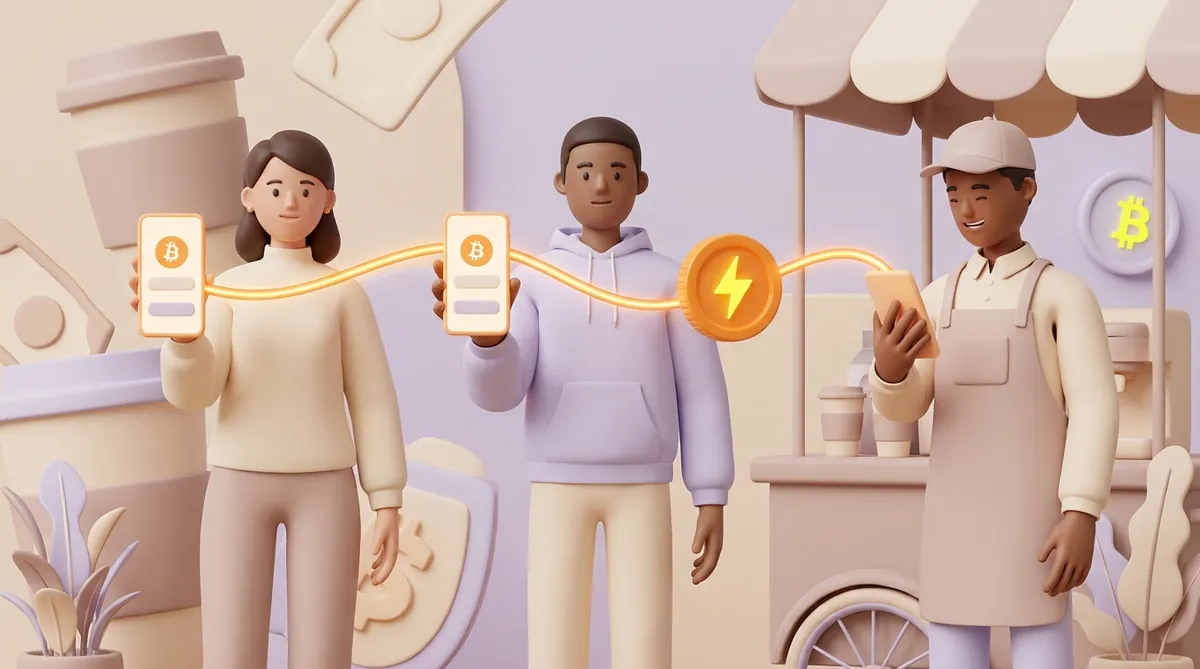
Doing the work away from the main blockchain and settling there only at the start and the end is what people call a second layer, or layer 2. Lightning is the second layer of Bitcoin. Ethereum has second layers too, but they are built differently: they bundle many transactions together and post them back to Ethereum. If that comparison is your next question, here is how Ethereum layer 2 networks such as Base, Arbitrum and Optimism work.
The two ways of sending bitcoin charge for different things, and a couple of extra costs sit around them:
Speed differs just as much. The Bitcoin blockchain adds a block about every ten minutes, and exchanges often wait for several blocks before crediting a deposit, which can take an hour. A Lightning payment lands in a few seconds.
Take a 4-dollar coffee. Even a 50-cent fee on a regular transfer is an eighth of the price, and the café would wait at least ten minutes to see the money. On Lightning the fee rounds to zero and the till shows "paid" before the cup is ready. Lightning is only one line in that picture, and the full breakdown of network fees, gas and what a payment gateway adds at checkout shows where the rest of the cost of a crypto payment comes from.
Both move the same bitcoin, so the choice comes down to the size and purpose of the payment:
When a regular transfer is the right call, the usual checks before you press send still apply. Here is what to check before you send bitcoin the regular way.
A Lightning wallet is any wallet or app that can pay and receive over Lightning. They come in two kinds:
Self-custodial wallets have one quirk a newcomer meets on day one. To receive, a channel needs room on your side, and a brand-new wallet has no channel at all. Many wallets solve this by opening a channel automatically on your first incoming payment and charging a one-time fee for it, so a first deposit arrives slightly smaller than sent.
If you are picking a wallet for more than Lightning, it helps to start from what you will do with it. Here is how to choose a crypto wallet for your situation.
Can you send BTC using Lightning? Yes, as long as both wallets support it: the coins are ordinary bitcoin, and Lightning is just the road they travel on.
To pay someone over Lightning:
To get paid, you have two options:
These two apps are where many people meet Lightning for the first time:
Three kinds of strings can stand behind "send me bitcoin", and they are not interchangeable:
Mixing them up rarely costs money. A wallet that only makes regular transfers will refuse a Lightning invoice as an invalid address, and the payment simply does not start. Some wallets avoid the question by showing one QR code that holds both a Bitcoin address and a Lightning invoice, and the sender's wallet picks the way it supports.
One more thing the word "invoice" hides. A Lightning invoice is only a payment request: it carries an amount and a short note, expires, and says nothing about who you are or what the money is for. If you are billing a client for a job, the document you send still has to say who pays whom and for what. Here is what a crypto invoice for a client must say.
Lightning has been running with real money since 2018, and the risks come from how you use it rather than from the idea itself:
The protocol also guards against cheating. If one side tries to close a channel with an old, more favourable balance, the other side's wallet can prove it during that delay and take the whole channel as a penalty.
Of these risks, the backup is the one that sits entirely in your hands. Write the recovery phrase down before the first payment, not after, and keep it where nobody else can read it. Here is how to protect your seed phrase and private key.
For a café or a shop, the appeal of Lightning is the bar-tab speed from the first section. The till shows an invoice, the customer scans it, and the payment is final in seconds. There is no wait for a block and no fee that eats a 4-dollar sale.
Behind the till there is a choice between two setups:

Either way, everything else at the counter works as it does for any coin, from the screen the customer scans to the moment staff hand over the order. Here is how to accept crypto payments in a physical store.
Lightning is ordinary bitcoin sent through prepaid channels between wallets, which makes small payments fast and nearly free. Use it for everyday amounts, use a regular transfer for large sums and savings, and check which of the two the recipient's address or invoice belongs to before you press send.
Lightning itself can carry a payment as small as one satoshi. The minimum you hit in practice is set by the exchange or app you withdraw from, and it is shown on the withdrawal screen when you pick Lightning. Large withdrawals can also hit a maximum, because the app's channels have to hold enough bitcoin to route them.
Nobody owns it. Lightning is an open set of rules, first described by Joseph Poon and Thaddeus Dryja in 2015, and several teams build software that follows those rules, among them Lightning Labs, Blockstream and ACINQ. The network itself is thousands of independent nodes run by people and companies, and if the word is new, here is what a node in crypto actually does.
Not the way you look up a regular transfer. Lightning explorers such as 1ML, Amboss and mempool.space show public nodes and channels, but individual payments are not published anywhere. Proof of a Lightning payment lives in the sender's wallet: a secret code the recipient's wallet reveals only once the money arrives.
Many Lightning wallets can, and they charge the fee of a regular transfer for it, because the bitcoin leaves Lightning. The opposite direction works too: an exchange or a wallet that handles both kinds of transfer can pay a Lightning invoice from bitcoin held outside Lightning. A wallet that knows only one of the two cannot do either.
Create an account and connect the checkout yourself, or talk to sales and we will plan the integration with you.