August 5, 2026
Best Crypto Wallet in 2026: Find Your Situation and Pick
Read article
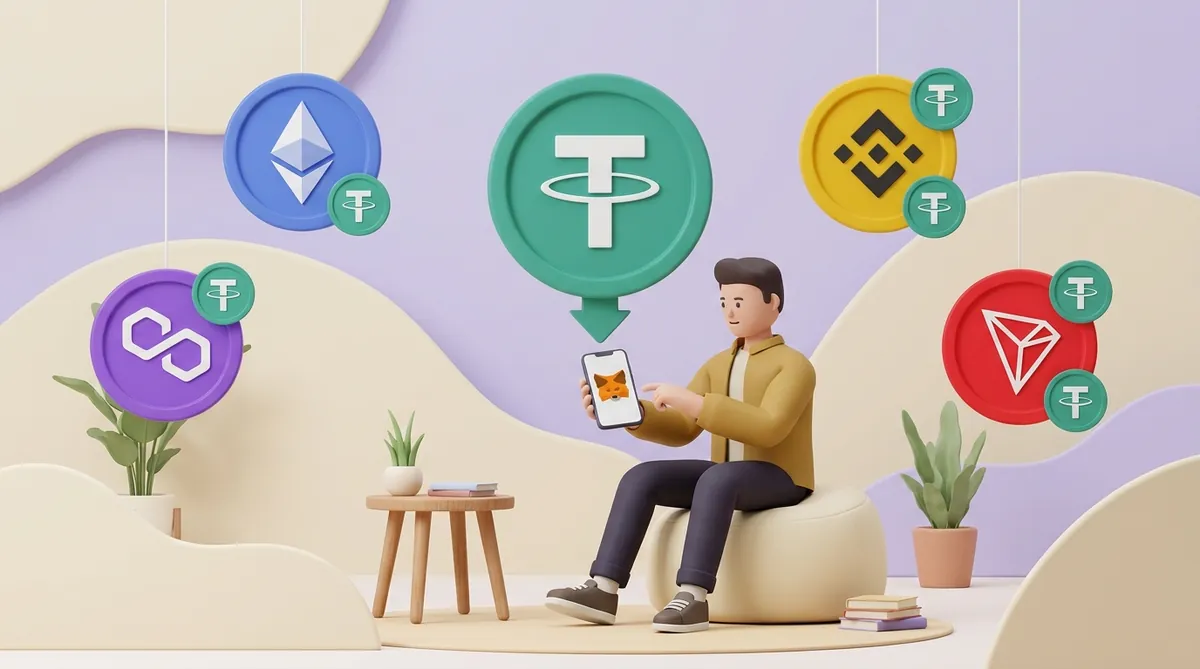
If someone has already sent USDT to your MetaMask address, the USDT is already yours: adding it only makes the wallet show it. Switch MetaMask to the network the USDT was sent on, and if it doesn't appear by itself, import it with the USDT contract address for that network. TRC-20 USDT works too: since January 2026 MetaMask holds it on a separate TRON address that starts with T.
USDT is not a single coin that travels between networks. Every network has its own USDT, and each one is a contract: a small program that keeps a list of who holds how much. Your USDT is a line in that list, next to your address.
MetaMask doesn't keep USDT inside the app. It keeps the keys to your addresses and reads those lists on the networks it is looking at. If your USDT sits on BNB Smart Chain while the wallet is looking at Ethereum, MetaMask honestly shows zero. For the bigger picture of what the wallet does, there is a guide to how MetaMask works, from fees and funding to cashing out.
Two more facts explain most of the confusion:
So before adding anything, find out which network the USDT came on. An exchange shows it in the withdrawal history, usually as ERC20, BEP20, TRC20 or Polygon; a person who sent it can simply tell you.
The steps are the same in the browser extension and the mobile app; only the button names differ a little.
If an older version asks you to type the decimals, the answer is 6 for USDT on Ethereum, Polygon, Arbitrum and TRON, and 18 on BNB Smart Chain. A wrong number doesn't lose any money, but the balance shows with the decimal point in the wrong place.
There is also a shortcut. On CoinGecko and CoinMarketCap, the MetaMask fox icon next to a token's contract address adds that token to your wallet in one click; on a phone, this works only inside MetaMask's own browser.
The contract address is USDT's real identity on a network. Anyone can create a token and call it USDT; nobody can give it this address. These are the addresses to paste into MetaMask:
Copy an address from a source you trust: Tether's own website lists the Ethereum and TRON contracts, and CoinGecko lists all of them. Compare the whole address, not just the first and last few characters: a lookalike can match those.
A token that says USDT but has a different contract address is not USDT. Strangers sometimes drop such tokens into wallets, and the balance looks real but is worth nothing. If one like that has appeared in yours, here is whether flash USDT is real and why it can't be withdrawn.
BNB Smart Chain is in MetaMask's network list; if your wallet doesn't show it, add it from "Additional networks" as in step 2 above. Your address there is the same 0x address you use on Ethereum, so there is nothing new to create and nothing to set up.
USDT on BNB Smart Chain isn't issued by Tether directly. It comes through Binance's bridge, pegged one to one to USDT, and exchanges and wallets treat it as ordinary USDT. It is a separate token with a contract of its own, which is why its address differs from Ethereum's and why it counts in 18 decimals rather than 6.
Fees on BNB Smart Chain are paid in BNB, the network's own coin. Receiving USDT needs no BNB at all, but sending it normally does, so keep a small amount of BNB next to your USDT if you plan to move it.
Exchanges label this network in different ways: BEP20, BSC or BNB Smart Chain. If a withdrawal form offers more than one of these and you're not sure which is yours, here is what BEP-20 and BSC mean for a USDT transfer.
Both networks are added the same way as BNB Smart Chain, and both use your same 0x address. What differs is the coin that pays the fee:
On both networks MetaMask may label USDT as USDT0, a version of USDT designed to move between networks. If the contract address matches the list above, it is the right token.
MetaMask added native TRON support to its mobile app and browser extension on 15 January 2026. After the update, each account gets a TRON address next to its 0x address, and MetaMask handles TRX, TRON's own coin, and USDT on TRON without any setup.
Your TRON address is the one that starts with T. Check that first letter before you hand the address to an exchange or a sender: a 0x address is not a TRON address, and TRC-20 USDT can't be sent to it.
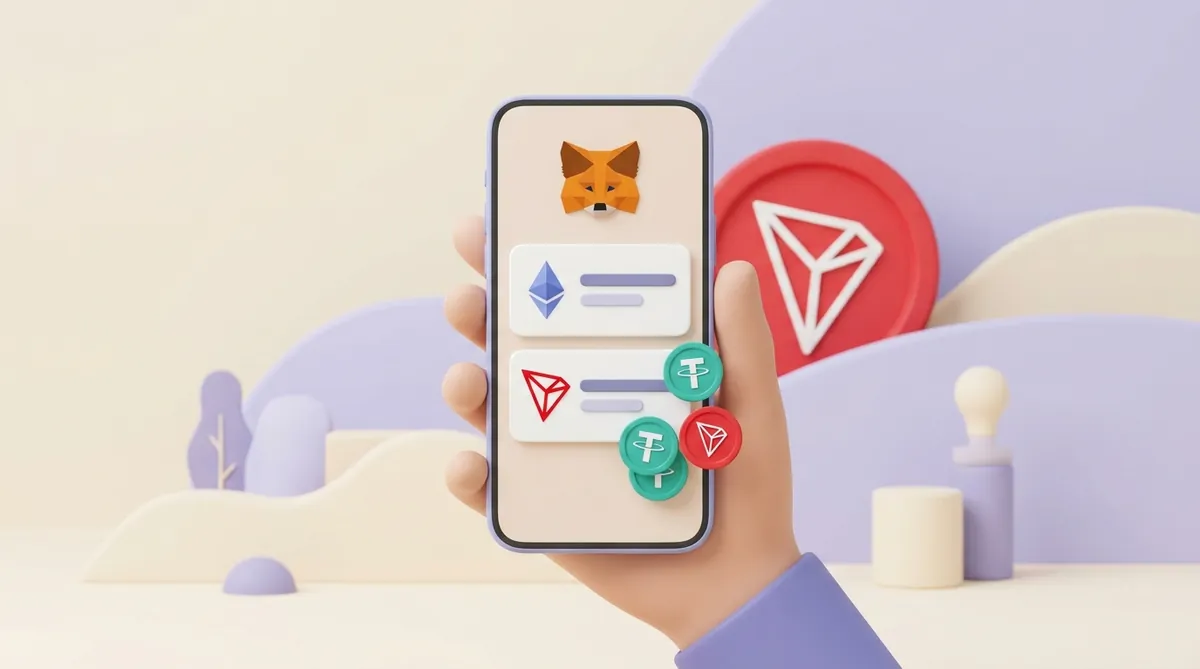
Before 2026 MetaMask had no TRON support of its own, so you may still come across advice to keep a second wallet just for TRON. With an updated app, you don't need one. USDT you already keep in TronLink can stay there too: both wallets hold it, and every move between them costs a network fee. If you're weighing which wallet to keep for TRON, here is what TronLink is and how it handles TRC-20 USDT, fees and security.
TRON pays for transfers differently from Ethereum-style networks, and four rules follow from that:
To send you USDT, the sender needs two things from you: your address and the network. They have to match, and the network decides which address you give:
Receiving costs you nothing on any of these networks, because the sender pays the fee. How the address and network get to the sender depends on who is paying:
Once the transfer lands, switch MetaMask to that network. If USDT doesn't appear, import it as in the steps above. And if you get to choose the network yourself, it's worth comparing which USDT network is best for a sender and which for a merchant.
You can also buy USDT inside MetaMask through its partner providers, where your region allows it. The USDT arrives on whichever network you pick at purchase.
Sending takes four steps:
Every network charges its fee in its own coin, so keep a little of that coin next to your USDT:
On Ethereum, BNB Smart Chain, Polygon and Arbitrum, MetaMask can also take the fee in USDT itself; the questions at the end explain how. On TRON there's no such option, and the common trap is an address full of USDT with no TRX on it at all. If that's where you are, here is how much TRX a USDT transfer needs and what to do right now.
Most of the time the USDT is safe and the wallet is looking in the wrong place. Go through these causes in order:
An explorer page answers the question in a minute: it shows whether the transfer is confirmed or failed, on which network, and to which address it went. If you've never read one, here is how to read a crypto transaction in a blockchain explorer.
USDT never needs to be moved into MetaMask: it sits on a network, and MetaMask shows it once it looks at that network with the right contract address. Find out the network first, then switch, search or import. For TRC-20 USDT, update the app and use your TRON address, and keep some TRX on it before you try to send.
On Binance's deposit page, choose USDT and then the same network your USDT sits on in MetaMask: if it's on BNB Smart Chain, that's BEP20. Copy the deposit address shown for that network, not one you saved earlier. Ethereum and BNB Smart Chain addresses both start with 0x, so the form won't stop you from mixing them up; the network label is what you check.
Every transfer pays a fee, but on Ethereum, BNB Smart Chain, Polygon, Arbitrum, Linea and Base, MetaMask can take it in USDT instead of the network's own coin. On the confirmation screen, open the list next to "Network fee" and pick USDT; if you have no ETH, BNB or POL, MetaMask picks an eligible token for you. The estimate includes a small MetaMask charge, and the option needs Smart Transactions and balance-change estimates switched on in settings. TRON transfers aren't covered.
If you pay the fee in the network's own coin, a send costs only the network fee; if you pay it in USDT, the estimate also includes a small MetaMask fee. On TRON without staked energy, a USDT transfer burns about 7 TRX, and roughly twice that if the recipient's address has never held USDT. On Ethereum, BNB Smart Chain and Polygon the fee depends on how busy the network is at that moment, and here is what a USDT transfer costs on each network and how long it takes.
Create an account and connect the checkout yourself, or talk to sales and we will plan the integration with you.