August 7, 2026
Is BEP-20 the Same as BSC? Yes — For Your Transfer
Read article
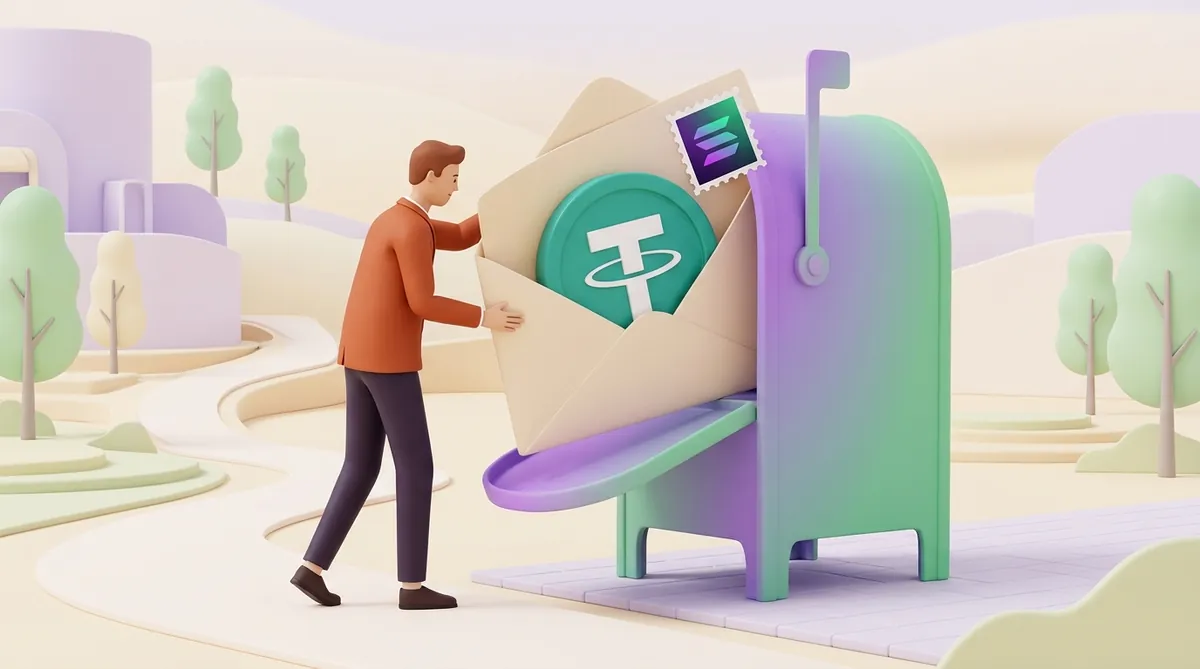
USDT on the Solana network is ordinary Tether, issued by Tether itself, that lives on Solana's blockchain instead of TRON's or Ethereum's. You send it to a Solana address, and a transfer to someone who already holds USDT there costs about a tenth of a cent. The catch is that the fee is paid in SOL, Solana's own coin, so a wallet holding only USDT can receive money but cannot send it on.
Every blockchain charges for moving things, and it charges in its own coin. On Solana that coin is SOL. A normal USDT transfer takes its fee from your SOL balance, however much USDT you hold.
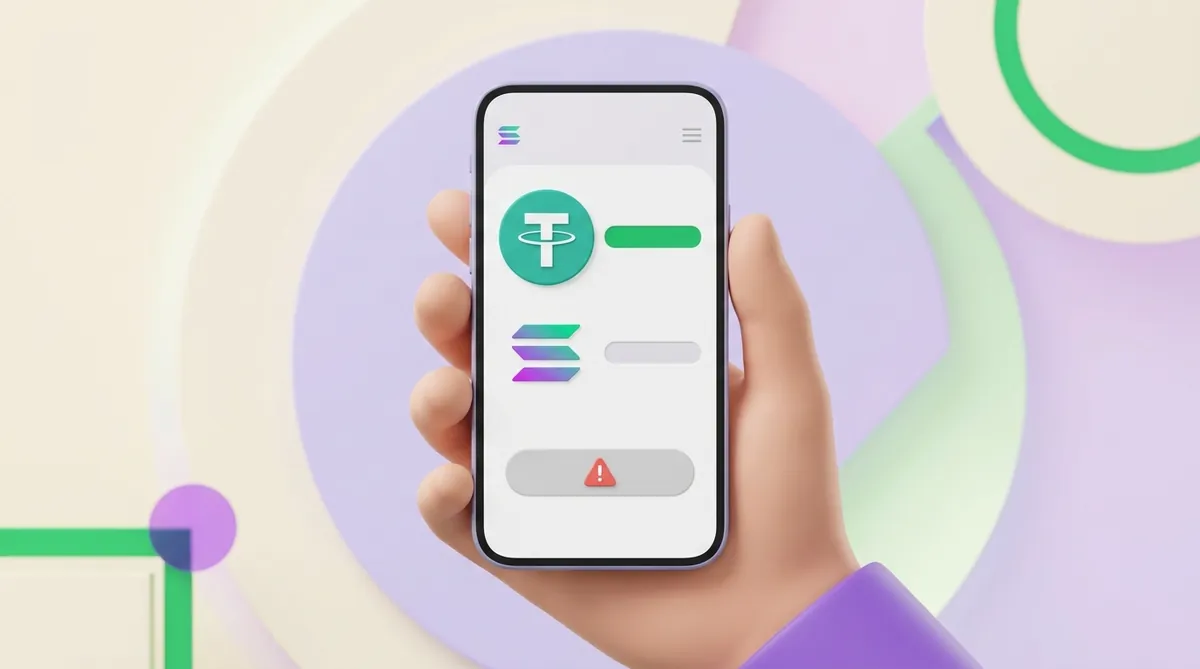
Picture someone paid 100 USDT on Solana into a brand-new wallet. The money arrives and the balance shows 100, yet tapping Send returns an error about not having enough SOL. Nothing is wrong with the USDT: the wallet simply has nothing to pay the fee with.
USDT and SOL sit under one wallet address. On Solana, USDT is an SPL token, which is just the name of Solana's token format, the way TRC-20 is TRON's and ERC-20 is Ethereum's. If you are weighing those versions against each other, here is how the USDT formats on different networks differ.
The cost of a transfer depends on one thing: whether the recipient already has a token account for USDT. A token account is a small separate record that Solana keeps under a wallet for each token that wallet holds. In autumn 2026 the two cases looked like this:
That deposit is not a network charge. It stays on the recipient's token account, and the recipient gets it back by closing that account once it is empty, so a sender who paid it does not see it again. Solana is also lowering the deposit in steps, with more cuts planned for November 2026, so your wallet may show a smaller amount.
For everyday use, 0.01 SOL is a comfortable amount to keep. At those prices it costs a little over a dollar and covers about a thousand ordinary transfers or several transfers to new recipients.
If you want to put these numbers beside TRON or Ethereum, here is what a USDT transfer costs on each network and how long it takes.
You can send from your own wallet or from an exchange. The main difference is that a wallet needs SOL and an exchange account does not.
For a large first payment, we recommend sending a small test amount first. It costs one extra fee, and it opens the recipient's token account, so the main transfer then costs the lower fee.
If the recipient says nothing came, paste the signature into Solscan or Solana Explorer. A record there settles whether the money moved, and this guide explains how to read a transaction in a blockchain explorer.
Receiving USDT takes no SOL at all. The sender pays the fee and, if you are new to USDT on Solana, normally the deposit for your token account too.
One transfer is simple. Taking USDT from customers again and again raises other questions, such as what arrives, what it costs and how to match a payment to an order, and those are covered in how to accept Solana payments in a business.
USDT that seems stuck is usually still safe in the wallet. There are three common reasons a transfer does not go through:
The fix for the first two is more SOL, or a wallet feature that works around it:
Send a little more than the bare minimum. A Solana wallet that holds SOL must keep a small floor balance, currently under 0.001 SOL, so a tiny top-up can be rejected or leave too little to spend.
One warning follows from all this. A stranger may share a recovery phrase for a wallet "holding thousands in USDT" and ask you to add SOL to help move it. Those wallets are usually rigged so that a bot takes any SOL the moment it lands, and a real recovery phrase is never handed out, because a seed phrase is full access to a wallet.
Most wallets that support the Solana network can hold USDT there. Four you will often see:
An exchange account can also hold USDT on Solana, but the exchange then controls your withdrawals. A wallet of your own leaves control with you, along with the job of keeping the recovery phrase safe.
Whichever you use, the rules above stay the same: one address for USDT and SOL, and fees in SOL. If you have not settled on one yet, this will help you choose the crypto wallet that fits your situation.
There are four usual routes, and the right one depends on what you hold now:
Whichever route you take, get a little SOL at the same time if your wallet has none. Withdrawing both from one exchange in one sitting saves a second trip.
On Solana the contract address is called the mint address: the token's unique ID on the network. Tether lists this one for USDT:
Es9vMFrzaCERmJfrF4H2FYD4KCoNkY11McCe8BenwNYB
Anyone can create a Solana token and name it USDT, and a wallet may display it next to real money. A token with any other mint address is not Tether's USDT, and this is how fake and flash USDT tricks work.
You need the mint address in two situations:
Never send USDT to this address. It identifies the token and does not belong to anyone who could return your money.
Solana suits you when two things are true:
The network is also quick: it opens a new slot, its turn to add a block of transactions, every 200 milliseconds.
It has two limits worth weighing:
Here is more on which USDT network suits a sender and which suits a merchant.
USDT on Solana is the same Tether token, and it moves for a fraction of a cent between people who already hold it. Three habits prevent most of the trouble:
No. USDT is a token meant to stay at about one dollar, while SOL is the network's own coin and its price moves freely. When an exchange shows USDT (SOL), it means USDT on the Solana network, with no SOL inside it. The SOL you keep for fees is a separate small balance.
Trust Wallet may not show it until you turn it on. Open the token list from the main wallet screen, search for USDT and enable the version on the Solana network. If it does not appear, add a custom token using the mint address above. USDT that has already arrived is not lost, because it sits on the network and appears once the token is enabled.
No. USDT on Solana moves only between Solana addresses, and each network keeps its own separate balances. To change networks, deposit the USDT on Solana to an exchange that supports both, then withdraw on the network you need. Bridges, which are services that move tokens between networks, do this too, but we don't recommend one for a first attempt: they add their own fees and technical risk.
Create an account and connect the checkout yourself, or talk to sales and we will plan the integration with you.