


September 3, 2026
Crypto Payments vs Bank Transfers: Fees, Speed, and Which Is the Best Method for Your Business
Read article

There are two ways to accept Solana payments. You can give customers the address of your own Solana wallet, or you can connect a payment gateway that issues each order an invoice and watches for the money. Either way, the customer pays the network fee, which is a fraction of a cent, and the payment becomes final in about ten seconds.
What lands depends on what you ask for. Ask for SOL, the network's own coin, and SOL arrives. Ask for a dollar stablecoin such as USDC or USDT, and that arrives instead, at the same address. A gateway can change the picture: some convert the coin into something else the moment it arrives.
Solana itself is a blockchain: a public ledger kept by many computers around the world at once, where every payment is an entry anyone can look up. If that idea is new to you, start with how cryptocurrency and blockchains work. What follows is the part a seller needs.
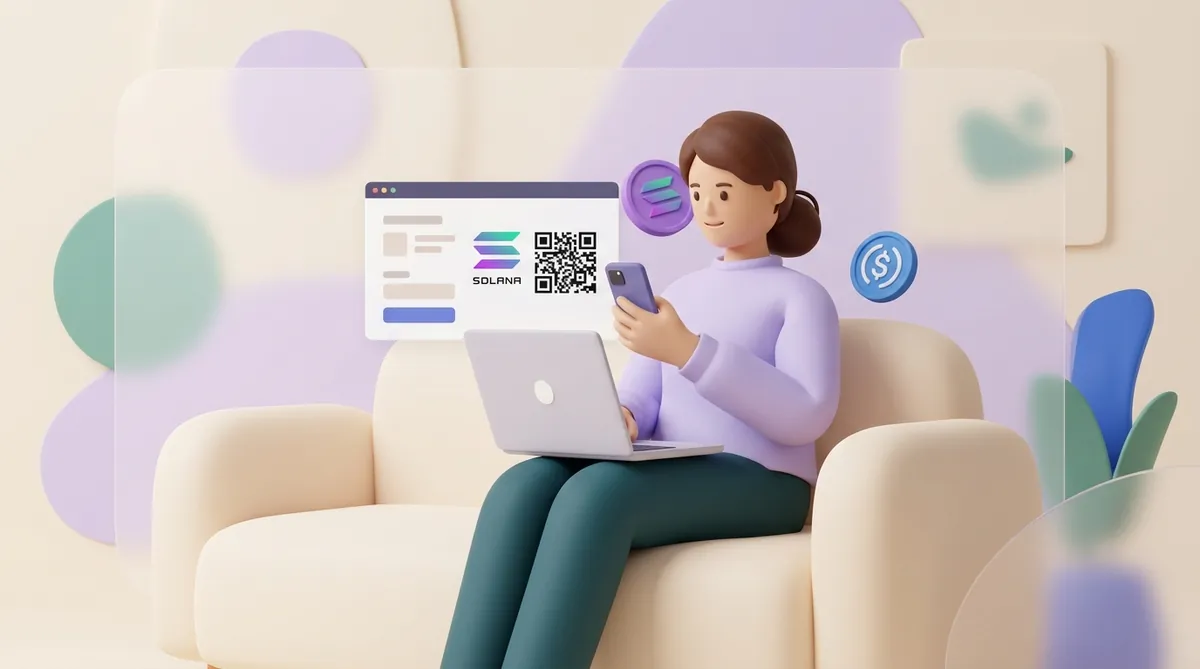
A Solana wallet has one address, a string of 32 to 44 letters and digits. That one address receives SOL and every token on the network.
Tokens are stored a little differently from SOL. For each token you hold, the network keeps a small separate account tied to your address, called a token account: think of it as a pocket for USDC inside the same wallet. The first time someone sends you a token, their wallet normally opens that pocket and pays a refundable deposit of about 0.002 SOL for it. After that, payments in the token simply land.
A customer on Solana can pay you in one of three things:
Which of the three you ask for is your first real decision, and it is less about technology than about what you want to be holding an hour later: SOL's price moves, a dollar stablecoin's doesn't. Between the two stablecoins the differences are small but not nothing, and if you'd rather name one coin on your invoices than two, how USDT and USDC differ for payments weighs them against each other.
USDT brings a question the other two don't. The same USDT exists on several networks at once, and USDT on Solana is not interchangeable with USDT on Tron or Ethereum: different addresses, different fees, and a customer sending from an exchange has to pick the network by hand. Solana is a perfectly good answer, but it is worth choosing on purpose, because the network you name on your invoices is the one your customers will live with — which network to take USDT on sets out the alternatives.
Whatever you accept, it's worth keeping a little SOL in the wallet. The network charges every outgoing transfer in SOL. Some wallets can still send USDC or USDT from an address with no SOL by taking their charge out of the token itself, but only for certain tokens and above a minimum amount; a little SOL of your own keeps every transfer on the plain network fee.
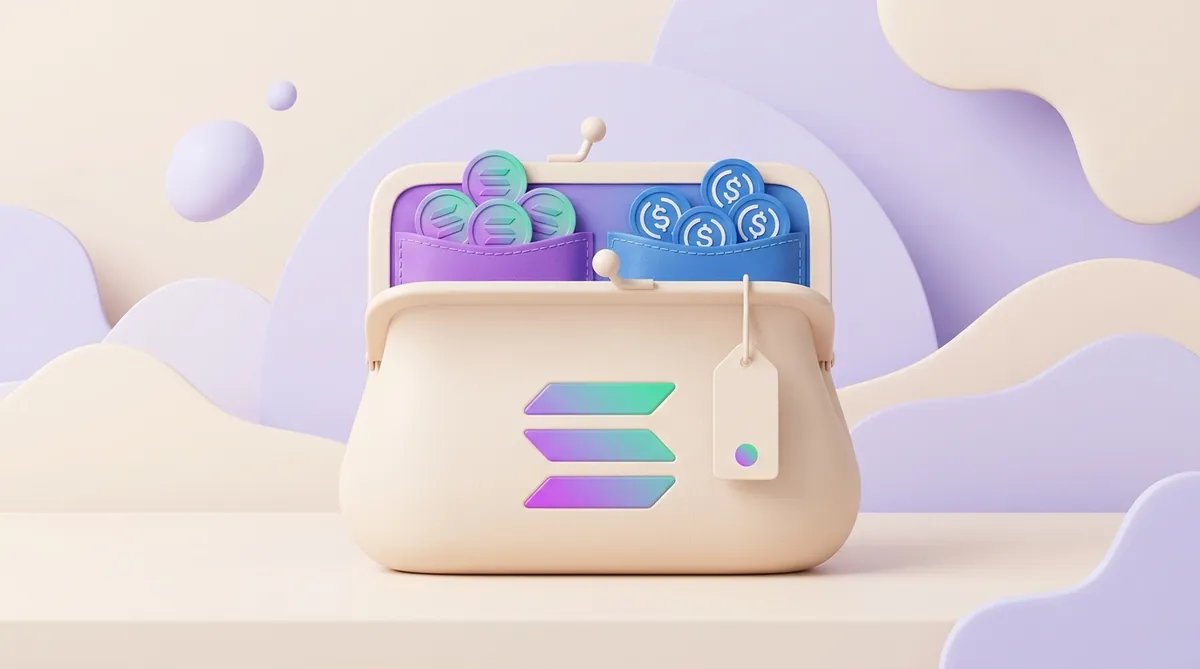
You can set this up three ways, from bare to fully wired:
A freelancer paid by a client now and then can stay on the first two routes indefinitely. Nothing about a handful of invoices a month justifies wiring up software, and the parts that do take thought are the human ones: agreeing the coin and the network before the invoice goes out, and knowing where the money goes once it lands — which is the ground getting paid in crypto as a freelancer covers.
A store with a cart needs the third, because nobody should be confirming orders by staring at a wallet. What the percentage buys is the watching and the telling: the gateway spots the payment, matches it to the order and tells your site to release it. That is also why gateways are worth comparing on more than price — which coins they take, how they plug into your platform, and whether the money stays in the coin it arrived in are each a decision you make once and live with, and our guide to crypto payment gateways for business goes through them.
Repeat billing depends on the route. On your own wallet or through a payment link, every payment is one the customer sends themselves, so there is nothing you can charge again next month.
Solana does have a way to bill on a schedule: a subscriptions program where the customer approves once, and the merchant then takes each period's payment from their wallet within the agreed limit until the customer cancels. Using it takes a gateway that supports it or development work of your own. If you sell subscriptions abroad, crypto is still one part of a wider payments setup, and choosing that stack for a SaaS business is a decision of its own.
Solana Pay is not a company, and there is nothing to sign up for. It is a standard: an agreed way to write a payment request as a link or QR code that Solana wallets know how to read.
A Solana Pay request can carry your address, the amount, the token, your shop's name and a reference, which is a unique code attached to one payment. The reference is the part that matters to a seller. It lets you or your software pick out the payment for order 1042 among all the others, even when two customers paid the same amount.
So you need Solana Pay only in the sense that you need some clean way to invoice. If you work from your own wallet, a Solana Pay link or QR code is the tidiest one. If you use a gateway, the request format is the gateway's job, not yours.
A link or QR code fills in the address and the amount for the customer, but the invoice you send alongside it still has to answer what the link cannot. It should say how long the amount holds, whether a payment that arrives slightly short counts as full, and that the customer should reply with the transaction ID; a filled-in version is in a crypto invoice example you can copy.
The network fee is paid by whoever sends the money, which is your customer. The base fee is 0.000005 SOL per signature, a fraction of a cent. When the network is busy, wallets add a small priority fee so the payment goes through sooner, and that also stays on the customer's side. Receiving costs you nothing.
A fee that small makes small payments workable. A customer paying two dollars for a download pays a network fee they won't notice. For API products that charge per request, there is even a standard that takes stablecoin payments call by call and runs on Solana among other networks: x402 micropayments for AI and API products.
Your real costs sit elsewhere:
Only the first of those is a price you agree to in advance. The other two are set by how you behave: cash out once a week instead of every day and you pay the exchange fewer times; ask for stablecoins and the third line disappears altogether. That is why a gateway's headline percentage is never what a Solana payment actually costs you, and why how crypto payment fees work, from network fees to gateway fees takes the layers apart one at a time.
The comparison you probably want is against the cards you already take. There you pay a percentage on every sale and a settled payment can still be reversed afterwards; here receiving costs you nothing and nothing gets reversed, but you pick up the job of turning coins into money in a bank account, and that is where your costs move to. Which way it comes out depends on how often you make that trip, which is the axis crypto set against card payments and bank transfers turns on.
At CryptumPay, for example, SOL is among the accepted coins, alongside BTC, ETH, USDT, TRX, BNB, POL, TON, XRP and more. CryptumPay's fee is 1% per successful payment, falling to 0.5% at higher volumes, and a merchant can pass it on to the customer. On a 200-dollar order that is 2 dollars, paid either by you or by the buyer.
A wallet shows an incoming Solana payment almost at once. The payment becomes final, meaning it can no longer be rolled back, about ten seconds later, and final is the status to count on. The Alpenglow upgrade, scheduled for the second half of 2026, aims to cut that wait to a fraction of a second.
Once a payment is final, there is no chargeback. Neither the customer nor any bank can reverse it; a refund is a new payment you send yourself.
Before you count the money, make two checks:
A gateway normally does both checks for you. On your own, here is how to make sure a crypto payment really arrived.

It drops while you're holding it. Say a customer pays for a 150-dollar order in SOL, and SOL falls 10% before you sell: you have effectively sold for 135.
There are three ways to keep that off your books:
CryptumPay works the third way: it converts incoming payments to USDT as soon as they arrive, so the balance never sits in a volatile coin. For other approaches, see how to keep crypto price swings off your revenue.
If you're starting from your own wallet, the setup takes five steps:
With a gateway, steps 3 to 5 become the gateway's job. You connect it to your site through a plugin or its API, switch SOL on among the accepted coins, and run one small test payment before real customers see it. A Shopify store adds payment methods by the platform's own rules, and accepting crypto on Shopify walks through them.
On Solana the customer pays the network fee, you receive what they sent, and the payment is final in seconds. The decisions that matter are what you want to hold and who watches for the money. A few invoices a month fit your own wallet and a Solana Pay link; a store with a cart needs a gateway; and if SOL's price swings worry you, ask for a stablecoin or convert on arrival.
Solana has no waiting room where payments sit for hours: an attempt either makes it into a block within seconds or never happens at all. A payment stuck on "pending" almost always means the attempt never landed — the request a wallet builds stays valid for only about a minute, and when the network is busy an attempt carrying too small a priority fee can be dropped inside that window. Nothing is lost when that happens: the money never leaves the customer's wallet, and paying again normally goes through first time. What you should not do is mark an order paid on a screenshot of a pending screen.
The Solana leg still takes seconds, but it is only the last leg. Exchanges release withdrawals on their own schedule — a manual review, a security hold after a password change, or simply a queue — and minutes to a few hours is ordinary. So a customer who says they sent the money half an hour ago can be telling the truth while it is still inside the exchange. Ask them for the transaction signature, the code every Solana payment gets: if the exchange hasn't produced one yet, nothing has been sent to you and there is nothing to look for.
Not for stablecoins — a customer can send you 0.50 USDC if that is the price. SOL has one small catch: every Solana account must hold a refundable minimum to stay open, about 0.0009 SOL, so a dust-sized SOL payment to a brand-new empty wallet simply fails. The limits you will actually run into come from elsewhere: exchanges set a floor on withdrawals, well above anything the network cares about, and gateways set their own smallest invoice.
Yes, and so does every other Solana wallet. Wallets don't approve coins one at a time; they show whatever the network records against your address, so there is nothing to switch on before a customer pays you in USDC. What an app does decide is what to display: it may tuck a token it doesn't recognise into a hidden list, or show the balance with no dollar value next to it. If a payment looks missing, check the wallet's hidden or unverified tokens before you assume something went wrong.
To an address they give you, not to the one the payment came from. Money arriving from an exchange comes from an address belonging to the exchange, and anything sent back there can vanish into its systems without ever reaching the customer's account. Ask for the address in writing, and remember the network fee on the refund is yours, since this time you are the sender.
Create an account and connect the checkout yourself, or talk to sales and we will plan the integration with you.

