October 7, 2026
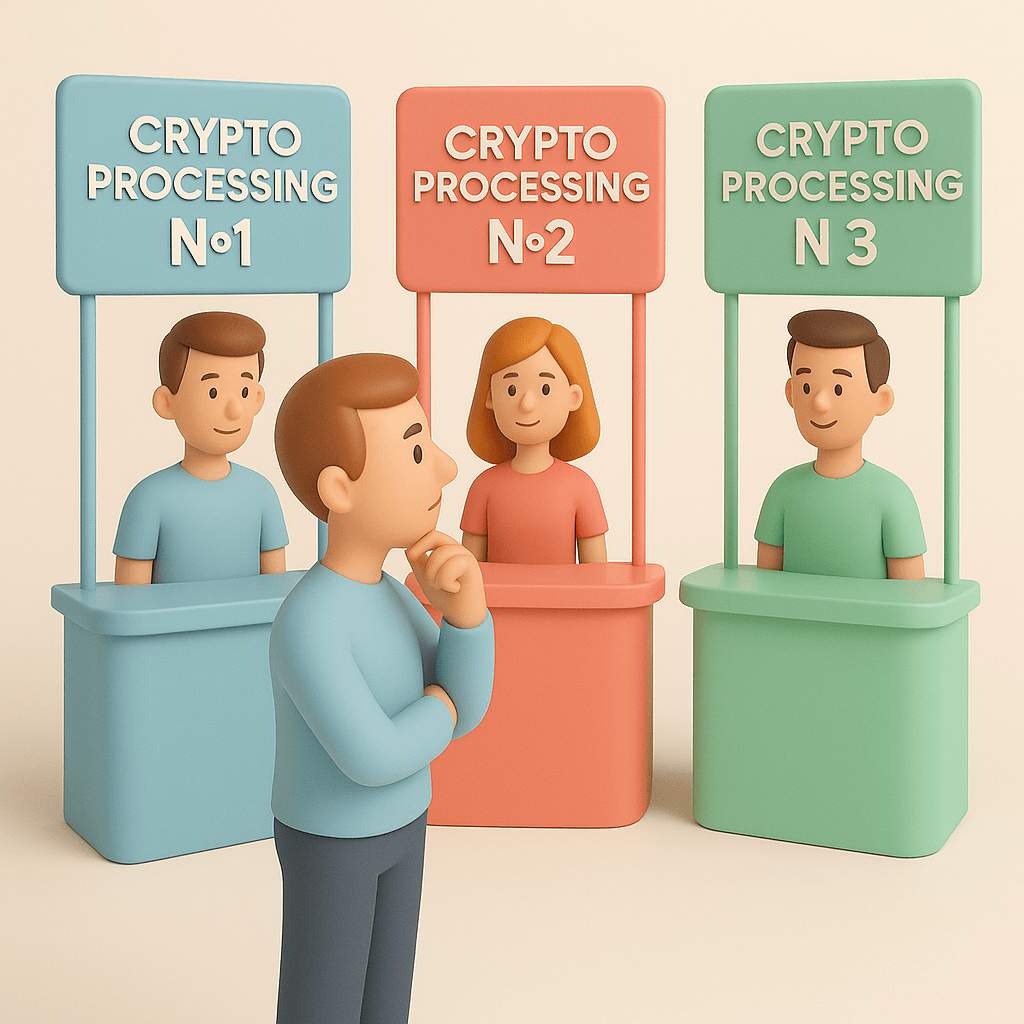
Which crypto payment processor should your business use?
Read article

Someone has offered your store crypto payments, and the pitch is always the same: new audience, lower fees, growth. Here is the honest version. Accepting cryptocurrency payments in an online store will not move a revenue line you can see in a monthly report. What it does is close one hole — the shopper whose card gets declined, who lives where your acquirer doesn't reach, who holds money in USDT and has no other way to hand it to you. That's one customer at a time, not a segment.
Switch it on if you sell digital goods, gaming top-ups, software or subscriptions; if your basket is large — luxury, electronics, high-ticket services; if you sell across borders; or if your logs already show cards failing for a slice of your buyers.
Wait if you run local retail with a small average basket. The effect is real and small, and at your volumes it drowns in week-to-week noise.
Don't do it at all if none of that describes you and no customer has ever asked. Three checks at the end of this article settle that in an afternoon, and if all three come back empty, this isn't your problem to solve. Closing the tab is a legitimate answer.
Then there's the half of the answer nobody mentions before launch. Accepting crypto puts a countdown clock on your own payment page: an invoice lives for minutes, and inside those minutes the blockchain has to confirm the transfer at its own pace — which on some networks is slower than the clock. Four settings decide whether that ever becomes your problem.
Four in ten. 39% of US merchants already accept cryptocurrency at checkout, according to the National Cryptocurrency Association's merchant survey. That's a US picture from October 2025, and it doesn't transfer automatically to another market.
Two figures from the same survey say more about your inbox than about the market. 88% of merchants report customer inquiries about paying with crypto. And 69% say their customers want to pay in crypto at least once a month — that second figure measures how often the demand is there, month after month.
Global spending puts the scale in perspective. Worldpay's Global Payments Report 2025 sizes consumer crypto spend at $16 billion in 2024, forecasting $38 billion by 2030. That is the whole planet: enough to justify a payment method, not enough to build a plan around.
So the useful part of this section has nothing to do with the 39%. Your own inbox has already run this survey for you. If your customers have been asking, the evidence is sitting in your support history with names and dates on it, and that is the only percentage that decides anything.
And when a customer in that history asks whether they can pay in crypto, your reply depends on what your checkout can already do. If your card payments run through Stripe, the first thing to settle is whether Stripe accepts crypto payments, and what to do if you can't switch it on.
Category decides this. The same survey names the industries leading adoption: hospitality and travel 81%, digital goods, gaming, luxury and specialty retail 76%, retail and e-commerce 69%.
Handle those three with care. The release calls them "industries leading adoption" and never says what they are shares of — and they can't be shares of merchants already accepting, since the same release puts that at 39% overall. Read them as a ranking of pressure, and don't do arithmetic with them.
The already-accepting shares are published separately and they're cleaner: 50% of large enterprises above $500 million in annual revenue, 34% of small businesses, 32% of midsize companies.
If you're the midsize company in that sentence, that line tells you nothing about your store. Two points separate 34 from 32, against a margin of error of ±3.9 points — the survey cannot distinguish a small merchant from a mid-size one, and no story about company agility should be built on top of it. What decides your case is your category and your own traffic, and you can check both without a survey.
Category first:
Roughly seven of every ten carts are abandoned — 70.22%, averaged across fifty documented studies from 2006 to 2025 by the Baymard Institute. That is every abandoned cart, for every reason.
Most of those people were only browsing. Among shoppers who reached checkout and then quit, here is what they said stopped them:
Exactly two of those rows are ones crypto can reach: the 10% whose card was declined and the 9% who ran out of payment methods. That is the ceiling — two lines out of ten, and you won't capture all of either. The 10% is the shopper this article opened with, and now he has a number attached. Everything above those two rows is a different business problem, and the largest of them, at 40%, is cost. If that describes your store, reprice your shipping before you touch payments.
One absence belongs here too. Nobody has published what share of a store's turnover ends up paid in crypto, how a crypto basket compares with a card one, or what checkout conversion does with the method on versus off. Those measurements don't exist as of August 2026. Plan for a small number.
Before you connect anything, it's worth knowing what it costs and the four ways to connect — a separate decision from the one this page is about.
This is the screen your customers judge you on.
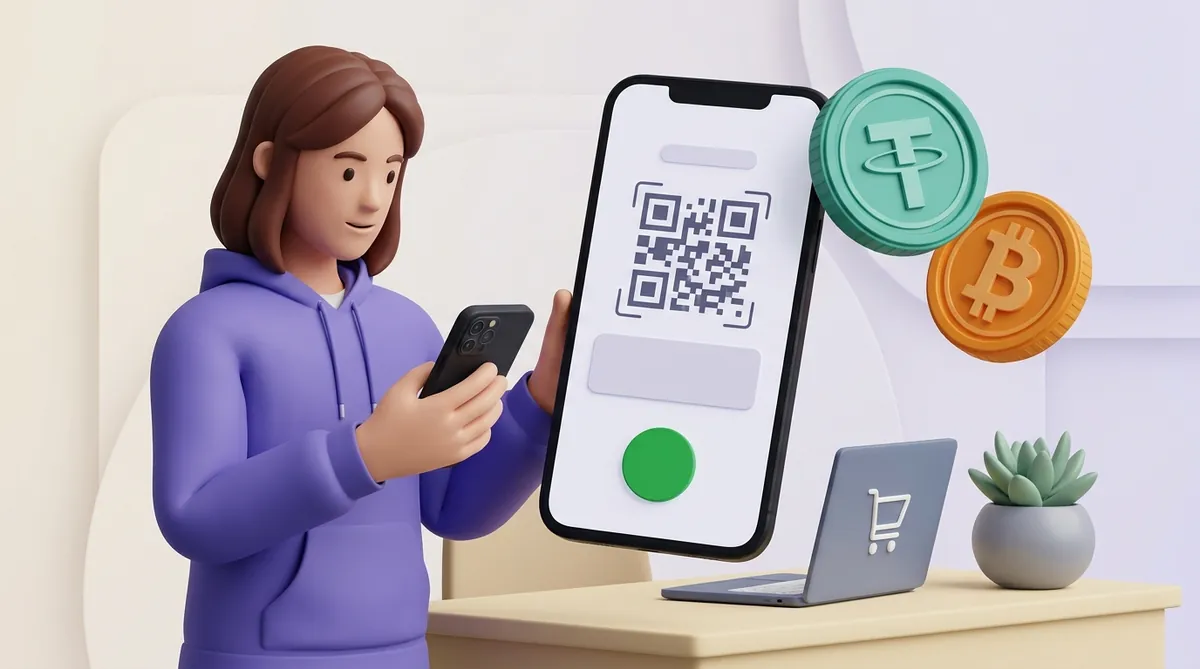
Step 1. They pick "pay with crypto" at checkout. They see a choice of coin and network — say USDT on TRON, or bitcoin. What goes wrong: too many options. A list of thirty assets and eight networks is a decision the customer isn't equipped to make. Show two or three and set a sensible default.
Step 2. The invoice opens. An address, a QR code, an exact amount in crypto, a locked rate, and a timer counting down. What goes wrong: the amount is quoted to eight decimal places and nobody can tell whether it matches the agreed price. Show the fiat figure beside it.
Step 3. They send the money — pasting the address into a wallet or scanning the QR, then confirming. What goes wrong: they pay from an exchange account, where withdrawals can sit in review; or they pick the wrong network in the wallet and the funds land somewhere your invoice isn't watching. A third stops the payment before it leaves the wallet: the customer holds USDT but none of the network's own coin, and that coin is what the network fee is paid in. Before you pick a default network, it is worth understanding why customers fail to pay USDT without TRX, ETH or BNB.
Step 4. They wait for confirmation while the page shows "awaiting payment". What goes wrong: this is where the timer and the blockchain get into a fight. See the next section.
Step 5. The page flips to paid and they land back on your order confirmation. What goes wrong: nothing. On a fast network the whole sequence fits inside the minute it takes the transfer to become irreversible.
You see none of that. Your side of the same event is a status feed. CryptumPay, for instance, moves each payment through created → pending → crediting → finished with a webhook on every status change, which makes "when do I ship" a one-word answer: on finished. Pending means the transfer has been spotted in the network and is still collecting confirmations. It isn't money yet.
Here is the mechanic that turns a working integration into angry email.

Every crypto invoice has a lifetime, because the price has to be locked to something. The common window is 10 to 15 minutes: some gateways default to ten, some to fifteen, and some let you set the figure yourself. That short life is exactly what keeps the rate you quoted from drifting while your customer decides.
Now the other clock. Ethereum builds a block every 12 seconds and groups 32 of those slots into an epoch of 6 minutes and 24 seconds; a transaction is final after two epochs, roughly 12.8 minutes. TRON treats a transfer as irreversible once 19 active super representatives — the elected validators that produce its blocks — have confirmed it, which takes about a minute.
Put the two clocks side by side and the problem is obvious. A customer paying in ether against a ten-minute invoice can do everything right and still lose: the money goes out, the network is a dozen minutes from finality, and the page says "expired" while the transfer is on its way. The funds aren't lost — but the customer doesn't know that, and writes to your support.
The same customer paying USDT on TRON is done in about a minute, with nine to spare.
That is the whole argument for setting a default network on purpose and keeping the list short. If you're choosing between versions of the same stablecoin, which USDT network to use is the decision that does the most for your checkout.

The amount is wrong. Someone typed it by hand and dropped a digit, or their wallet took the network fee out of the amount instead of adding it on top. Now you're holding a payment a dollar short and an order the system won't close. Two behaviours are defensible, and the gateway has to choose without you: return the difference to the buyer, or top the order up and close it — CryptumPay does this automatically in both directions, and overpayment runs the same way in reverse. Find out which way yours is set before launch; a partial payment stuck in limbo is the most expensive support case in crypto checkout.
The money arrived late. The invoice expired, the transfer landed anyway. This is the ether case above, and it's also what happens when someone withdraws from an exchange. Gateways differ here: some credit the late transfer at the current rate, some refund it. Ask your provider which one it does, in writing, before launch. If refunding is the answer, how refunds work in crypto is worth reading first, because there's no chargeback mechanism standing behind you.
The rate moved. Between the moment the price appeared and the moment the transfer confirmed, bitcoin dropped two percent. If your rate isn't locked for the full life of the invoice, one of you is short.
So, four settings, all of them before the first order rather than after the first complaint:
The processing fee is the visible part. CryptumPay charges 1% of a successful payment, from 0.5% at volume, and the fee can be passed on to the customer. Underneath any gateway's fee sits the network fee for moving the coins. That one isn't your provider's to charge or to waive — it's what the network costs to use, and it moves with demand. How the fees add up works through that arithmetic end to end.
Timing is where crypto genuinely differs. Here's the sequence with the clock running. The customer sends the transfer. The network confirms it — a minute on TRON, a dozen-odd minutes on Ethereum. Your gateway credits the payment to your merchant balance and then closes it out, and the closing status is your shipping signal. From "customer pressed send" to "the money is on my balance" is minutes: no settlement cycle, no payout window to wait for.
Moving it off that balance is a separate step on your own schedule. You choose when it goes, there's no minimum to reach first, and you nominate the destination address — which doesn't have to be your own wallet. Platform by platform, and what lands in your account covers what shows up on your side.
Once a payment reaches that final status, the customer can't take it back on their own. A confirmed blockchain transfer has no bank behind it to take the buyer's side, and that is where crypto parts ways with cards. With a card, a buyer can dispute a charge weeks after the order arrived; if the bank sides with them, the store returns the money and pays a dispute fee on top. If disputes already eat into your card revenue, it is worth knowing what a chargeback costs a merchant and how to get fewer of them.
Ask for the transaction hash — the transfer's ID on the blockchain, which their wallet shows right after sending. With it, you or your provider can see in seconds whether the money exists, which network it went to and how many confirmations it has. Three outcomes cover almost everything: it's still confirming and will land, so tell them the network and the wait; it went to the wrong network, and recovery depends on your gateway, so ask yours; or the invoice expired first, and the answer is whichever of credit-or-refund your provider gave you in writing before launch. Reply with the state of the transfer in plain words. This customer can watch their own money on a public ledger and often knows more than you do.
If you answer this question more than once a week, the gap may not be in the blockchain at all but in your own records: payments that arrived and were never tied to their orders. A short daily check that matches each order to the money that reached you catches those before the customer has to write, and it is set out in how to reconcile crypto payments with your orders and your balance.
Three checks, none of which needs a gateway. Group your card declines by issuing country: a country where almost nothing goes through is a country where crypto may be the only way you get paid. Compare where your traffic comes from with where your orders come from — a gap between those two maps is usually a payments gap. And search your support inbox and chat transcripts for "crypto", "USDT" and "bitcoin". If all three come back empty, you have your answer for this quarter.
Read the declines by country with one distinction in mind. Failures clustered in one or two countries point at those buyers' banks; failures from every foreign country at once point at your own side — an acquirer that will not take foreign cards, or a provider that does not cover your country. In that case the question is no longer whether to add crypto beside cards but what a store can still use to accept international payments when its usual route has closed.
No — provided your gateway converts incoming payments to a stablecoin when it credits them, so the balance you see is dollar-denominated. Confirm that setting before launch; don't assume it. Holding actual crypto is a treasury decision and a separate one.
Two or three, not thirty. A stablecoin on a fast network as the default, plus bitcoin because people ask for it by name. Every extra option is one more chance to pick the wrong network.
Yes, with the same kind of invoice your store uses online. At a counter the cashier creates it, opens it on a tablet or phone and turns the screen to the customer, who scans the QR code with their wallet, so no terminal is needed. What changes is the pace and the handover: the customer is standing at the till, so the coin and network you offer there should confirm fast, and the goods go out on the final status, not before. For the till side of it, see how a store accepts crypto payments at the counter.
All figures and network timings checked 22 August 2026.
Create an account and connect the checkout yourself, or talk to sales and we will plan the integration with you.