August 5, 2026
Best Crypto Wallet in 2026: Find Your Situation and Pick
Read article
Phantom wallet is an app for your phone or browser that keeps the keys to your crypto with you, not with Phantom. It holds, swaps and sends coins on Solana, Ethereum, Bitcoin and several other networks, though not on TRON. To use it without getting stuck, keep a little SOL in it from day one, because on Solana a transfer pays its fee in SOL, even when you are sending USDT.
Your coins don't sit inside Phantom. They live on blockchains, public ledgers that record who owns what. Phantom holds the key, the secret that lets you sign an order like "move 50 USDT from this address to that one", and it reads your balances from each network to show them on one screen.
One Phantom wallet has an address on every network it supports. Your Solana address and your Ethereum address look nothing alike, but the same key opens both.
Phantom is self-custodial: only you hold the key. That cuts both ways. Phantom can't touch your coins, and nobody at Phantom can reset your access, cancel a transfer or recover a lost recovery phrase.
Setup takes a few minutes:
The two ways in:
Whichever way you chose, the recovery phrase sits in Phantom's Settings, under Security & Privacy, and opens while the app is unlocked. If you haven't written it down yet, do it today, not after the phone breaks. There is a step-by-step guide on where to find the recovery phrase in a wallet you already use and why it can never be changed.

As of November 2026, Phantom works on nine networks:
TRON, Arbitrum, Optimism and Avalanche are not on the list. Phantom also dropped Monad on 26 August 2026 and Sui on 24 September 2026. Coins left on those two networks did not disappear: they are still on the blockchain, and a wallet that supports the network can open them with your credentials.
Every network charges its fee in its own coin, and a wallet holding 100 USDT and zero SOL on Solana cannot move that USDT. Phantom suggests keeping a small cushion of the fee coin on each network you use:
These amounts are a cushion, not a price list: when a network gets busy, a transaction can need more.
If most of your money arrives on a network Phantom doesn't have, for example USDT on TRON, Phantom won't be your only wallet. Before installing a second one, it helps to look at which crypto wallet fits your situation.
There are two ways to get USDT into Phantom: send it from an exchange or another wallet, or buy it inside the app. Sending is the usual route, and it works like this:
That last step is the easiest one to miss. On Solana, USDT is a token that rides on the network, and the network only takes SOL as payment for moving it. It is worth reading how USDT works on Solana and why you also need SOL before the first transfer out.
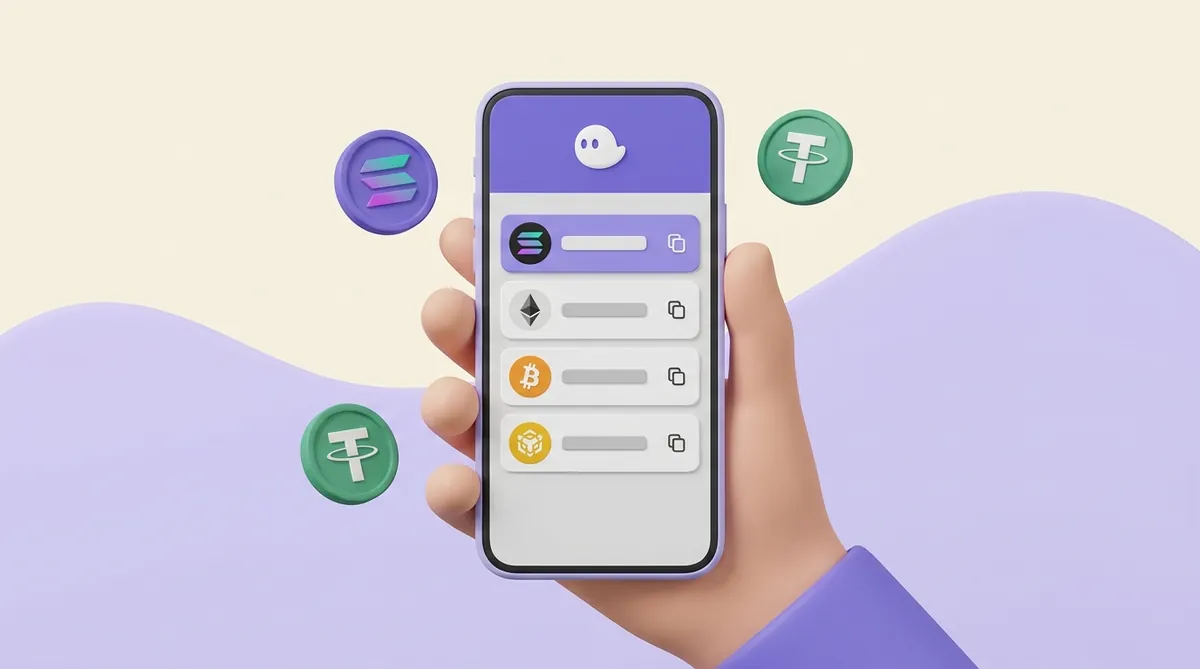
Phantom also lets you buy crypto with ordinary money through partner providers such as MoonPay and Stripe. On the phone this sits under Deposit, then Add Cash; in the browser extension it is a Buy button. Which providers you see depends on your country, and some, like bank transfer in the US, ask you to verify your identity first.
On the phone, a purchase lands in Phantom Cash, a dollar balance held in a stablecoin called CASH. To end up with USDT, you swap CASH into it, and that swap carries Phantom's swap fee. The provider's own fee is shown on the review screen before you pay.
Sending works the same way on every network:
On Solana, sending USDT to an address that has never held USDT costs a little extra SOL, once. The network has to open a small USDT account for the recipient, and the sender pays for it.
The exchange gives you the address, and Phantom does the sending:
If the networks don't match, the exchange may not credit the deposit at all. Some exchanges recover such deposits through support for a fee, and some can't, so the ten-second network check is worth doing every time.
MetaMask has held Solana accounts since July 2025, so the two wallets now share Solana, Ethereum, Base, Polygon and BNB Chain. Copy the MetaMask address for the network you choose and send on that same network. If the token doesn't appear on the MetaMask side, here is how to add USDT to MetaMask.
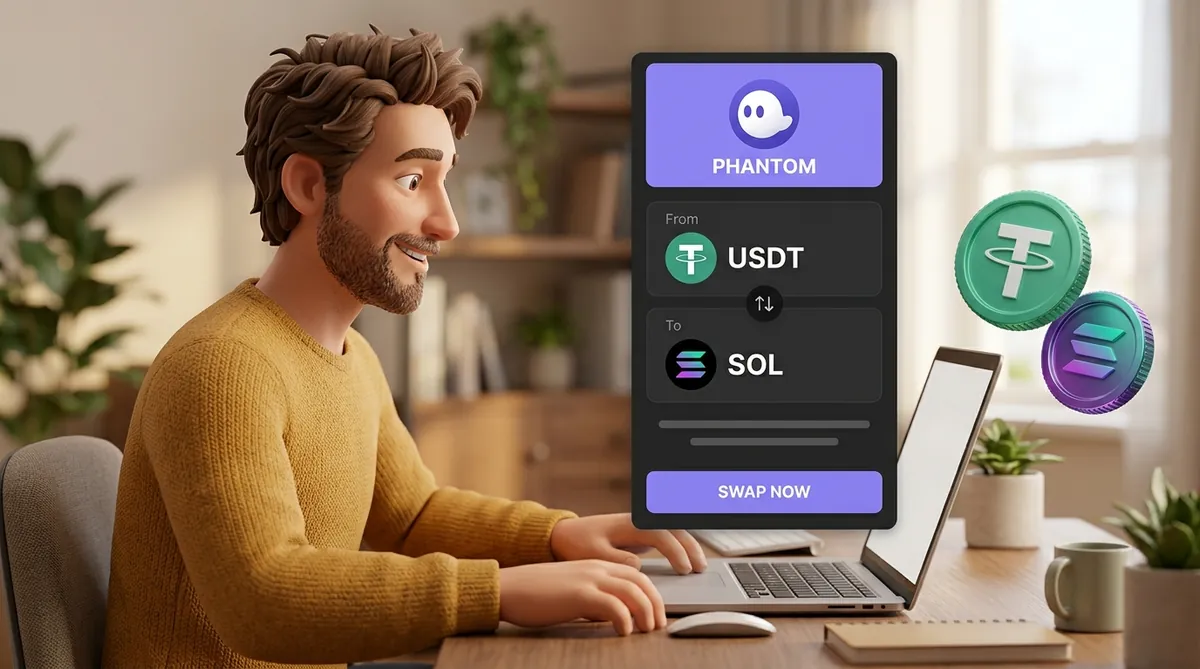
A swap trades one token for another without leaving the wallet, for example USDT into SOL when you need SOL for fees. You open Swap, choose what you give and what you get, and Phantom shows a quote with the fees before you confirm.
One handy exception helps people stuck with USDT and no SOL. On Solana, Phantom can run a swap without SOL in the wallet and take the network fee from the token you are swapping. It switches this on by itself when the swap is worth at least $0.30 and the token you receive is verified; there is nothing to set up.
Phantom also decides by itself whether the swap stays on one network or crosses to another. Swapping SOL on Solana into ETH on Base is a cross-chain swap: Phantom passes it through a bridge provider such as LI.FI, Relay or deBridge, and the trip takes longer than a normal swap. A bridge holds your coins in transit, which adds a risk of its own, so it is worth knowing how cross-chain bridges work and why they carry extra risk.
These are the common reasons a swap fails, and what to do about each:
A failed transaction can still cost the network fee, because the network did the work of trying it.
Phantom charges for some actions and not others. Here is what you pay and who gets it:
A plain send or receive costs only the network fee. A few swaps skip the Phantom fee, such as moving USDC or USDT into your Cash balance.
For anyone who moves USDT between Phantom and exchanges every week, the network you pick decides most of the cost, because Phantom adds nothing to a plain send. The same 100 USDT can travel for a fraction of a cent or for much more, and the difference is laid out in the USDT transfer fee on each network and how long each one takes.
For most people Phantom has no "withdraw to bank" button. Phantom holds crypto, not bank money, so the cash-out goes through an exchange:
Phantom's own help pages list Coinbase, Kraken, Binance and OKX among the exchanges people use for this. An exchange like these is a company that holds your account and checks your identity, unlike the swap screen in Phantom, which trades without any account. The difference matters for fees, limits and safety, and it is explained in CEX vs DEX: where to buy, swap and store crypto.
In the US, except New York, there is a shorter route. After identity verification for Phantom Cash, you can sell tokens into your Cash balance and withdraw it to a US bank account at one CASH to one dollar. Elsewhere, the exchange route above is the way out.
A self-custodial wallet is exactly as safe as the habits around it, because whoever holds the recovery phrase or gets your signature can move the coins. A few habits cover the main risks:
Many people first install Phantom because someone is about to pay them in SOL, USDT or USDC: a client, a buyer, a friend settling a bill. For an occasional payment, sending them your Receive address is enough.
When payments become regular, a personal wallet gets awkward in three places:
If you have reached that point, it is worth reading how to accept Solana payments, what actually arrives and what it costs.
Set up the wallet and secure the recovery phrase or the account it is tied to. Bring USDT in on Solana, keep around 0.02 SOL beside it, and match the network on both ends of every transfer. Swaps cost 0.85% on top of the network fee, and cash goes to a bank through an exchange, unless you are in the US and use Phantom Cash.
First, Phantom may have hidden the token: it filters out likely spam, and new tokens often start hidden. Open the token list, go to Manage Tokens and switch it on. If it isn't there either, look your address up in a block explorer for that network: the transfer may still be processing, may have failed, or may have gone to a different network.
Phantom never holds your recovery phrase or keys, so Phantom itself cannot freeze, move or spend your coins. Stablecoins are the one exception to know about: Tether and Circle, the companies behind USDT and USDC, can block their tokens at a specific address, and that works the same whatever wallet holds them. Everything else depends on you: where you installed the app from and what you sign in it.
Not on TRON: Phantom has no TRON address, so there is nothing to paste into a TRC-20 withdrawal. Check whether the exchange lists another network for USDT withdrawals, such as Solana, Ethereum or BNB Chain, and pick that one. If you need to hold USDT on TRON itself, you need a wallet with a TRON address; here is how to use Trust Wallet from the first wallet to cashing out.
Create an account and connect the checkout yourself, or talk to sales and we will plan the integration with you.