Why offer multiple payment options, and which ones does your store need?
Published
23.04.2025
Updated
17.10.2026
Contents
Offering multiple payment options matters because a buyer who reaches your checkout and can't find a way to pay is a sale you lose, and the way people pay online changes from country to country. The options worth weighing are crypto, which works for a buyer in any country and for anyone whose card gets refused, bank cards, digital wallets and the local methods of the countries you sell to. There is no universal number to offer: the right set is the one your own buyers already use, and every extra button has to earn its fee and its place on the screen.
How many sales a missing payment method costs
Baymard Institute, a research firm that studies checkout usability, asks US shoppers why they abandoned an order during checkout. Among those who weren't just browsing, 9% said there weren't enough payment methods. Another 10% left because their card was declined.
Those two answers are one problem seen from two sides. A shopper whose card is refused needs a second way to pay right there, on the same screen, or the order is gone.
Now put it in your own numbers. Say 400 people a month leave your checkout for reasons other than browsing. If one in eleven of them leaves for want of a method they can use, that is around 35 people who had already chosen the product, accepted the price and walked away at the last step.
A checkout with a single way to pay breaks for reasons that have nothing to do with your product:
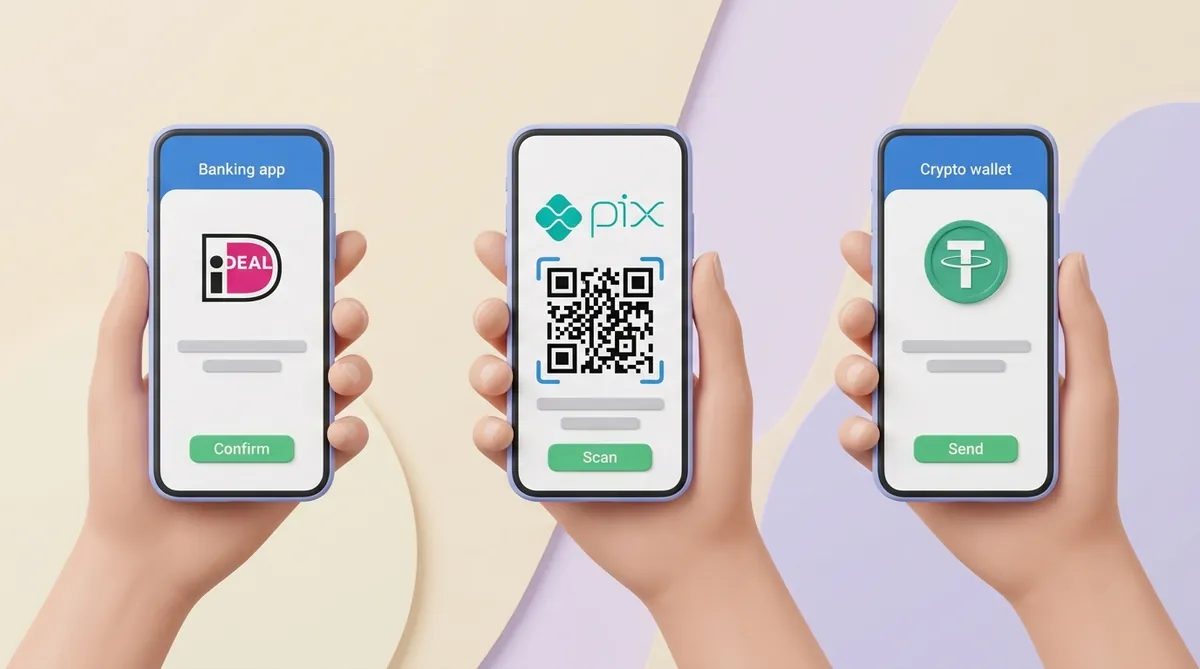
Buyers in different countries pay differently. Worldpay's 2026 Global Payments Report puts digital wallets at more than half of online spending worldwide. In the US, credit cards still carry about a third of online spending, while in the Netherlands roughly seven in ten online payments go through iDEAL, a button that sends the buyer to their own bank.
Cards break across borders. A bank may refuse a payment to a foreign merchant as a fraud precaution, even when the customer has the money. That customer needs a way to pay that doesn't depend on their bank's card rules.
Your provider can stop working for you. If your only payment provider freezes your account, holds your payouts or doesn't serve your country, a single-method checkout takes nothing until the problem is solved. A second, independent way to get paid keeps orders coming in meanwhile.
The main ecommerce payment methods and what each one covers
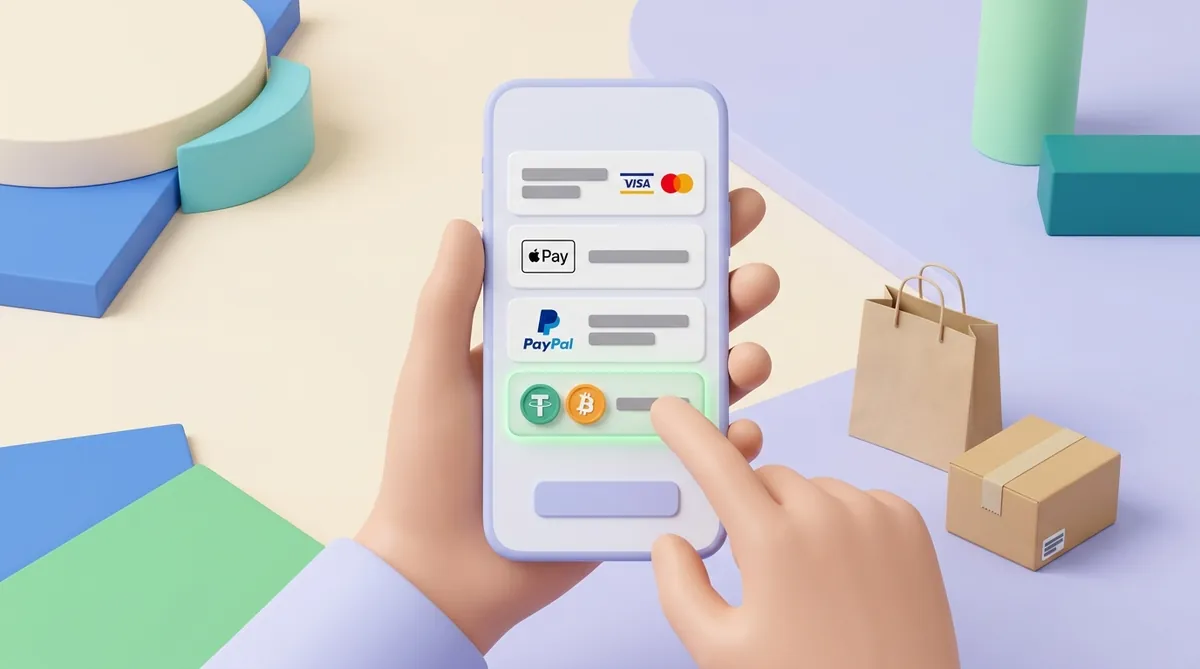
Almost every way to pay online falls into one of five types. Each solves a different problem and brings its own cost:
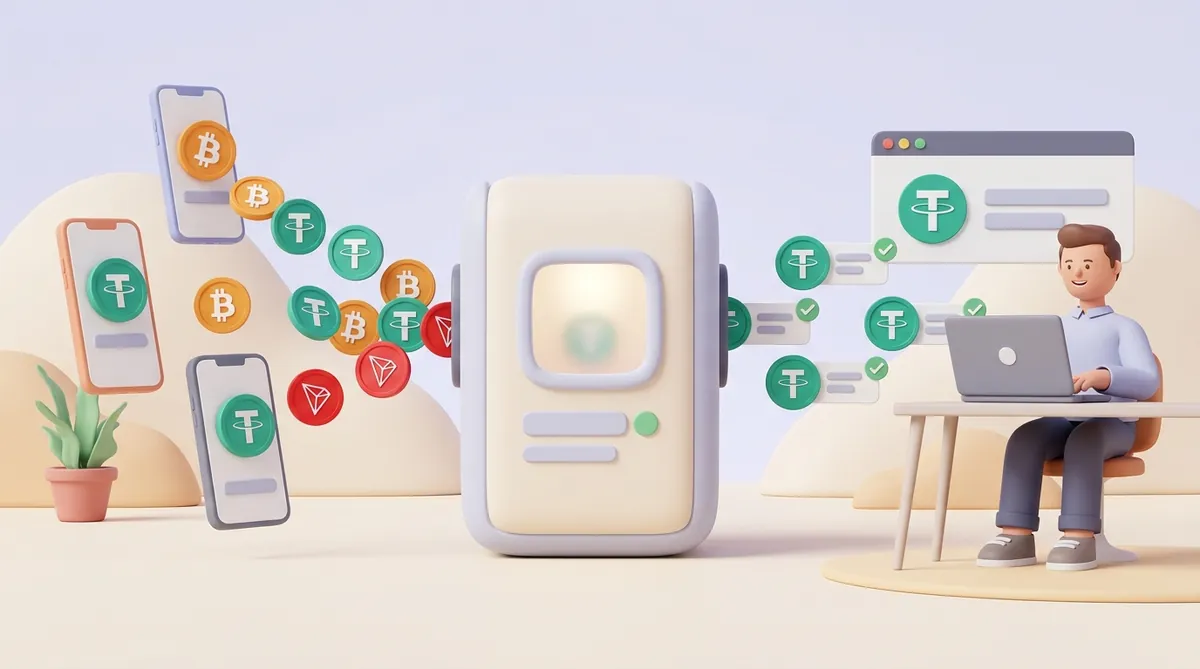
Crypto. The buyer sends coins from their own crypto wallet, and the payment arrives within minutes from any country, with no bank in between. The buyer can't reverse it, so there are no chargebacks, the disputes a card customer opens through their bank. The limits: the buyer must already hold crypto, and the seller needs protection from price swings, for example by taking USDT, a coin pegged to the US dollar.
Bank cards. Visa and Mastercard are accepted almost everywhere, which is why they are the base of most checkouts. The cost is a percentage fee on every payment plus the risk of chargebacks: a buyer can dispute a payment through their bank weeks or even months later.
Digital wallets. Apple Pay, Google Pay and PayPal let the buyer pay with a tap instead of typing card details. Apple Pay and Google Pay run on the buyer's card underneath, so they usually come with your card provider. PayPal is a separate account with its own rules and fees.
Bank transfers. The money moves straight from the buyer's bank account to yours, which is cheap inside one region, such as SEPA in Europe or ACH in the US. Across borders a transfer can take days and lose part of the amount to intermediary banks, so transfers suit business invoices better than a quick online purchase.
Buy now, pay later. Services such as Klarna and Afterpay split the price into instalments for the buyer and pay the seller up front, keeping a fee for carrying the risk. In the US they account for about 6% of online spending.
Crypto and bank transfers are the two ways money moves without a card in the middle, and for a client in another country they differ most on speed and on what gets lost along the way. If that is the choice in front of you, here is how crypto payments and bank transfers compare on fees and speed.
Alternative payment methods: examples from the countries you sell to
Anything that isn't a card is called an alternative payment method. The name is misleading: in many countries the "alternative" is what most people use every day. A few examples:
iDEAL, the Netherlands. The buyer picks their bank, confirms the payment in their banking app and comes back to the store. No card is involved at any step.
Pix, Brazil. An instant payment system run by Brazil's central bank. The buyer scans a QR code or pastes a payment key, and the money arrives in seconds.
BLIK, Poland. The buyer opens their banking app, gets a six-digit code and types it at checkout.
Alipay and WeChat Pay, China. Two apps that carry the large majority of online spending in China, so a buyer there may have no habit of paying online by card at all.
You don't need every one of these. You need the method of the one or two countries where most of your buyers live, and you add it through a payment provider that supports it. Where no provider will give you the local method, crypto fills the gap: a crypto wallet works the same way for a buyer in any country.
That gap is widest when there is no main country to pick a local method for, as with a hosting provider whose customers rent servers from all over the world. For that kind of business, the costs, payment statuses and refund rules of crypto are worked through in how hosting providers accept crypto payments.
So what is the best payment method for an online store?
There is no single best method; there is a best set for your buyers. Four questions decide it:
Where do your buyers live? Open your order history or analytics and list the top three countries. The most common method in each one goes on the shortlist.
What do you sell? Subscriptions need a method that can charge the buyer again every month, which today means cards and some wallets; with crypto, the buyer sends each payment themselves. A one-off digital product sold worldwide, such as software, a course or a hosting plan, is where crypto earns its place, because the buyer's country and bank stop mattering.
How big is a typical order? Instalments help a buyer say yes to a large basket. On a ten-dollar item they add a fee and little else.
What does each method cost you? Every method has its own fee, and cards add chargeback risk on top. A method that brings a handful of orders a year can cost more to keep than it earns.
That last question deserves real numbers before you add anything, because the fee decides whether a method pays for itself. The parts of a payment fee and the ways to shrink them are covered in what affects online payment fees and how to cut costs.
How to accept multiple payment methods without cluttering checkout
Adding methods is mostly a question of how many payment providers you deal with. There are two ways to set it up:
One provider that bundles many methods. You connect once and switch methods on in the dashboard: one contract, one payout, one report. The cost is dependence: if that provider stops working for you, every method stops at once.
Several independent providers. For example, a card provider plus a crypto payment service. That means more setup and two reports to reconcile, but if one provider fails, the other keeps taking payments.
On the checkout page itself, more buttons don't automatically mean more sales. A few habits keep a checkout with many options easy to read:
Show methods by the buyer's country. A Dutch visitor sees iDEAL and a Polish one sees BLIK, so nobody scrolls past methods they have never heard of.
Put the method most of your buyers choose first. The rest can sit lower down, a tap away.
Say what you accept before checkout. Payment logos on the product page or in the footer tell a buyer early that their way to pay is there.
Adding crypto as one of your payment options
A seller can take crypto in two ways:
Your own wallet address. You post the address and check incoming transfers by hand. It costs nothing, but you match every payment to its order yourself and keep whatever coin arrives.
A crypto payment service, also called a gateway. It creates an invoice for each order, watches the blockchain and tells your site when the money has arrived. It takes a fee for that work.
A gateway gives you several ways to put crypto in front of a buyer:
Payment links. You create an invoice and send its link in an email, a chat or a social media message. Nothing has to be built into your site, so links suit sellers who take orders in messengers or by email.
A button on the site. The buyer clicks it and a checkout window opens on top of your page, so they pay without leaving the store and come back to it when the payment is done.
An API. Your developer connects the gateway to the site or app, and invoices are created automatically for every order. When the payment lands, the gateway notifies your system, and the order status updates without anyone checking the blockchain by hand.
Crypto checkout has its own weak spots. A buyer may send USDT on a network the invoice doesn't accept, or arrive a little short because their exchange took a withdrawal fee. A good checkout shows the network and the exact amount before the buyer pays, and more of these fixes are in how to reduce failed crypto payments.
CryptumPay is one such gateway, and all three ways above are available in it. Its terms:
Ways to accept. Payment links, where the invoice is created in the console and the link goes to the customer through any channel; a button that opens the checkout window over your site; and an API.
Price. 1% per successful payment, going down to 0.5% at higher volumes. Connecting is free, the fee comes only from completed payments, and it can be passed on to the customer.
For the buyer. No account and no app: they pay from the crypto wallet they already use and choose the coin and the network themselves in the checkout window.
Coins. BTC, ETH, USDT on several networks, TRX, BNB, SOL, POL, Gram (the coin of the TON network), XRP and more. Whatever coin the buyer pays with, the payment is converted to USDT as soon as it arrives.
Verification. Identity verification is mandatory for every merchant, and no withdrawal is possible without it.
A website for the project review. CryptumPay reviews every project before live payments are enabled, so you show it a website that says what you do or sell. That holds even if you plan to use only payment links, which need no integration with the site.
Timing. The project review usually takes one business day. You can issue an invoice right after sign-up: the payment is accepted and credited to your balance after the review.
Offer the ways your buyers already pay, not every way that exists. Your order history tells you which countries they come from and so which methods to add, and crypto gives buyers abroad and those whose cards get refused a way to pay that doesn't depend on their bank. Then watch which methods bring orders, and drop the ones that only add fees.
Questions sellers ask next
How many payment methods should a small online business start with?
There is no set number; start from where your first buyers are. If most of them live in one country, the card and wallet options people use there may cover them at first. If they are spread across countries, crypto gives buyers abroad a way to pay that doesn't depend on their bank, and a local method is worth adding once one country grows into a noticeable share of your orders.
Is offering multiple payment options the same as letting a customer split a payment?
No, these are two different things that share a name. Offering multiple payment options means the buyer chooses one way to pay from several. Split payment means one order is paid with two methods at once, for example half on one card and half on another, and only some checkouts support it.
Can crypto be my only payment method?
It can if your buyers already hold crypto, for example when you sell to a crypto-native audience. A crypto transfer carries no card number and no billing name, which matters to a VPN service whose subscribers pay for privacy, so for such a service it is worth knowing how a VPN can accept crypto payments step by step. For a general audience it works best next to cards, because a buyer without a crypto wallet would have to buy coins first and many won't. As a second method, it catches exactly the buyers that cards lose: those abroad and those whose card gets declined.
What should I do when a customer's card keeps getting declined?
Give them another way to pay right away, before they give up. If your checkout has no second method, send a payment link by email or chat: a crypto invoice, for example, doesn't depend on the buyer's bank at all. Then check whether the declines cluster in one country, because that points to the local method you are missing.
This article is not legal or tax advice: whether and how you may accept a particular payment method, crypto included, depends on the rules of your country and of your buyers' countries.
Start accepting crypto payments
Create an account and connect the checkout yourself, or talk to sales and we will plan the integration with you.